
How do I create a Phone QR code?
Updated September 14, 2026 · 2 min read
Click Create new, then Create a QR Code, click More on the Type step and choose Phone. Type the number into Phone Number, starting with a plus sign and the country code, then design and download. A dynamic Phone code opens a small page showing the number with Call Now, Send SMS and Copy Number buttons; a static one dials straight from the camera app.
Video transcript
Here is how to create a Phone QR code. One scan shows your number with a Call Now button, and nothing to type.
Use it wherever people need to call you. A service van door, a shop window, a quote, a flyer, or a counter card at a busy front desk. Because the code is dynamic, you can change the number later and the printed code keeps working.
In the dashboard, click Create new, then Create a QR Code. Click More, pick Phone and leave it on Dynamic. Give the code a name and type the phone number with its country code. Choose a theme for the code itself, then Download. The code is saved and ready to print.
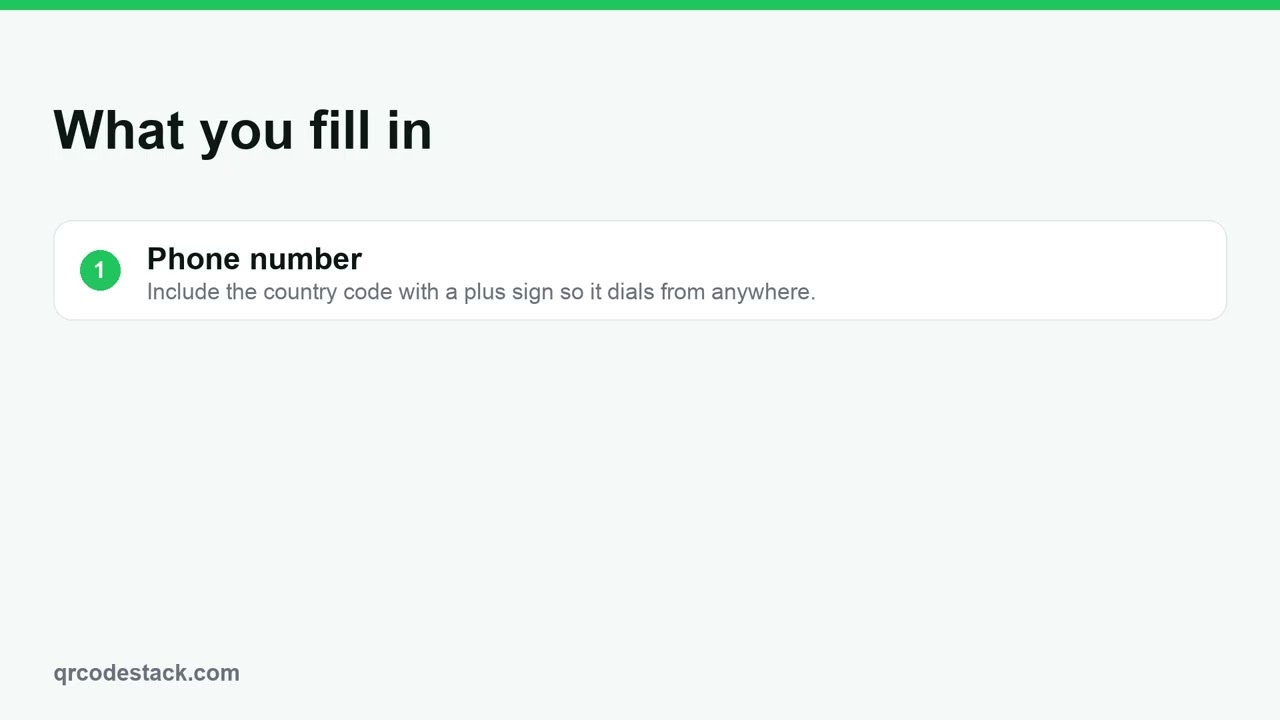
Three things matter. First, the phone number. Start with a plus sign and the country code. Second, the page it opens. The scanner sees Call Now, Send SMS and Copy Number. Third, the number can change. Edit it later and the printed code keeps working.
Try it on the seven-day free trial. No credit card, five dynamic QR codes. Link in the description.
When to use a Phone QR code
- Service vans and shopfronts. On the van door or the window, so a passerby can call without copying the number down.
- Flyers and invoices. Print it beside the number on quotes and leaflets for a tap-to-call option.
- Clinics and front desks. A counter card that opens the booking line while the desk is busy.
For a chat rather than a call, use a WhatsApp QR code. Every QR code type lists the rest.
Steps in the dashboard
- Open the wizard. In the dashboard, click Create new, then Create a QR Code.
- Pick the type. On the Type step the grid shows the first 15 types, so click More to show the rest and choose Phone. Leave it on Dynamic unless you have a reason not to: static codes need a paid plan, record no scans, and can never be edited.
- Fill in the content. Click Next →. The first field is QR Code Name — it is optional and only for your own list. Then, under Basic Information:
Field What to put in it Phone Number The number to dial. Start with a plus sign and the country code so it works from anywhere. QR Code Name Optional. Useful when you run one code per branch or per van. - Design and download. Click Next → to reach QR Design, pick a theme or set your own colours, then click Download ✓. The code is saved to My QR Codes at the same time.
After you download
A dynamic Phone code opens a hosted page: the number in large type, then Call Now, Send SMS and Copy Number. Open the code from My QR Codes and click Edit to change the number — the printed pattern is untouched, because it always points at the same address on our side.
Scans on a dynamic code are recorded, so Full analytics shows how often the sign or the flyer is actually being used. A static Phone code encodes the number directly: the camera offers to dial it at once, but there is nothing to edit and no scan data. See static versus dynamic in QRCodeStack.
Common problems
The call dials the wrong country
Write the number in full international form — a plus sign, the country code, then the number with any leading zero removed.
The phone shows a page instead of dialling
That is a dynamic code working as designed. The page exists so the number can be changed later, and Call Now is one tap away. Choose Static if you want the camera to dial immediately and you never need to edit it.
I changed the number and the old one still rings
Static codes cannot be edited, so an old static code keeps dialling the old number forever. Only a dynamic code can be repointed.
Scan the preview with your own phone before you send anything to print. Testing before printing covers what else to check.
Frequently asked questions
Can I change the number after printing?
Yes, on a dynamic code. Static codes are fixed at creation.
What does the scanner actually see?
On a dynamic code, a page with the number and Call Now, Send SMS and Copy Number buttons.
Does it work on both iPhone and Android?
Yes. Both dial from the camera app.
Can I track how many people called?
You can see scans on a dynamic code. Calls themselves happen on the phone network and are not recorded.
Related articles
How do I create my first dynamic QR code?
Click Create new, pick a type, leave the toggle on Dynamic, fill in the content, style it, then click Download. The code is saved with its redirect built in.
How do I edit a QR code's destination after printing?
Open the code, click Edit, change the destination on the Content step and click Update. The printed pattern keeps working. Static codes cannot be edited.
Can I download my QR code as SVG, PDF or another vector format?
Yes. Open the code, click Download, and pick SVG in the Save as... dialog. JPEG, PNG and PDF are there too. Paid plans and the free trial get all four.
How do I create a WhatsApp QR code?
Pick WhatsApp in the wizard, enter your phone number with the country code and an optional first message, then download. One scan opens a chat with you.
How do I create a vCard QR code (digital business card)?
Choose vCard Plus, fill in Name, Organization, Mobile Phone and Email, then Download. Scanners get a contact page with a Save Contact button.
Still stuck?
Email support@qrcodestack.com with the email on your account and, if it is about one code, its name or short link. A person replies within one business day, usually sooner.