
QR Code Generator for Teachers, Classrooms, and Schools
Create QR codes that link printed classroom materials to digital resources. Worksheets to tutorial videos, textbooks to author interviews, bulletin boards to interactive quizzes, classroom doors to attendance forms. Students scan with any phone or tablet camera. No app downloads, no long URLs to type, no logins required on the student side.
Dynamic with editable destinations and scan analytics from $9/month with a 7-day free trial
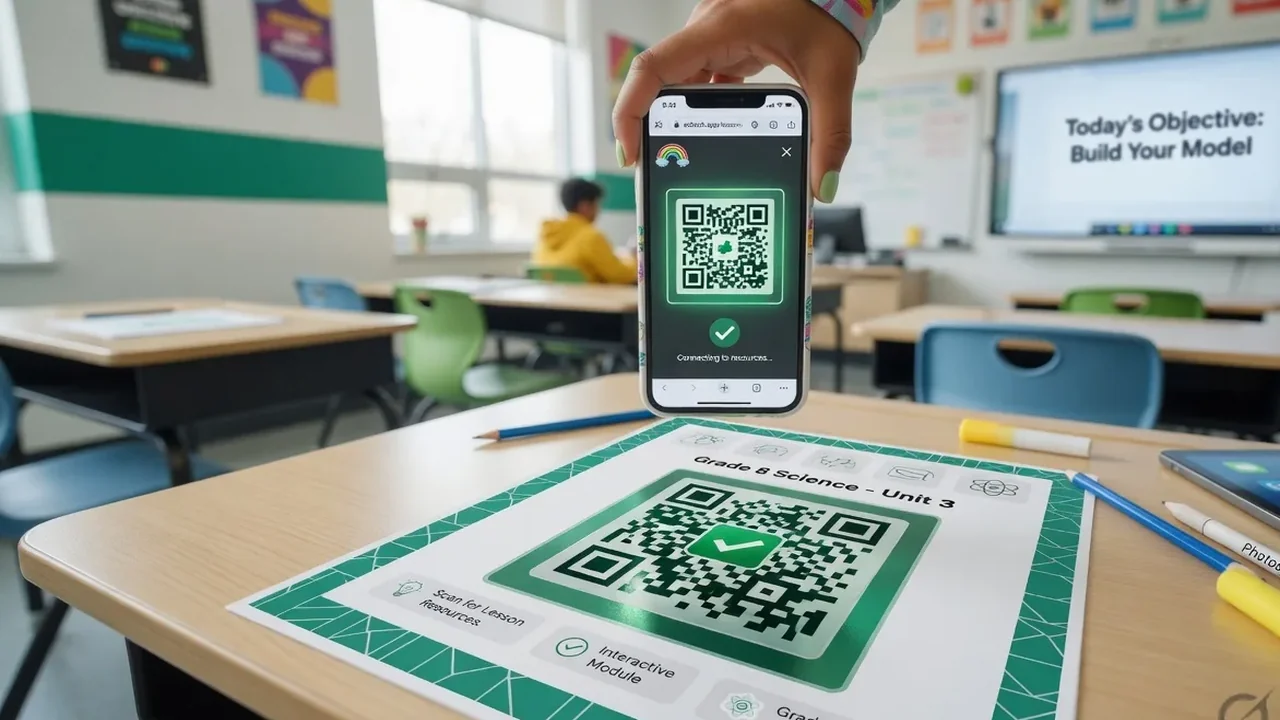
What Is a QR Code in the Classroom?
A QR code in the classroom is a two-dimensional barcode that links a printed material (a worksheet, a bulletin board, a textbook, a poster, a classroom door) to a digital destination (a webpage, a PDF, a video, a Google Form). Students point their phone or tablet camera at the code, tap the notification, and land on the resource. No app to download, no URL to type, no login required on the student side.
Every modern smartphone camera (iOS 11 and above, Android 8 and above) reads QR codes natively. iPads, Android tablets, and Chromebook cameras all work the same way, which means QR codes are accessible on virtually every student device in a 2026 classroom. For the basics of the format, see what a QR code is.
Why Teachers Use QR Codes
Long URLs are painful for students to type
A typical resource URL runs 40 to 80 characters with mixed case, numbers, and hyphens. Typing that on a phone during a five-minute class transition means half the students give up and instructional time is lost. A QR code eliminates the typing entirely.
Update the destination without reprinting
With a dynamic QR code, the destination changes anytime through the dashboard while the printed QR stays identical. Reuse the same worksheet across class periods, semesters, or years. When a link changes, edit the destination in 30 seconds.
Every student device has a scanner built in
iPhones, iPads, Android phones and tablets, and Chromebooks all read QR codes through the native camera app. Nothing to install, no IT approval. With scan analytics, teachers see which QR-linked resources students actually engaged with.
8 Ways Teachers Use QR Codes
1. Worksheet extensions
Print a QR at the top of the worksheet linking to a two-minute tutorial video, and another at the bottom linking to the answer key or a self-grading form. Students who need the explanation get it on demand; students who understand skip it. Use a YouTube QR code for YouTube-hosted videos or a video QR for classroom-owned uploads.
2. Digital worksheets as PDFs
A PDF QR code linking to a downloadable worksheet lets absent students complete the same work from home. Also useful for optional stretch worksheets and reference sheets students access on their own timeline.
3. Attendance via Google Form
Display a QR at the classroom door linking to a Google Form with the class name and date pre-filled. Students scan on entry, submit their name, and attendance logs to a spreadsheet automatically. Faster and more accurate than paper roll call.
4. Bulletin boards and library shelves
A geography board with QR codes next to each country linking to a profile. A library shelf with codes linking to author interviews and related reading lists. Static displays become interactive discovery experiences.
5. Station-based learning
Set up learning stations, each with a QR linking to a different task, video, or quiz. Students move through stations at their own pace, scanning each QR to reveal the next activity. Great for review days and self-paced practice.
6. Classroom WiFi for BYOD lessons
Display a WiFi QR code at the front of the room that connects student devices automatically. No typing the network name and password on each device, no losing five minutes to network setup.
7. Parent-facing materials
Print QR codes on newsletters, report cards, and event flyers linking to the class website, parent portal, or digital permission slips. For field trips, a multi-link QR bundles the permission slip, itinerary, packing list, and emergency contacts into one code.
8. Exit tickets and peer feedback
A QR at the door on the way out opens a two-question exit ticket form; the teacher sees real-time responses. Same pattern for peer review: a QR next to each display board opens a feedback form.
Is There a Free QR Code Generator for Teachers?
Yes, several free tools exist, but the “free” label often hides limitations that break classroom use. Free tiers typically expire the QR after 7 to 30 days (breaking every printed worksheet), inject watermarks or advertising into the destination page (inappropriate in a classroom), or cap total scans at 100 to 500, blown through in a single day when a worksheet goes out to five class periods.
QRCodeStack offers a 7-day free trial with full features and no watermark. the most cost-effective option for permanent classroom resources like reference posters. Dynamic codes with editable destinations and scan analytics start at $9/month. See the full pricing breakdown.
QR Codes for Schools: Beyond the Classroom
A school QR programme extends into campus-wide operations: wayfinding, events, safety, and high-volume deployments.
Campus navigation and wayfinding
QR codes at campus entrances and key intersections linking to maps, building directories, or self-guided tour paths. Useful for open houses, admissions tours, and orientation weeks.
School event promotion
A QR on posters for the school play, sports events, fundraisers, or PTA meetings links to the event page with date, time, location, and tickets. Full pattern in the events QR guide.
Emergency procedures
QR codes in hallways and classrooms linking to the current emergency procedure document. Staff scan for the exact protocol without relying on memory; update the destination centrally when procedures change.
Bulk generation for whole-school deployments
For per-student ID codes, per-book library codes, or per-classroom attendance codes, the bulk QR generator produces hundreds of codes from one spreadsheet upload.
Designing QR Codes for the Classroom
Size for the scan distance
Minimum 25 x 25 mm for worksheets and handouts held at reading distance. Larger (50 to 80 mm) for posters and bulletin boards viewed from across the room. Even larger for classroom doors and hallway signage.
Colour-code by subject or difficulty
Red for math, blue for science, green for reading, yellow for stretch challenges. Keep contrast at least 4:1 between the QR pattern and background so scanners work under classroom fluorescent lighting.
Caption every QR
“Scan for the tutorial video,” “Scan to check answers,” “Scan to submit exit ticket.” Students who know what they will get are more likely to scan; untitled codes get ignored, especially by older students trained in digital safety.
Common Mistakes Teachers Make with QR Codes
Static QR for a URL that will change
Print a static QR on 30 worksheets pointing at a Google Doc, then move the Doc or change the share link, and every printed QR is dead. Use dynamic for anything that might change: assignment links, class portals, resource pages.
QR sized too small
A QR smaller than 20 mm is unreliable on cheap classroom printers and photocopied handouts. The pattern degrades in the copy chain and students give up after two failed scans. Minimum 25 mm, always.
No caption or context
A naked QR with no label reads as suspicious to students trained in digital safety. A one-line caption lifts scan rates significantly.
Destination not tested on the school network
School filters often block YouTube, social media, and many blogs. A QR that works at home fails during class if the destination is filtered. Test every QR on the school network before printing; request a whitelist entry from IT or pick a different resource.
Destination not mobile-optimised
A QR that opens a desktop-designed page frustrates on a phone screen: tiny text, misaligned columns, forms that scroll off screen. Test every destination from a student's phone before printing.
How to Get Started
Step 1: Choose your QR type
URL for web resources, PDF for downloadable worksheets, WiFi for classroom internet, YouTube for videos, vCard for teacher contact info. If unsure, URL works for almost any online destination.
Step 2: Enter content and customise
Paste your resource URL or upload the file. Optionally add school colours and a logo, and pick a corner style. The editable QR option lets you update the destination later without reprinting.
Step 3: Print and share
Download as high-resolution PNG or SVG. Print on worksheets, posters, and bulletin boards, or display on the classroom projector. Total time from generation to classroom-ready: about three minutes.
Why Choose QRCodeStack for Educational QR Codes
Update destinations without reprinting
Reuse the same printed worksheet or poster across semesters and school years. When the resource link changes, update the destination through the dashboard and every printed material points to the new content on next scan.
37+ QR types for every classroom scenario
URL, PDF, video, YouTube, WiFi, vCard, Google Forms, and more. For pronunciation guides in language classes, the audio QR generator plays native-speaker recordings on scan.
Works on every student device
iPhones, iPads, Android phones and tablets, and Chromebooks all read QR codes through the native camera app. No app installations, no IT approval process, no student sign-in.
Affordable on school budgets
Static QR codes at $9/month cover permanent classroom resources. Dynamic codes with analytics and editable destinations from $9/month with a 7-day free trial.
Frequently Asked Questions
How can teachers use QR codes in the classroom?
Link printed materials to digital resources: worksheets to tutorial videos, textbooks to author interviews, bulletin boards to interactive quizzes, classroom doors to attendance forms. Common patterns include station-based learning, differentiated reading levels, exit tickets, parent communication, and homework with instant feedback.
What is the best QR code generator for teachers?
Look for four features: dynamic destinations (editable after printing), scan analytics, colour customisation for subject colour-coding, and a free trial or low-cost tier that fits classroom budgets. Avoid generators with expiring codes, watermarks on destination pages, or scan limits that break high-volume classroom use.
Is there a free QR code generator for teachers?
Free generators exist but often have significant limitations: expiring codes, watermarks, or scan limits. QRCodeStack offers a 7-day free trial with full features and no watermark. often the most cost-effective option for permanent classroom resources.
Are QR codes safe for students to scan?
Yes, when the teacher controls the destination. Teacher-generated codes point at URLs the teacher chose. Students scan with the built-in camera app, see a link preview before opening (on iOS), and land on the specified page. No app installs, no data collection on the student side. Students should scan codes only from trusted sources like their own teacher.
Can I update a QR code after printing it on a worksheet?
Yes, with a dynamic QR code: the printed pattern stays identical while the destination updates instantly for every subsequent scan, editable anytime from the dashboard. Static codes encode the destination permanently and cannot be edited after generation.
What devices can students use to scan QR codes?
Any smartphone or tablet with a working camera. iPhones (iOS 11+), iPads, Android phones (Android 8+), Android tablets, and Chromebooks with cameras all read QR codes through their native camera app.
Do students need to install an app to scan QR codes?
No. Every modern smartphone and tablet reads QR codes through the built-in camera app. This is why QR codes work in schools with strict app-installation policies: the camera app is standard on every device.
Related QR Code Types and Use Cases
Pair classroom QR codes with these formats. Training adults in a workplace rather than students? The employee training QR guide covers on-machine SOPs, onboarding, and safety procedures.
Bring QR Codes to Your Classroom
QR codes are the cheapest, fastest bridge from printed classroom materials to digital learning resources. Every student device already has a scanner built in. Every worksheet, poster, bulletin board, and classroom door can carry one. Dynamic codes with editable destinations and scan analytics from $9/month with a 7-day free trial.