
Flyer templates that turn readers into customers
Eight flyers and five signs and cards, each built around one job and one QR code. Open one in Canva, drop in your own code and your own words, and print.
Eight flyers, one offer each
The business names, prices and dates are placeholders. The structure is the part worth keeping.
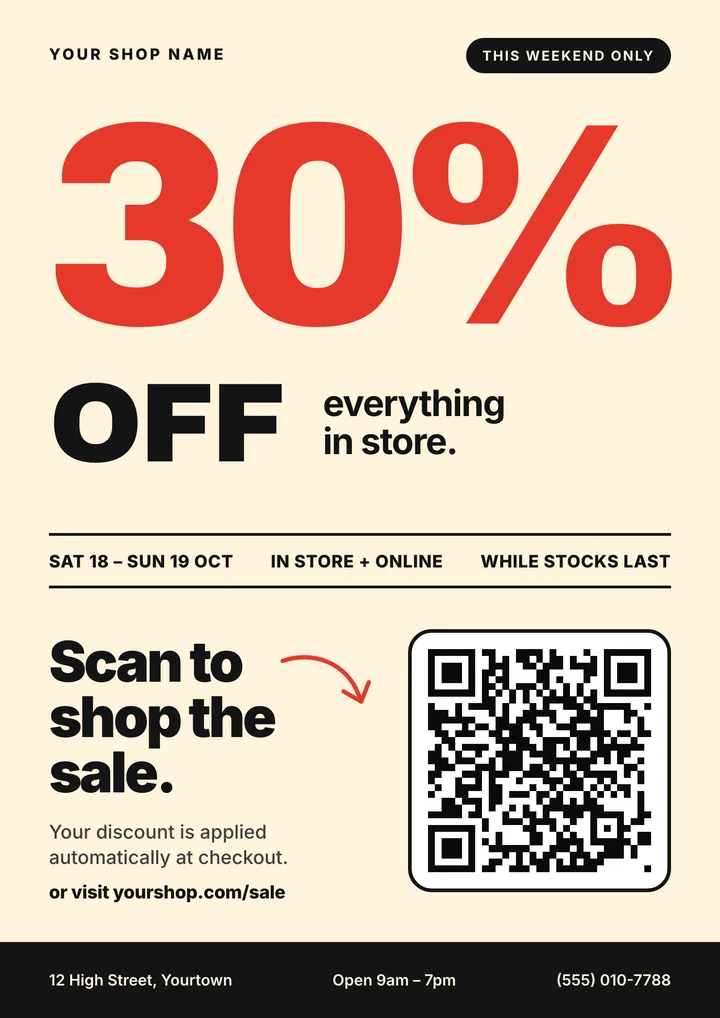
Weekend sale
Shops and boutiques running a dated promotion.
The pattern: One discount, one date range, and "Scan to shop the sale".
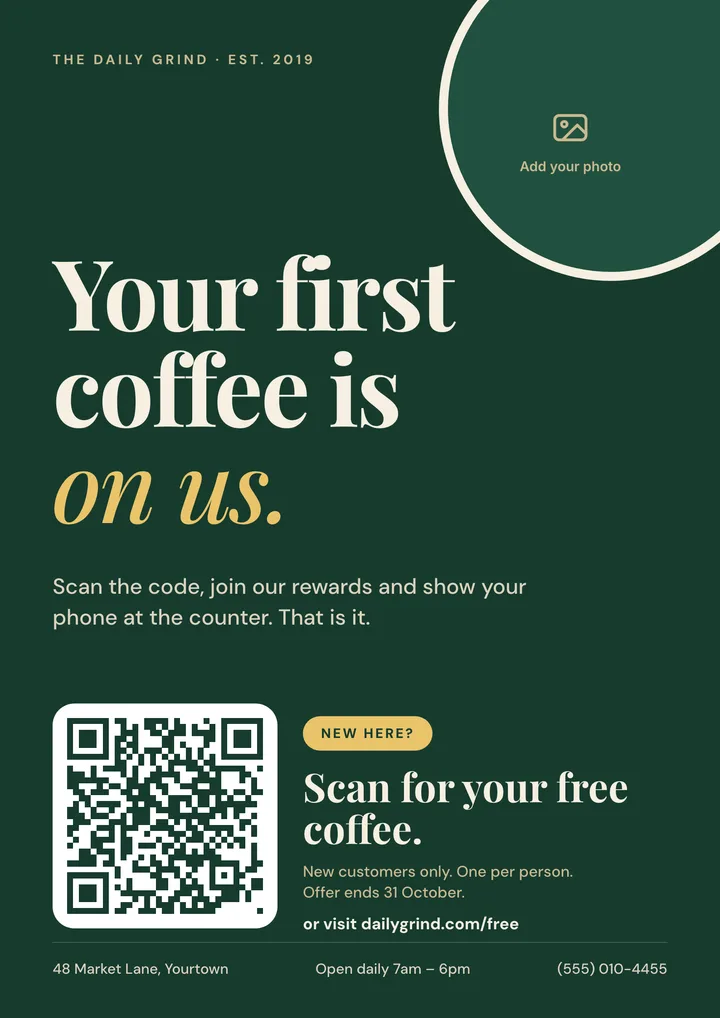
Cafe first-visit offer
Cafes, bakeries and restaurants winning a first visit.
The pattern: A free first coffee with an end date, and "Scan for your free coffee".
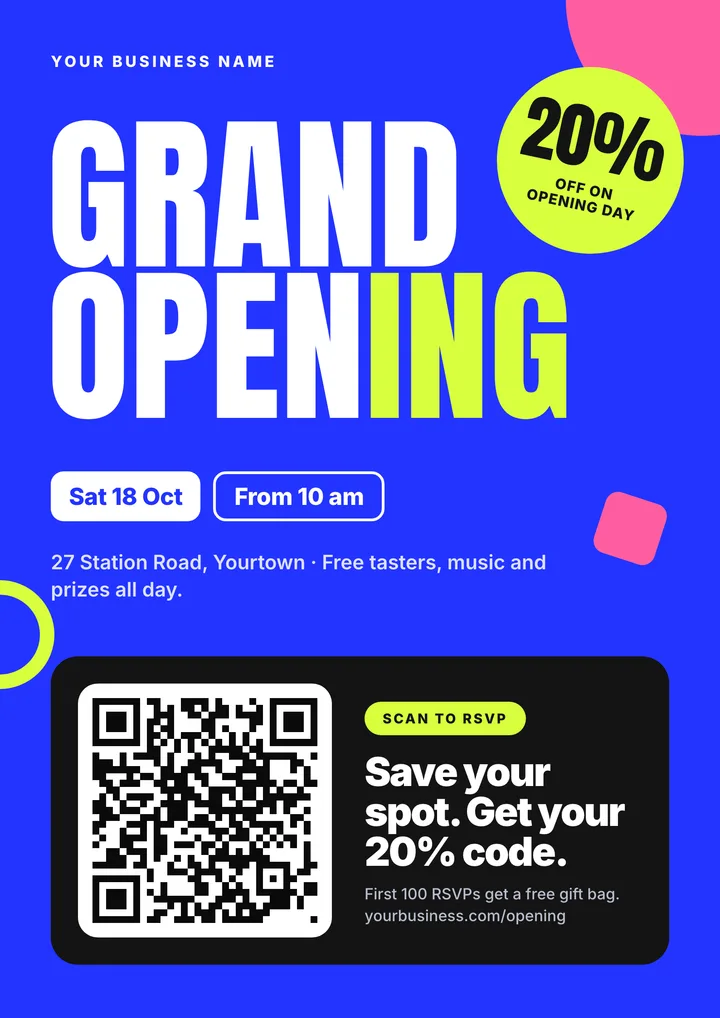
Grand opening
New locations announcing opening day.
The pattern: Date, time and an opening-day discount, and "Scan to RSVP".
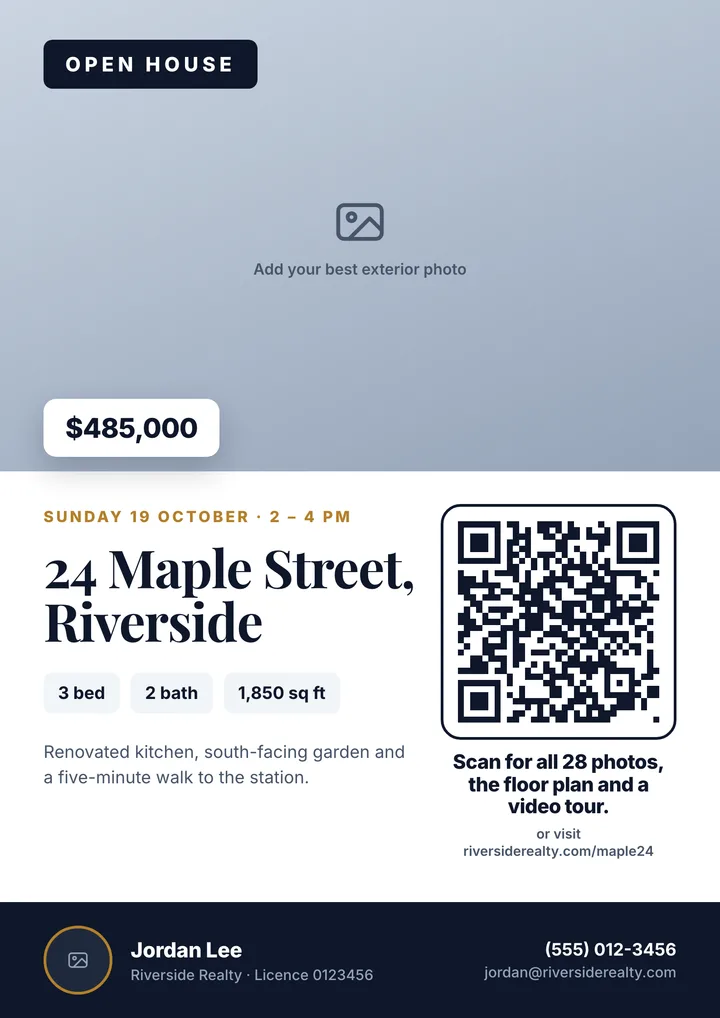
Real estate open house
Agents promoting one property and one viewing time.
The pattern: Price, address and viewing slot, and "Scan for all 28 photos, the floor plan and a video tour".
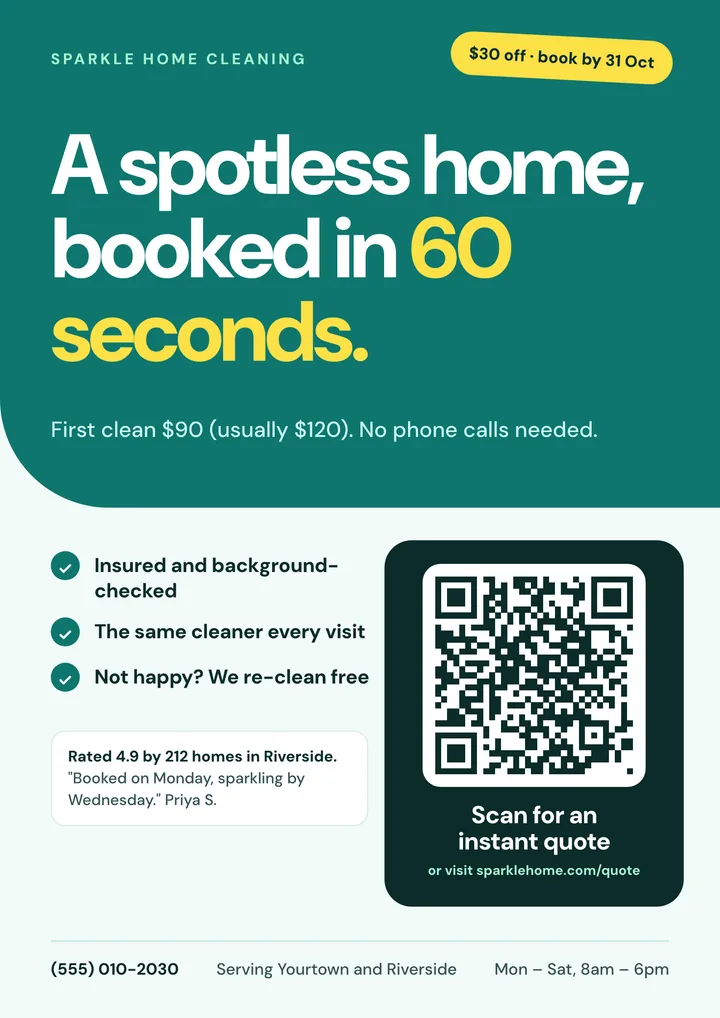
Home cleaning service
Cleaners, lawn care and other home services.
The pattern: A first-visit price next to the usual price, a book-by date, and "Scan for an instant quote".
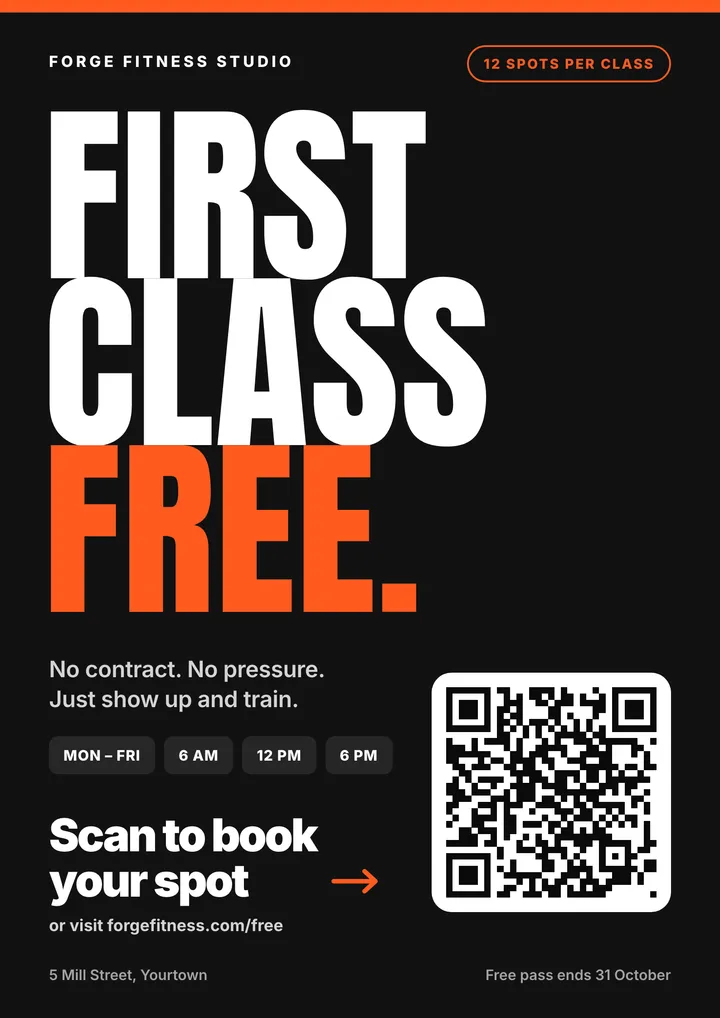
Fitness free class
Gyms, studios and salons offering a first session.
The pattern: A free first class with limited spots, and "Scan to book your spot".
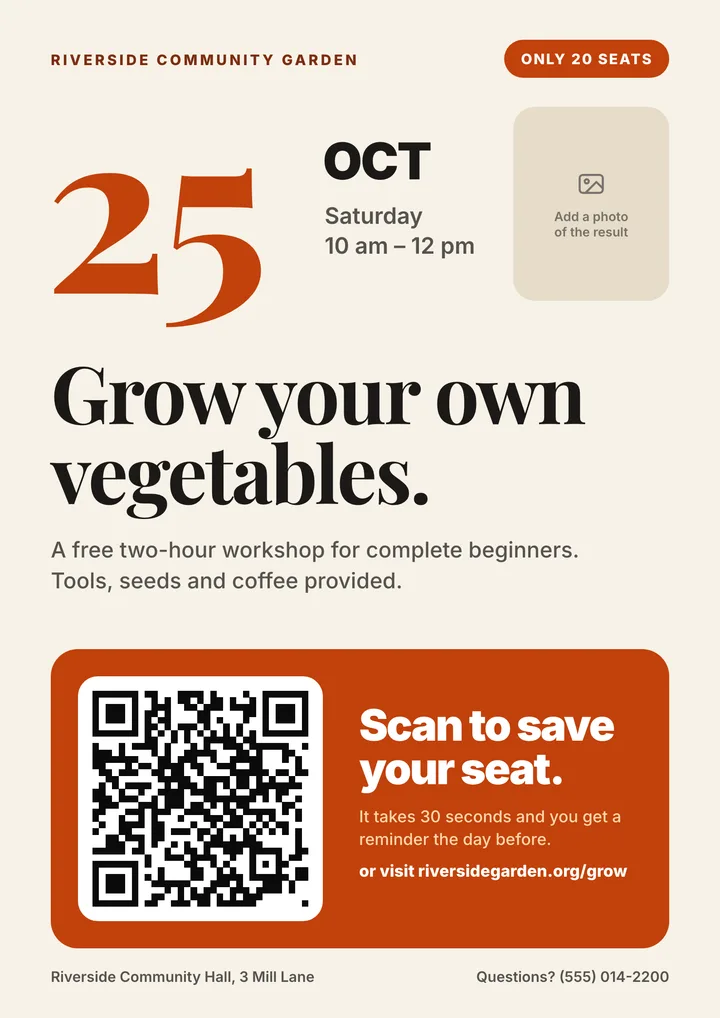
Workshop or event
Classes, community events and fundraisers.
The pattern: The date leads, seats are limited, and "Scan to save your seat".
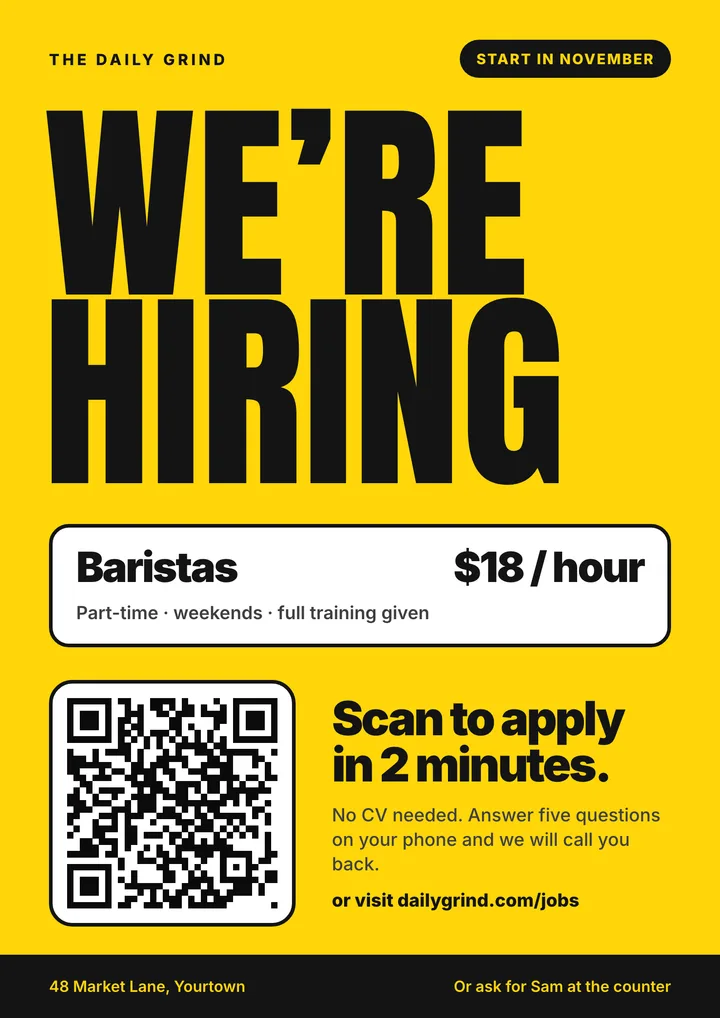
Now hiring
Shop-window and noticeboard recruitment.
The pattern: The role and hourly pay stated up front, and "Scan to apply in 2 minutes".
Signs and cards that do one standing job
A flyer makes an offer once. These stay on the counter, the table or in a wallet and keep working: collect a review, save a contact, join the WiFi, open the menu, take a payment.
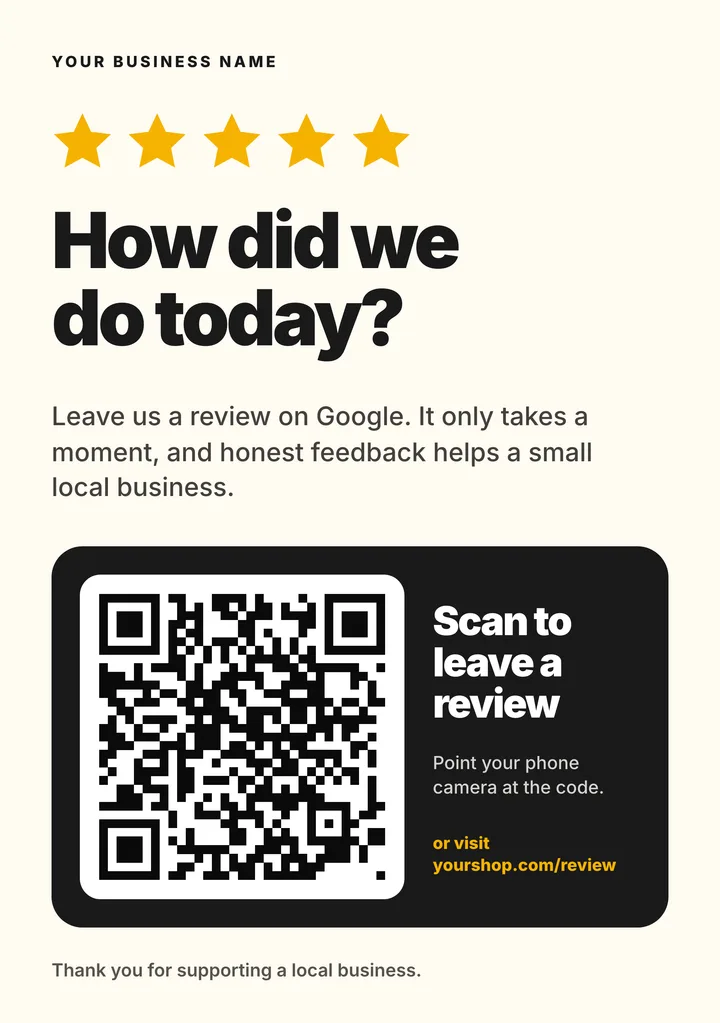
Google review sign
A5 counter sign
Salons, restaurants, trades and clinics asking every customer for a review.
The pattern: One question, one action: "Scan to leave a review". No reward offered.
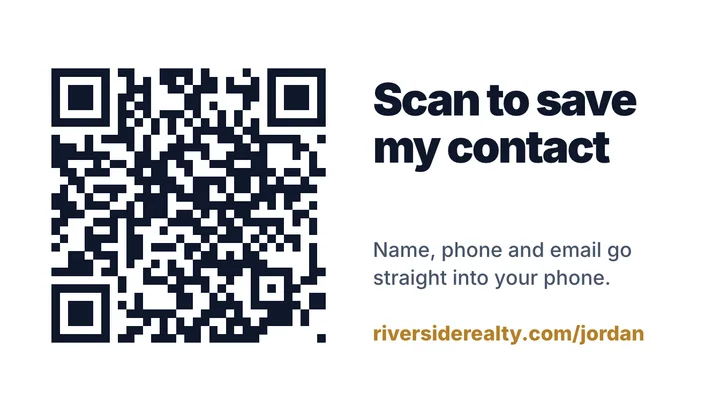
QR business card
3.5 × 2 in, two sides
Anyone who hands out cards and wants the contact saved, not lost.
The pattern: Name on the front, "Scan to save my contact" on the back.
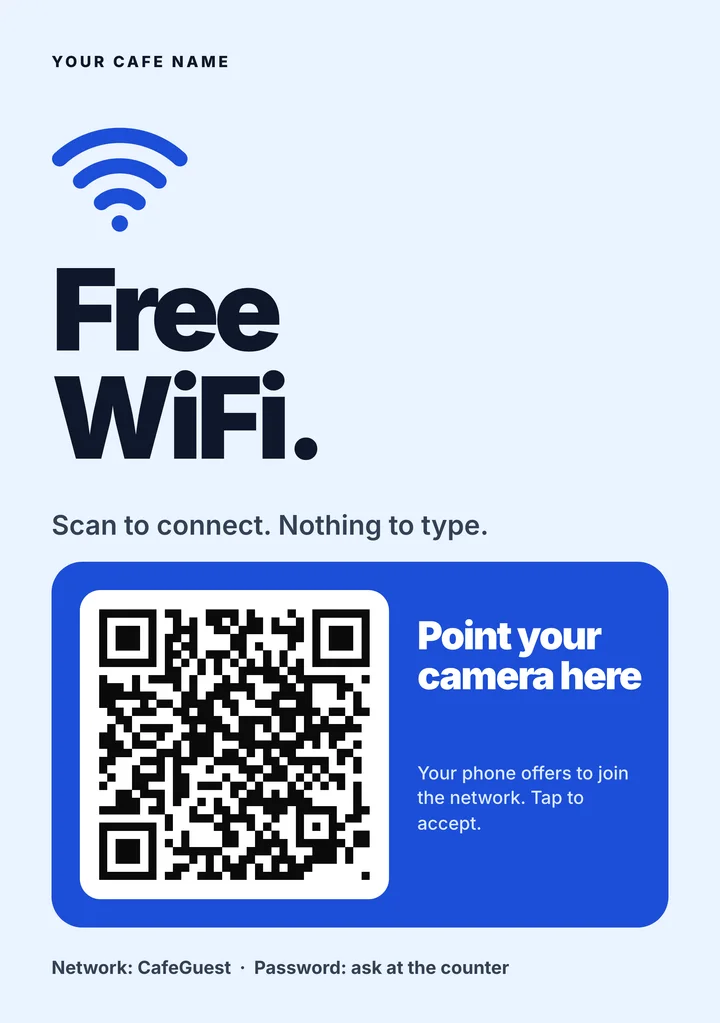
Guest WiFi sign
A5 counter sign
Cafes, salons, clinics, offices and rentals.
The pattern: "Scan to connect", with the network name printed as a fallback.
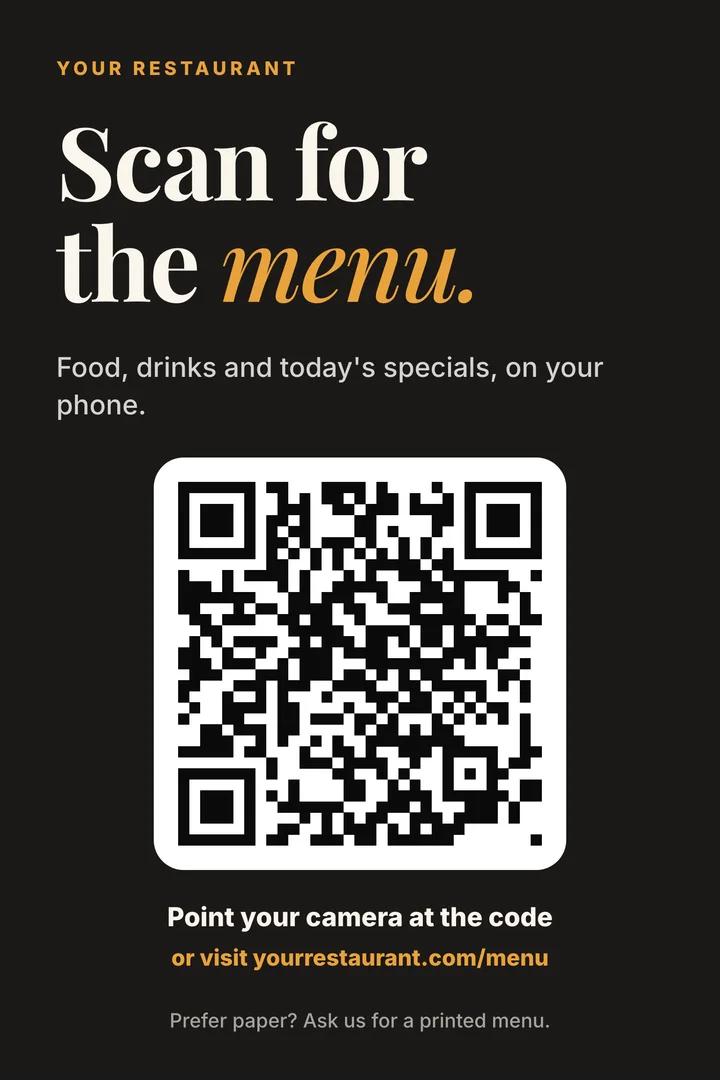
Menu table tent
4 × 6 in panel
Restaurants, cafes and bars putting the menu on the guest's phone.
The pattern: "Scan for the menu", with a line offering a printed menu.
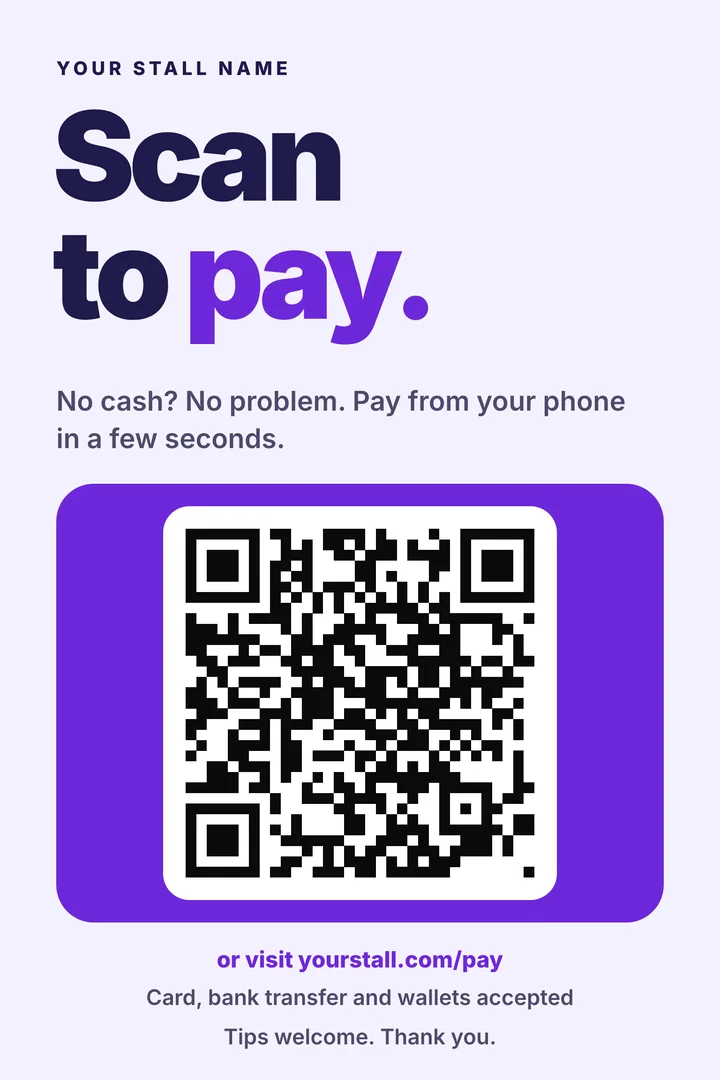
Scan-to-pay sign
4 × 6 in counter card
Market stalls, food trucks and mobile services taking payment without a card reader.
The pattern: "Scan to pay", with the payment methods you accept underneath.
Why they are built this way
Each choice follows published research on print advertising or the QR code specification. Where the evidence is thin, we say so.
One offer, one action
Each template has a single offer and a single QR code. A 2012 meta-analysis of nineteen mail experiments found that mail surveys offering a second way to respond got a lower response than those offering only one.
The offer is the biggest thing on the page
In eye tracking of 1,363 print ads (Pieters and Wedel, 2004), text earned attention in proportion to the space it was given, while pictures drew attention at any size. So the headline gets the room.
A real deadline or limit
Every offer has an end date or a cap on places. Research on promotions (Inman, Peter and Raghubir, 1997) found that restrictions such as time limits make a deal look more valuable. It has to be true.
A plain code on a white card
The sample code is dark on white with a clear margin. The QR code usage guidelines ask for a four-module margin on every side, and text or colour inside that margin makes a code hard to read.
A typed web address beside the code
Not everyone scans. When a 2025 US study printed both, 62% of people used the QR code and 38% typed the address. Each template leaves room for a short one.
A label that says what the scan delivers
"Scan to shop the sale" tells people what happens next; a bare code does not. We could not find a controlled test that measures how much a label helps, so treat this one as good practice, not a proven lift.
How to use a template
Open a template in Canva
Click Use in Canva. Canva asks you to sign in and then makes your own copy, so nothing you change affects the original.
Create your QR code
Make a dynamic QR code that points to the one page you want people to land on: the offer, the booking form or the menu, not your homepage.
Swap the sample code and the words
Drop your code on top of the sample, keeping the white card behind it. Change the headline, the offer and the "Scan to" line so they say exactly what the person gets.
Print one, scan it, then print the rest
Print a single copy at full size and scan it from arm's length with two different phones. The second page of every template is a pre-print checklist; delete it before you print. Our print guide covers size and resolution.
7-day free trial, no credit card. No ads on your scan page.
Questions people ask
Are the flyer templates free?
Yes. Each link opens a copy in your own Canva account, which needs a Canva sign-in. The QR code is separate: QRCodeStack has a 7-day free trial with no credit card that includes 5 dynamic QR codes, and paid plans start at $9/month. See pricing for the limits on each plan.
What size are the templates?
The flyers are A4 portrait, 210 by 297 mm, and their sample QR code prints at roughly 6 cm wide. The review and WiFi signs are A5, the table tent and pay sign are 4 by 6 inches, and the business card is 3.5 by 2 inches with the code on the back.
How big should a QR code be on a flyer?
Print it as large as the layout allows. We recommend at least 2.5 cm wide on a handout and 5 cm or more on anything read from a wall or window. Those figures are our recommendation, not a standard: the commonly quoted "2 cm minimum" and "10 to 1 distance" rules are conventions. Whatever size you choose, test a printed copy.
Can I change where the code points after the flyers are printed?
With a dynamic QR code, yes. The printed code stays the same and you change the destination from your dashboard, which also shows how many times the code was scanned. A static code cannot be edited once printed.
Can I use a coloured code or add my logo?
You can, but print is less forgiving than a screen. Keep the code dark on a white background, leave the margin around it clear, and scan a printed test copy before you run the full batch.
Will a QR code make my flyer work?
It helps a little, not a lot. Audited UK figures put door-drop response at 0.3% on average for 2023 to 2025, and experiments that added a QR code to printed survey invitations found gains of one to three percentage points, or none. The offer, the deadline and the page the code leads to matter more than the code itself.