
How do I create an MP3 QR code?
Updated September 14, 2026 · 2 min read
Click Create new, then Create a QR Code, and choose MP3 on the Type step. Upload the file under Upload MP3, add a Title and Artist / Description, style the code and click Download ✓. MP3 is a dynamic-only type and the scan opens the audio file itself, which plays in the phone browser. Replace the track later and the printed code keeps working.
Video transcript
Here is how to create an MP3 QR code. Scanners open your audio track straight from the code and it plays in their browser.
Use it on a museum label as an audio guide, on an album sleeve with a message from the band, or on packaging with spoken instructions. Because the code is dynamic, you can replace the track later and the printed code keeps working.
In the dashboard, click Create new, then Create a QR Code. Pick MP3 from the type grid and leave it on Dynamic. Give the code a name, upload the audio file, then add a title, the artist and your website. Choose a theme, then Download. The code is saved and ready to print.
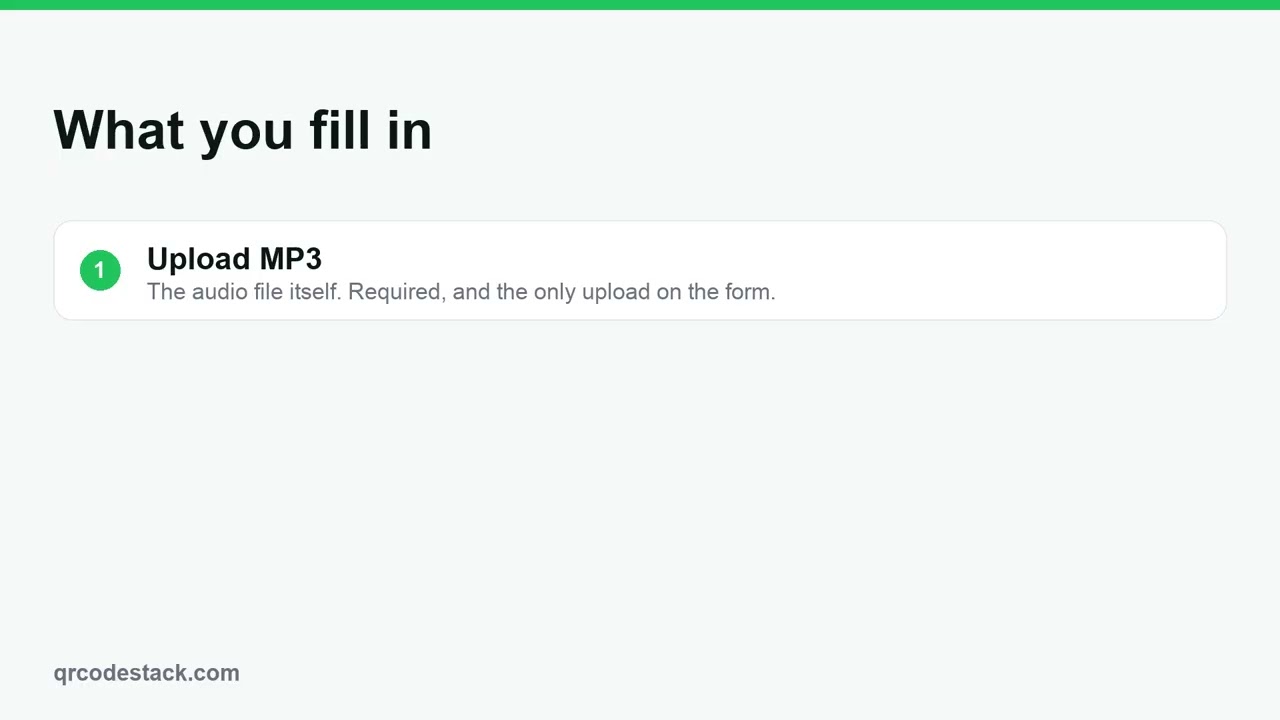
First, upload the audio file. That is the only file the form needs. Second, add a title and the artist. They are saved with the code so you can tell tracks apart. Third, the website. Optional, kept with the track details.
Try it on the seven-day free trial. No credit card, five dynamic QR codes. Link in the description.
When to use an MP3 QR code
- Museum and gallery labels. An audio guide beside each piece, with no headset to rent.
- Album inserts and merch. A track or a message from the band on the sleeve or the tee.
- Product packaging. Spoken instructions for people who would rather listen than read.
Steps in the dashboard
- Open the wizard. In the dashboard sidebar click Create new, then Create a QR Code.
- Pick the type. On the Type step choose MP3 — it is in the first fifteen tiles, so you will not need More. MP3 is dynamic only, so the Static tab stays disabled.
- Upload the audio. On the Content step add your file under Upload MP3. It is required; the wizard will not move on without it.
- Label the track. Fill in Title, Artist / Description and an optional Website. These are saved with the code so you can tell tracks apart in your dashboard — the scan itself opens the audio file.
- Style it. On the QR Design step pick one of the ten Themes, or set your own dots, colours, frame and logo. Keep strong contrast between Dots Color and Background.
- Save and download. Click Download ✓ to create the code. For the image file, open it from My QR Codes, click Download, and pick JPEG, PNG, SVG or PDF in the Save as... dialog.
After you download
The code is now in My QR Codes, where you can rename it, tag it, file it in a folder or copy its short URL.
- Change the content later. Click Edit on the code, change the fields, then click Update ✓. The printed pattern never changes, so nothing has to be reprinted.
- Scans are counted. A dynamic scan passes through us, so the code records device, operating system, browser, referrer and country. Click Full analytics to read them. Cities and the scan map come with the free trial and the Business plan.
- Replace the track. Edit the code and upload a new file. Every printed label now plays the new audio.
Common problems
The wizard will not leave the Content step
An audio file is required. If the upload is still running you get "Please wait for the upload to finish".
The file is rejected
Uploads are capped by plan: 5 MB on the free trial and Starter, 10 MB on Pro and 20 MB on Business. Shorten the clip or lower the bitrate.
The title does not appear when I scan
Title, artist and website are dashboard metadata. The scan goes straight to the audio file, so the phone shows its own player. Use Landing Page if you need words around the audio.
Frequently asked questions
What does the scanner actually get?
The audio file, opened in the phone browser player.
Can an MP3 code be static?
No. MP3 is dynamic only, because the file is hosted and replaceable.
Can I add UTM parameters?
No. Media types are deliberately left out of the UTM builder.
Related articles
How do I create my first dynamic QR code?
Click Create new, pick a type, leave the toggle on Dynamic, fill in the content, style it, then click Download. The code is saved with its redirect built in.
How do I edit a QR code's destination after printing?
Open the code, click Edit, change the destination on the Content step and click Update. The printed pattern keeps working. Static codes cannot be edited.
Can I download my QR code as SVG, PDF or another vector format?
Yes. Open the code, click Download, and pick SVG in the Save as... dialog. JPEG, PNG and PDF are there too. Paid plans and the free trial get all four.
How do I create a Playlist QR code?
Pick Playlist in the wizard, paste the share link from your streaming service, then download. One scan opens the playlist on the listener's phone.
Still stuck?
Email support@qrcodestack.com with the email on your account and, if it is about one code, its name or short link. A person replies within one business day, usually sooner.