
QR Code Art: How AI Turns a Working Code Into Artwork
By Diljit Ramachandran · LinkedIn · /about
Published · Last updated · USE-CASES · 2 min read

QR code art is an image that works in both directions: it reads as an illustration to a person and as a working QR code to a phone camera. The light and dark regions of the artwork sit where the code's modules need them, so the scene and the scan link are the same pixels. On QRCodeStack, 83% of the 11,633 codes customers have created point at a website (according to our platform data, October 2026), and a website link is the short, stable destination this technique suits.
What is QR code art?
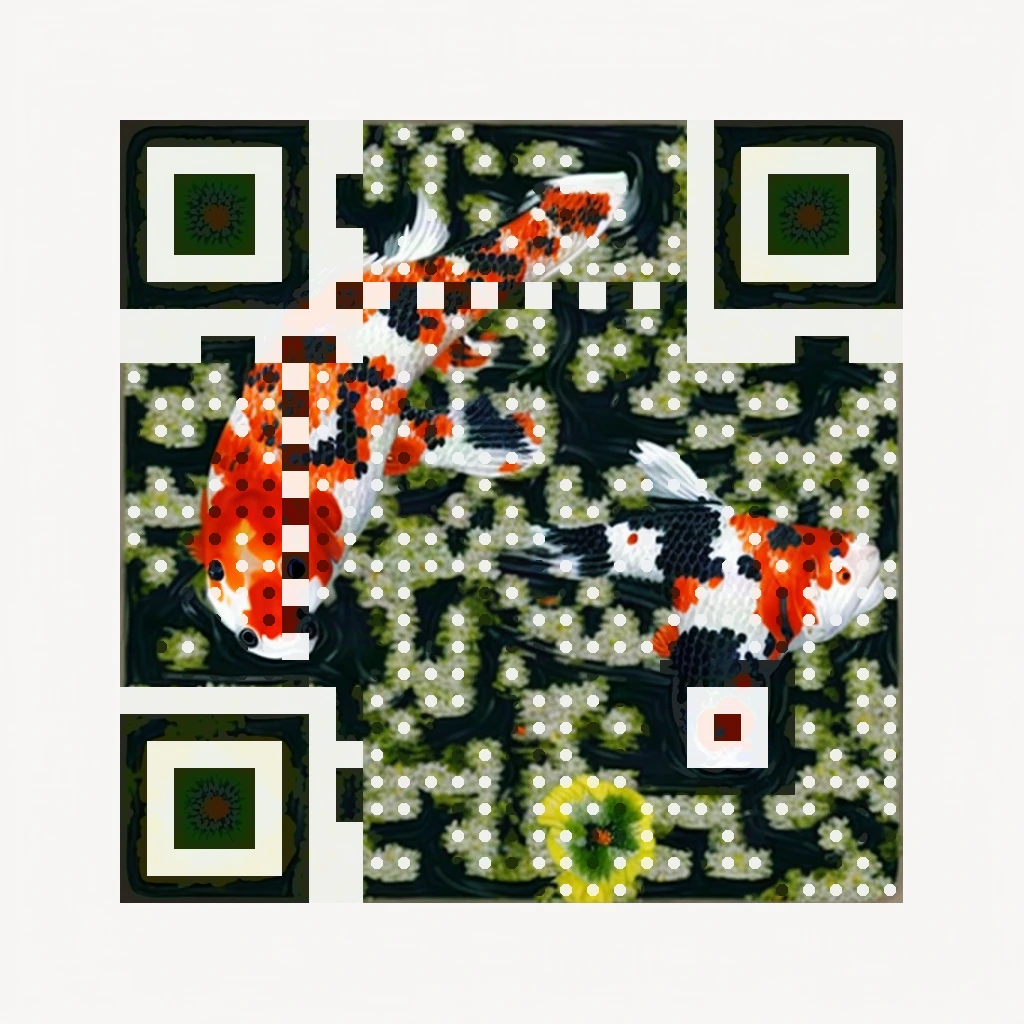
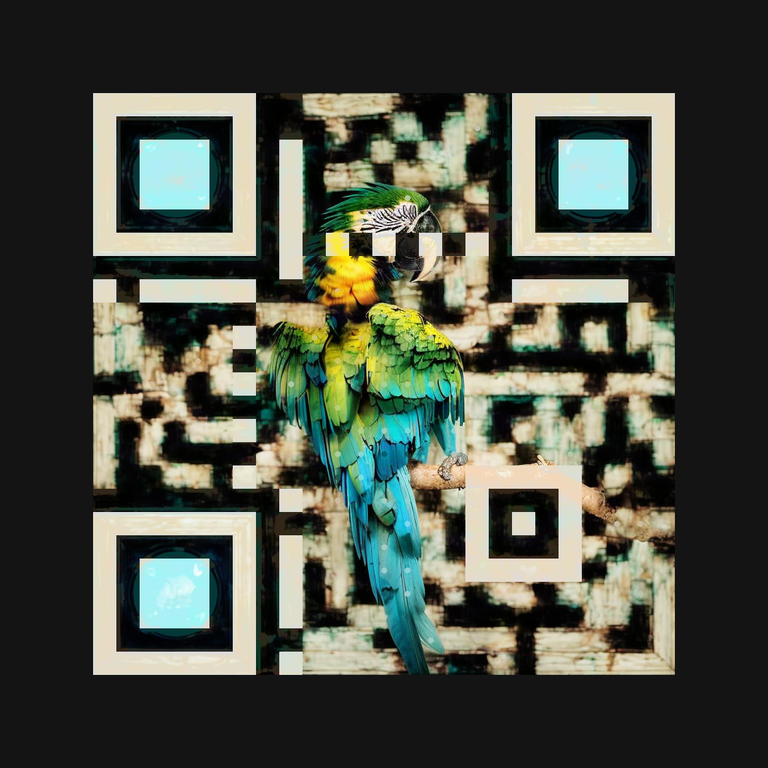
QR code art is a QR code whose pattern is drawn as part of a picture — a koi pond, a mountain sunrise, a night sky of stars — rather than printed over or beside one. It differs from simply placing a logo on a code: here the artwork itself carries the data. You can see verified examples in our AI QR code generator gallery, each one decode-checked before it was published.
How does AI turn a QR code into artwork?
AI QR art generation is a form of image generation constrained by a working code. A diffusion model paints the scene you describe while a control image — the real QR matrix for your link — constrains where light and dark may fall.
The artwork is always generated for the final scan link, never retrofitted. Shorter links leave more room for the art: a 23-character link renders as a 29×29 module grid at high error correction, while a 63-character link needs 45×45 (according to our generation tests, October 2026).
Will an artistic QR code still scan?
Only if it is verified: a beautiful pattern is not proof of a readable code. QR codes tolerate damage by design: at error correction level H, up to 30% of the symbol can be obscured and still decode (According to Denso Wave, the QR code's inventor).
Artwork spends that budget, so every design we deliver is scan-checked at four sizes and blur levels and only released when it decodes to your exact destination (according to our verification pipeline, October 2026). Failed designs are rejected. Still test the printed piece with a phone at final size before a large run.
How do you make AI QR code art?
Making AI QR art takes three steps in the QR Design step of the dashboard. Create a dynamic QR code first, so the artwork is generated for a permanent scan link whose destination you can still edit after printing. Then open QR Design → AI Art, pick a style, and describe the scene.
- Create the dynamic code and save it — this fixes the scan link the art is built on.
- In QR Design → AI Art, choose a style and describe a subject, like “a koi pond with orange and white fish”.
- Wait about a minute while the design is generated, repaired and scan-verified, then download the artwork.
AI art generation is included with our Pro and Business plans — 10 generations per month on Pro ($19/month) and 30 on Business ($59/month), where a generation only counts when it delivers a verified design (according to our pricing page, October 2026). Prefer a conventional look? You can also add a logo to your QR code with a round bordered badge instead.
Give your next QR code a designed look
AI Art is included with Pro and Business plans. 7-day free trial, no credit card, and no ads on your scan page.
Start your free trial