
AI QR code generatorImagine the possibilities.
Turn a destination into a piece of artwork. Explore QR code art with vivid feathers, alpine landscapes and botanical detail, with the code woven into the scene.
AI Art lives in the dashboard’s QR Design step on Pro and Business plans. Every design is checked to scan to your link before you see it. It is not part of the free generator or trial.
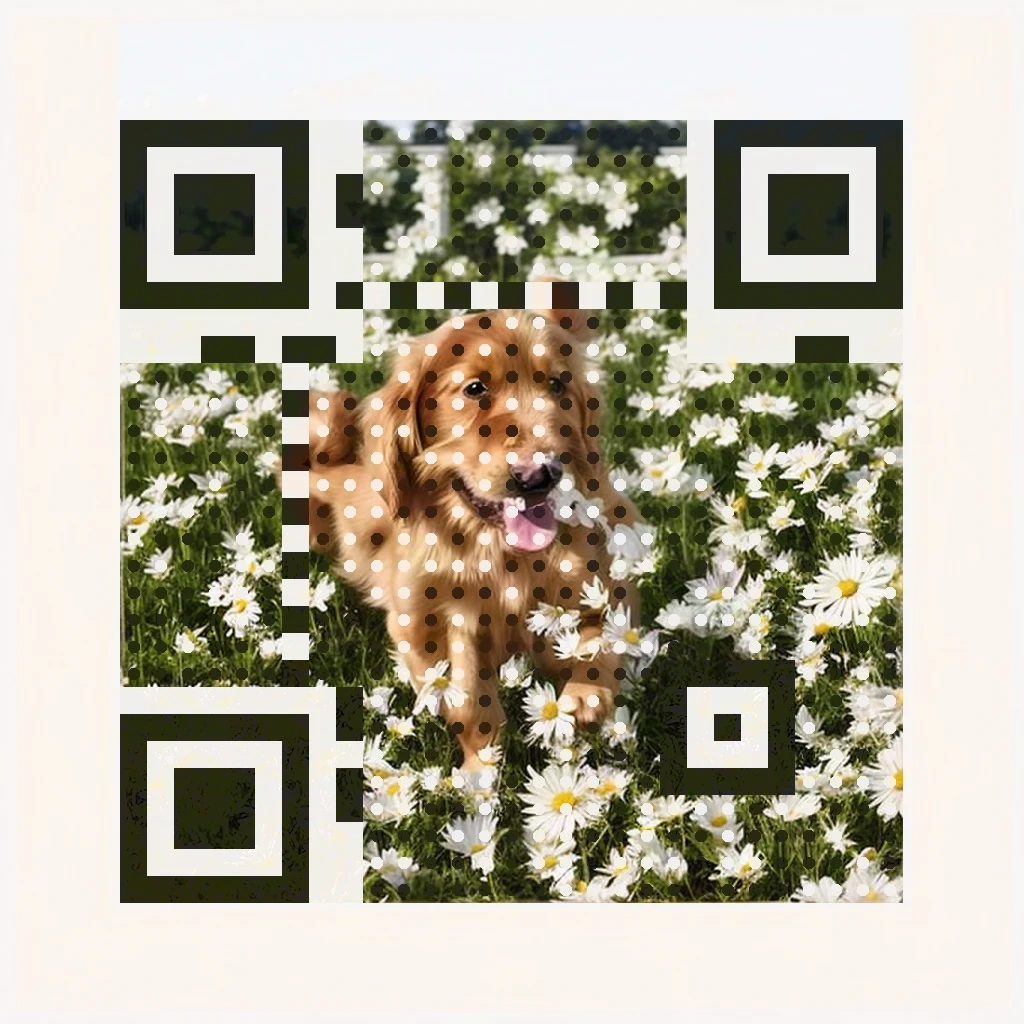
Small square. A whole scene.
Each artwork weaves a real, working QR code for qrcodestack.com into the scene — open the full-size image and scan it with your phone. The repair pass restores exactly the parts a scanner needs.
Bright daylight and a photoreal subject keep the design light and friendly.
Prompt idea: “A golden retriever puppy in a sunlit meadow with white daisies, bright morning light.”
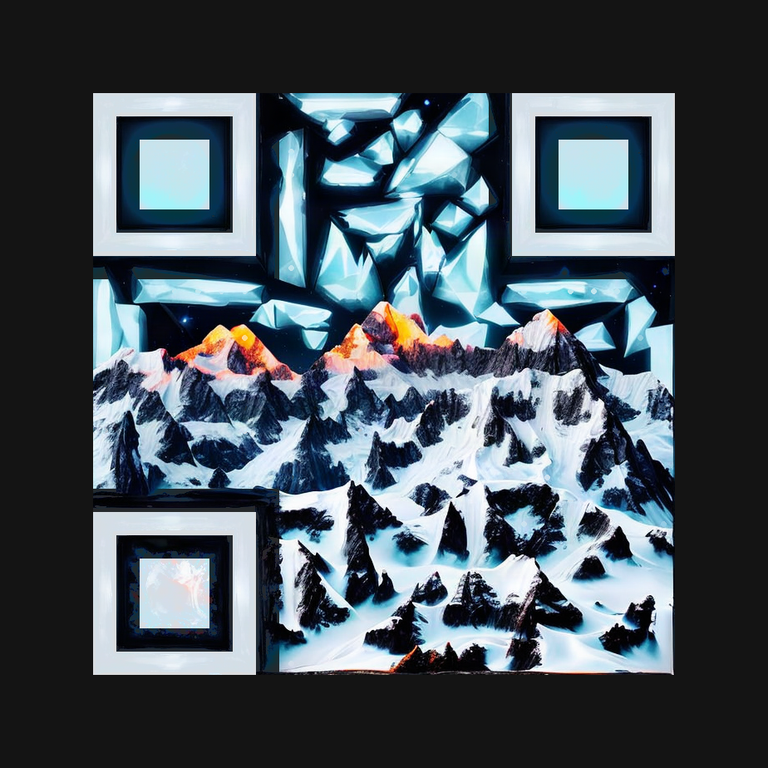
Light snow and dark rock give a landscape its natural contrast.
Prompt idea: “Snowy mountain peaks, navy shadows, orange sunrise.”
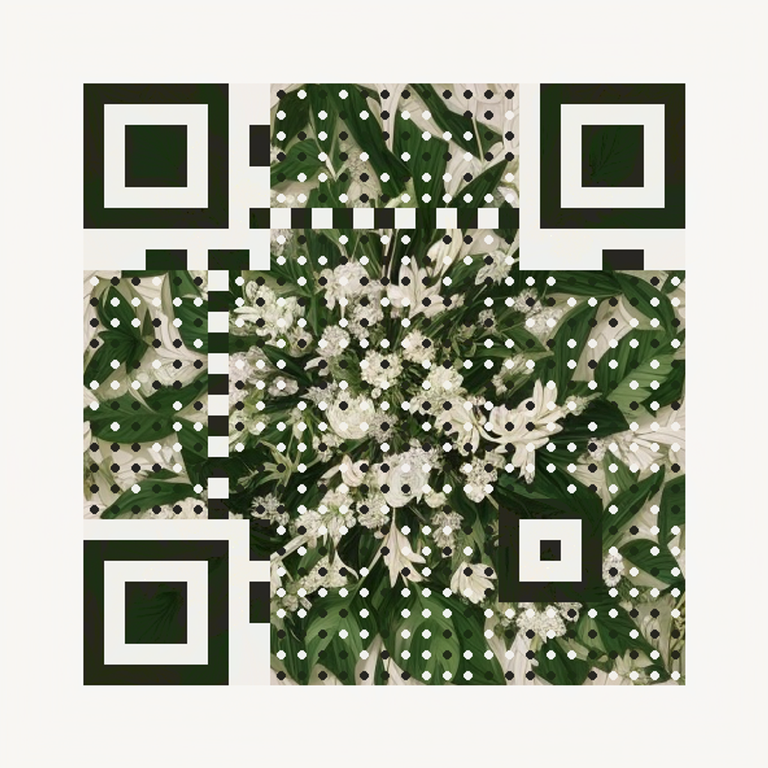
A limited palette and repeating shapes create a softer design.
Prompt idea: “Emerald leaves and ivory flowers, engraved botanical illustration.”
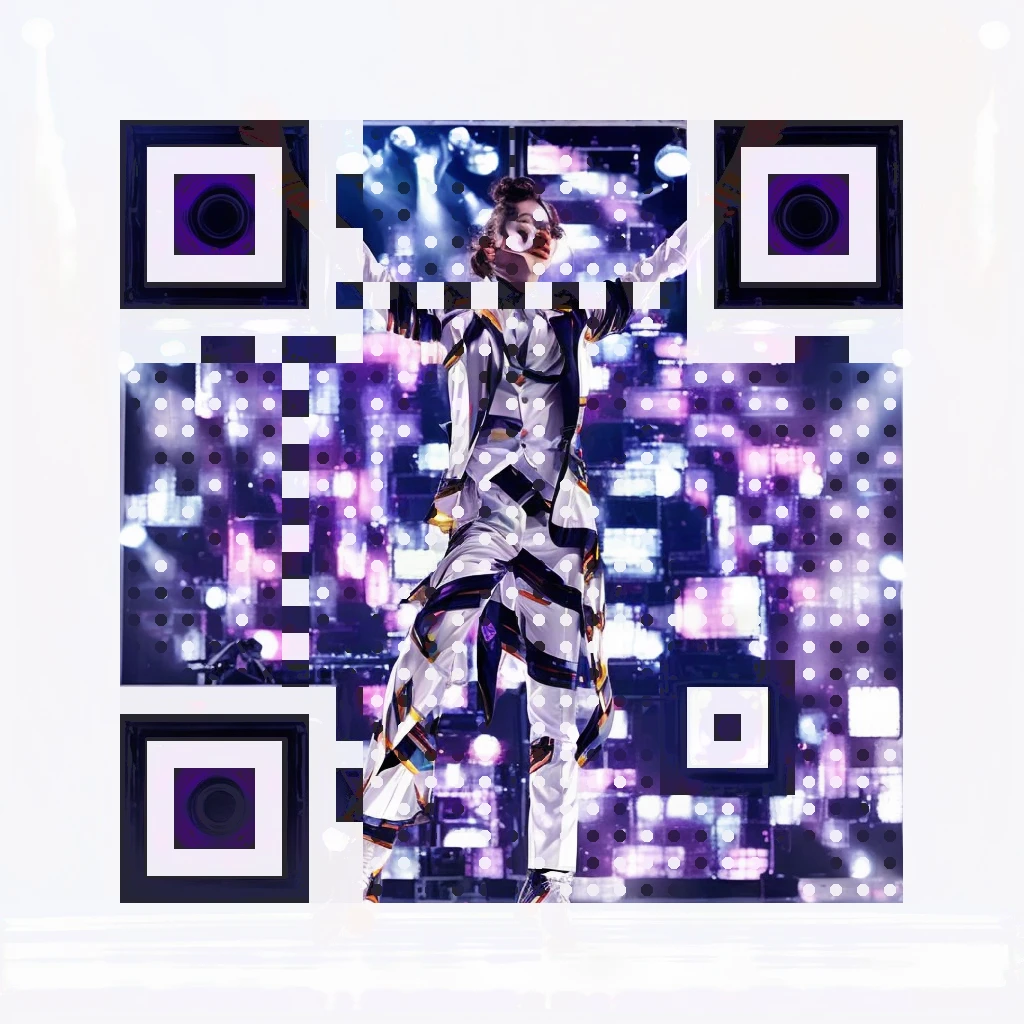
A white suit against stage lights gives the pattern its contrast.
Prompt idea: “A dancer in a white suit mid-spin on a bright concert stage, warm spotlights.”
These artworks were generated and verified by the same pipeline that powers the feature. Some QR structure stays visible by design — that is what keeps the code scannable.
Three rules for a prompt that works.
You describe the subject; the style adds the lighting and rendering. Subjects that follow these rules come out realistic — and pass the scan check far more often.
- One centred subjectA dish, a person, an animal, a doorway. The generator protects a single subject best; lists of objects come out muddled. “A margherita pizza with dark charred crust on a bright marble table” beats “a restaurant with tables, chairs and lamps”.
- A backdrop that repeats wellAway from the subject, the scene is rebuilt around the code pattern — so it repeats like a texture. Foliage, flower walls, water, a crowd and blurred lights repeat beautifully; countable objects like gym equipment duplicate into nonsense.
- Bright and dark in the same sceneThe code needs contrast to scan. Pair a bright scene with dark anchors: dark shutters on a white cottage, a dark suit in a sunlit garden, espresso on a pale counter. Evenly bright scenes fail verification most often — and a failed attempt never uses a credit.
Want ready-made ideas for your business? The prompt guide in our Help Center has tested subjects for 14 industries.
Fourteen industries. Fourteen working codes.
Every artwork below follows the three prompt rules, was generated by the same pipeline that powers the feature, and encodes a real working link — open any full-size image and scan it with your phone.
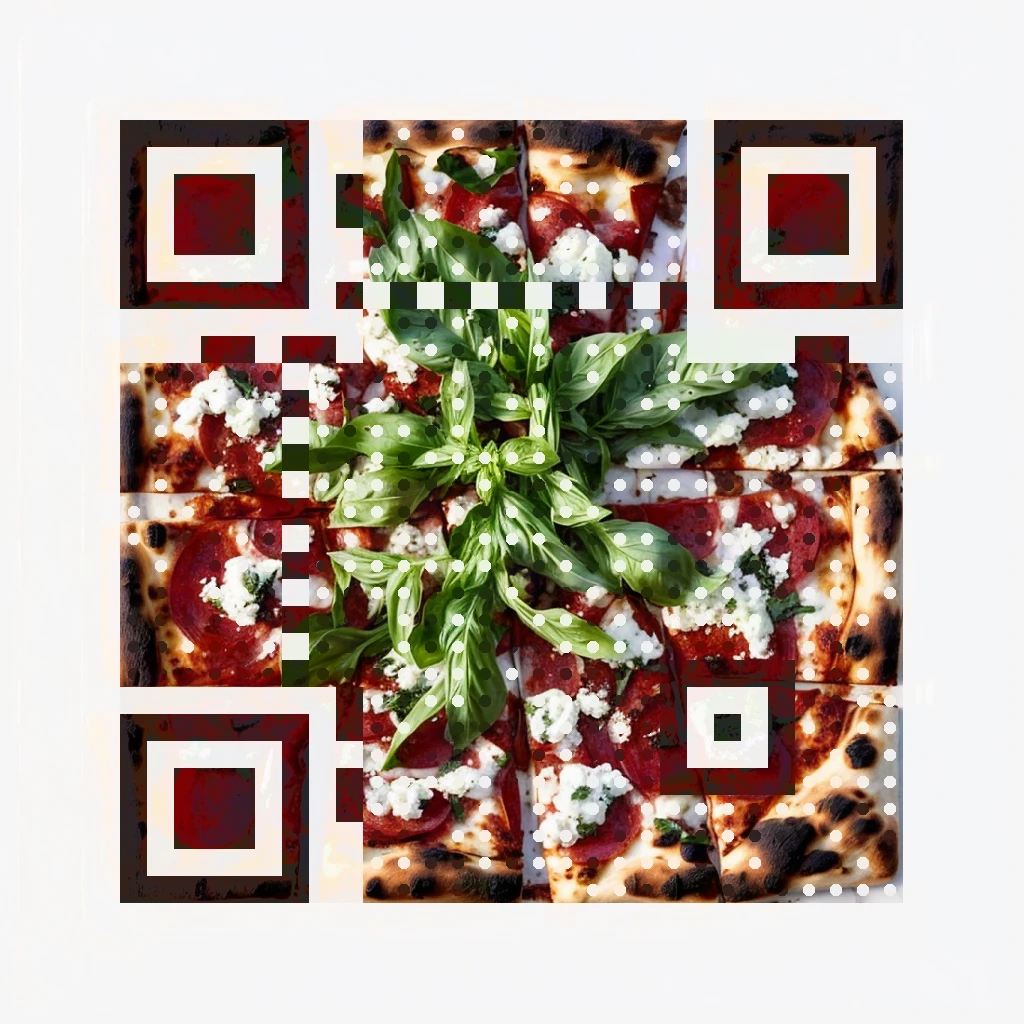
A charred-crust pizza on bright marble, shot from above.
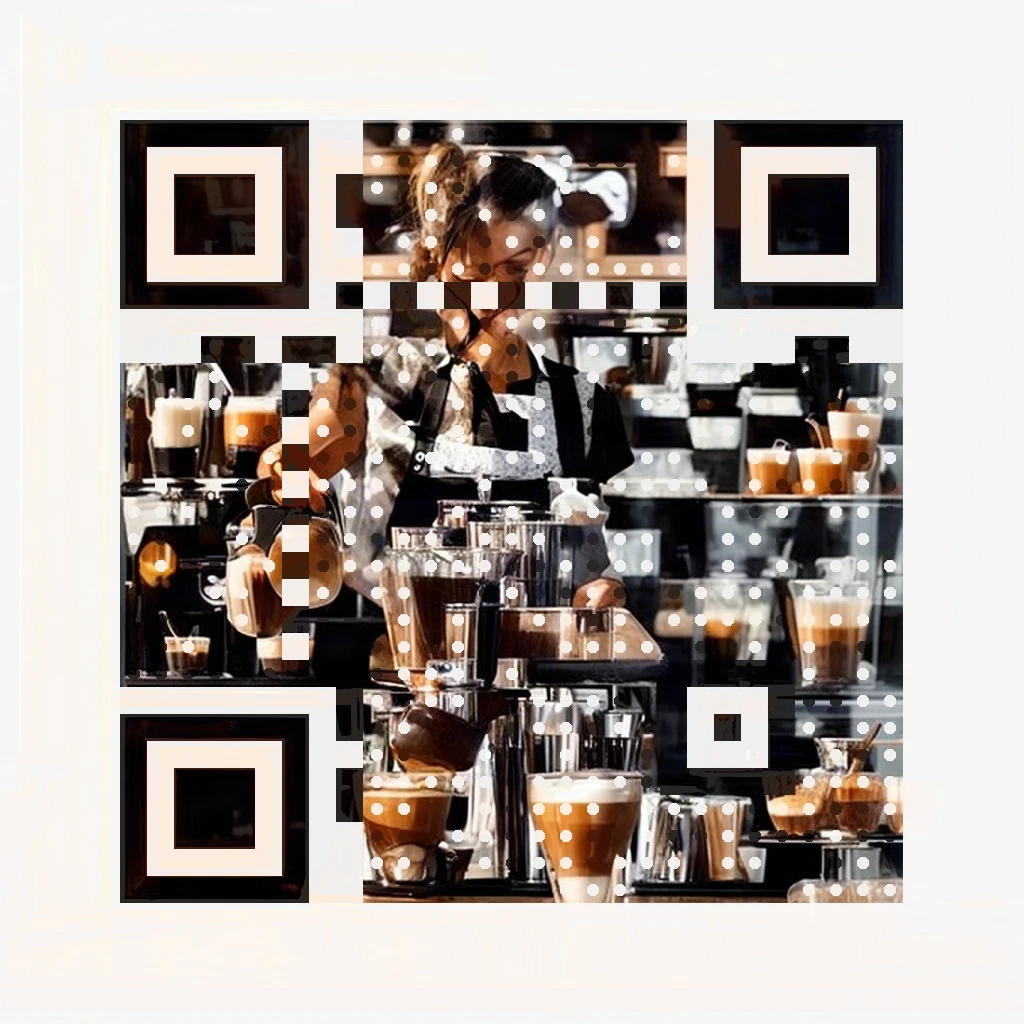
A barista at work in warm morning light.
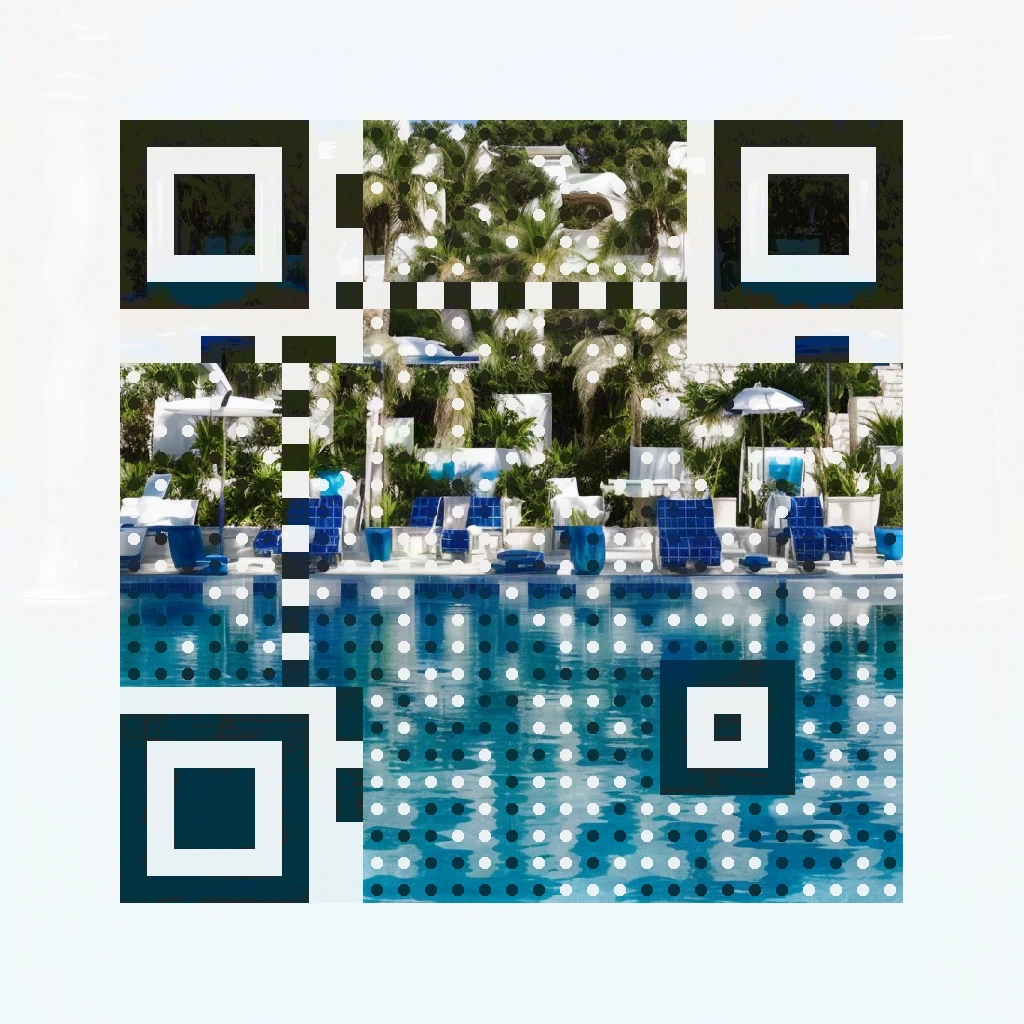
A resort pool in morning sun, umbrellas and palms.
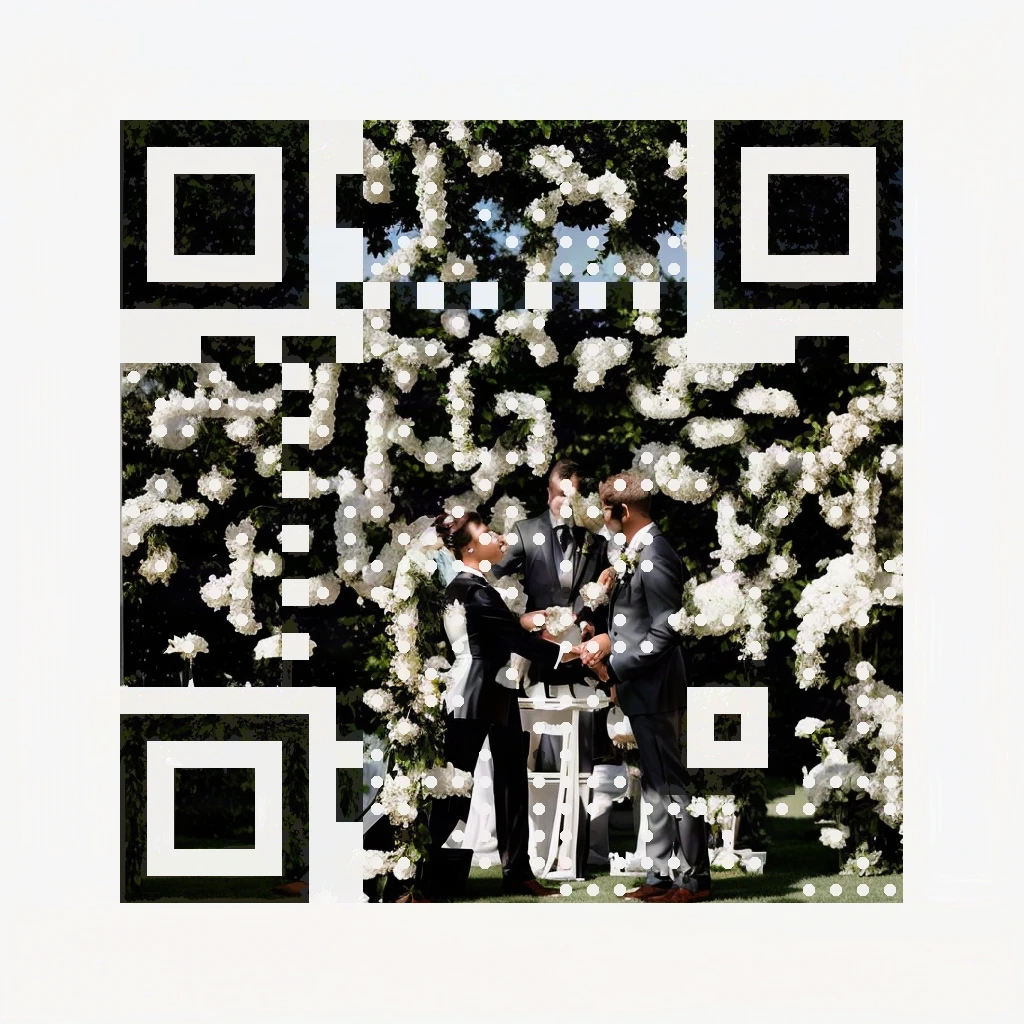
A couple under a wall of white flowers.
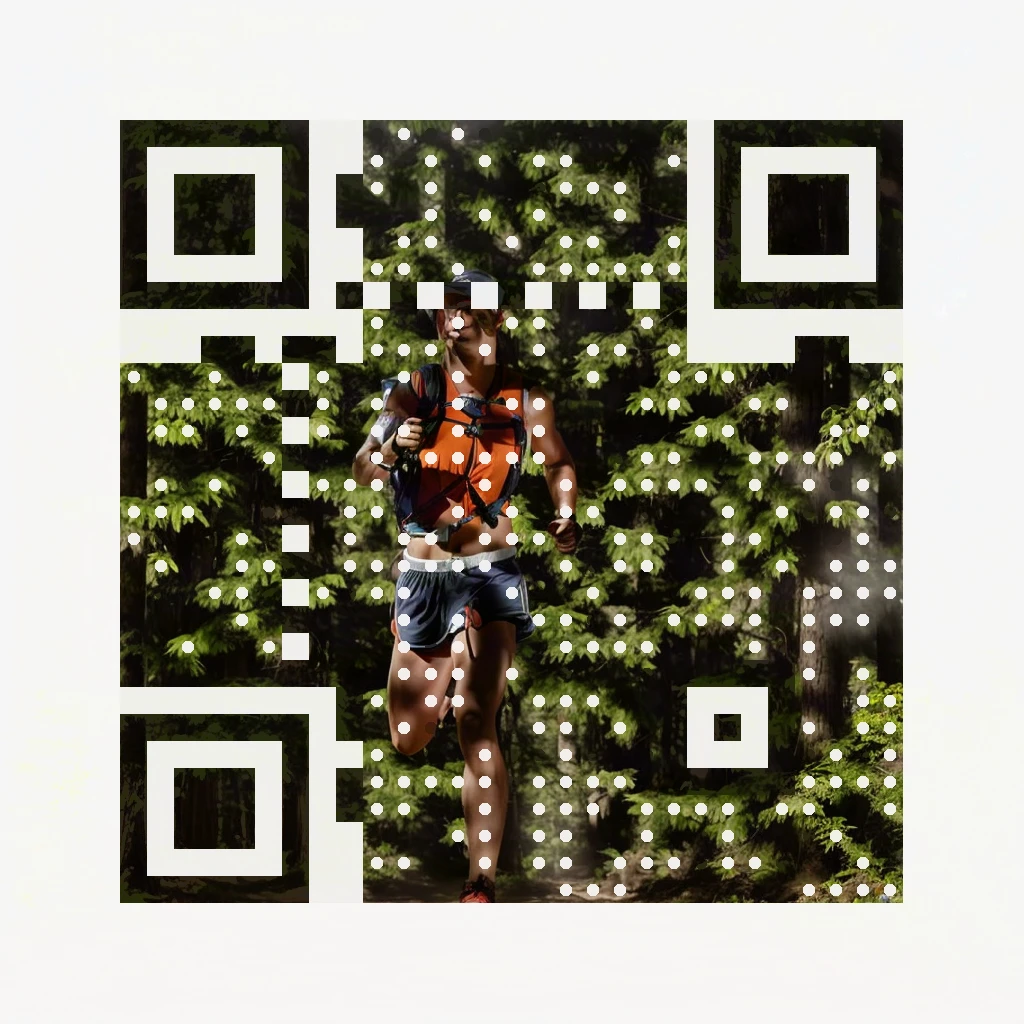
A trail runner, sun rays through dark trees.
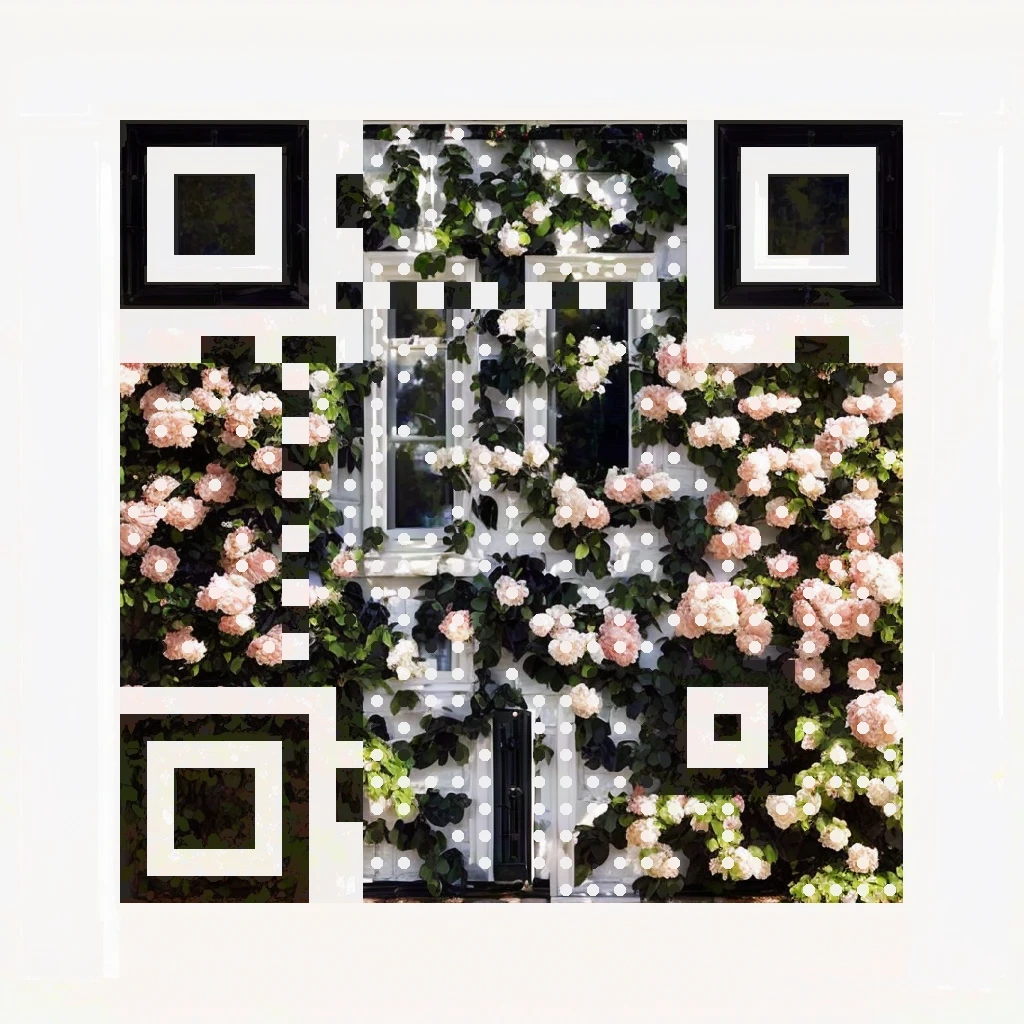
A white facade, dark windows, climbing roses.
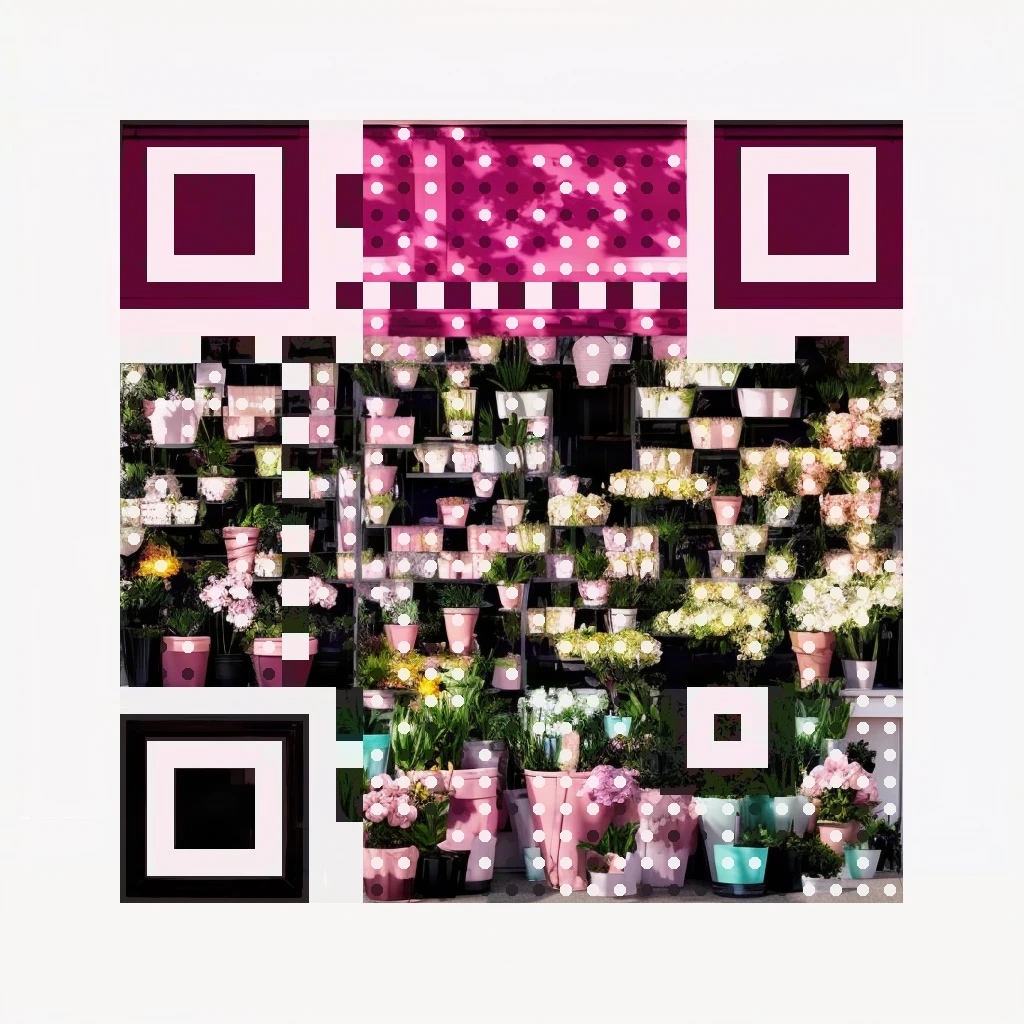
A pastel storefront under a dark pink awning.
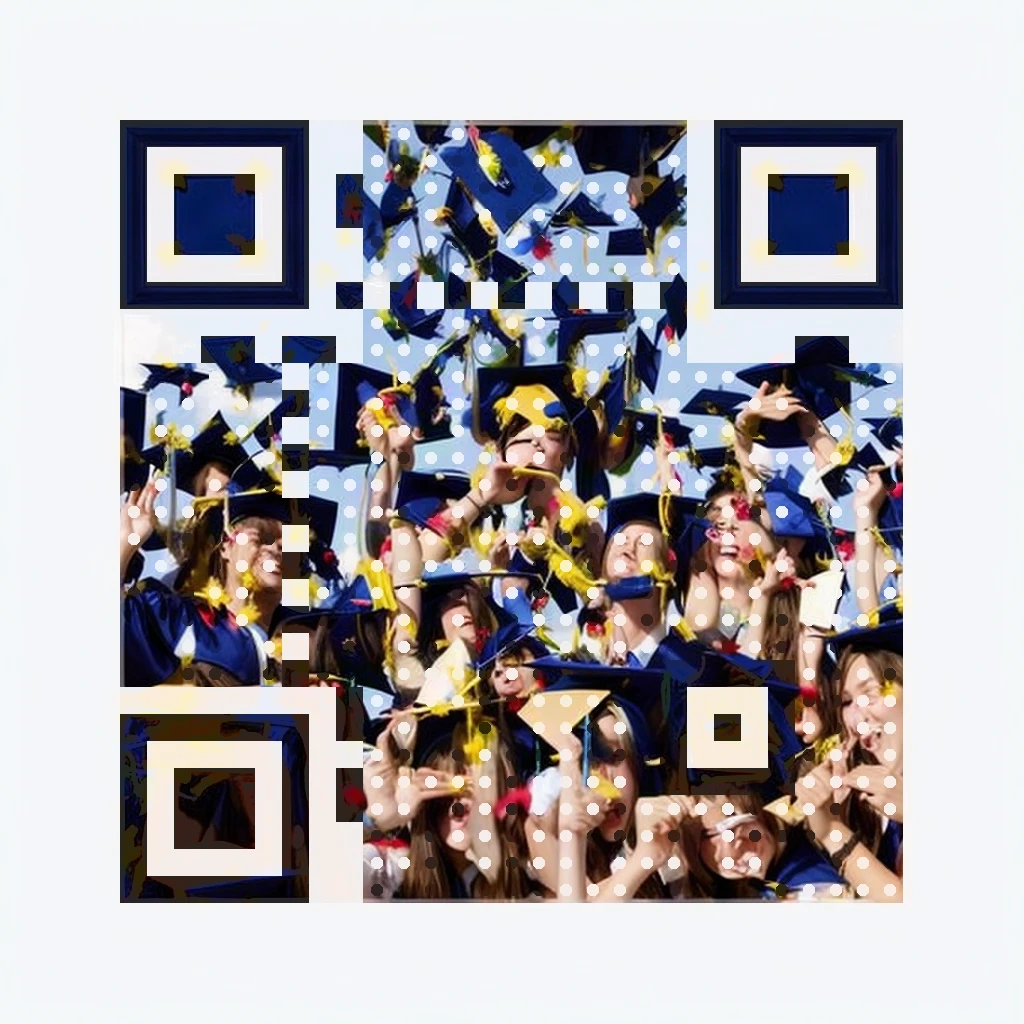
Caps in the air against a bright sky.
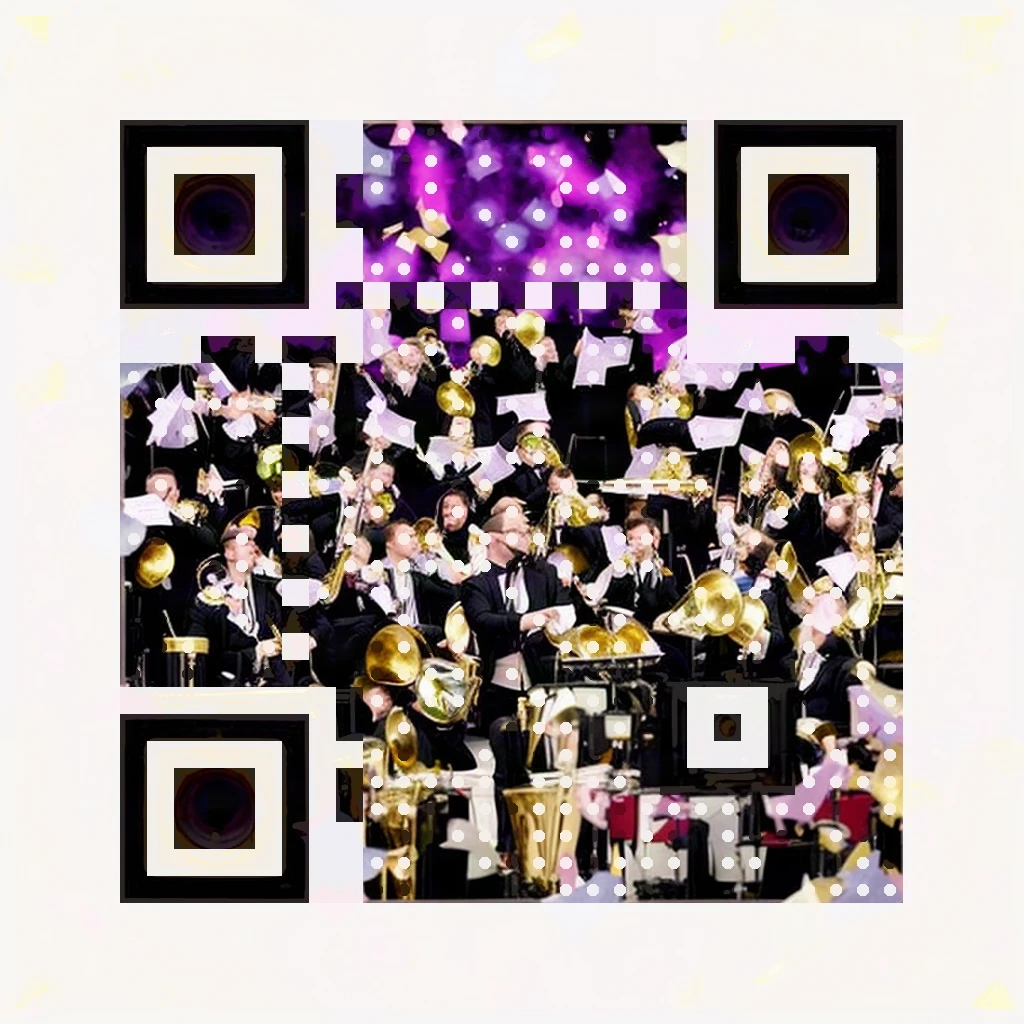
A brass band, gold instruments under stage light.
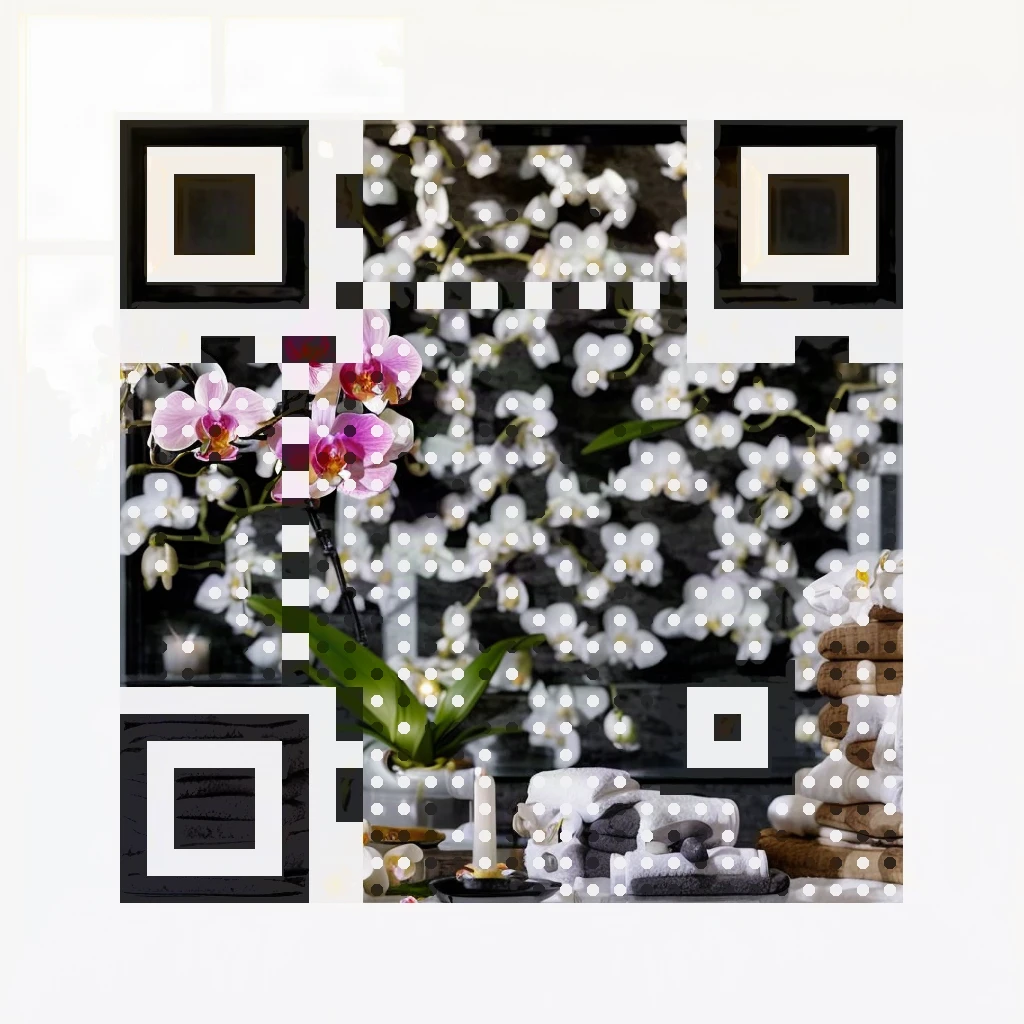
Orchids and towels with dark basalt stones.
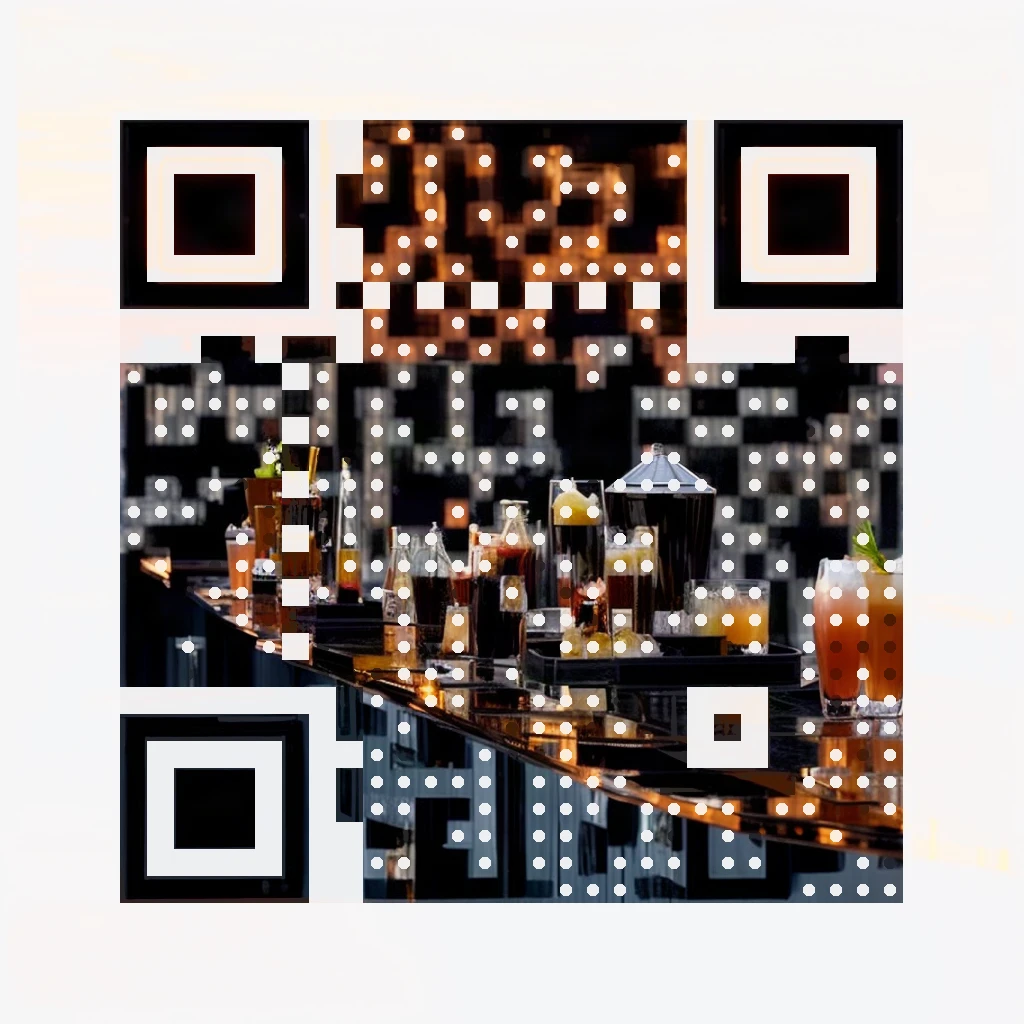
Golden-hour drinks on a dark rooftop bar.
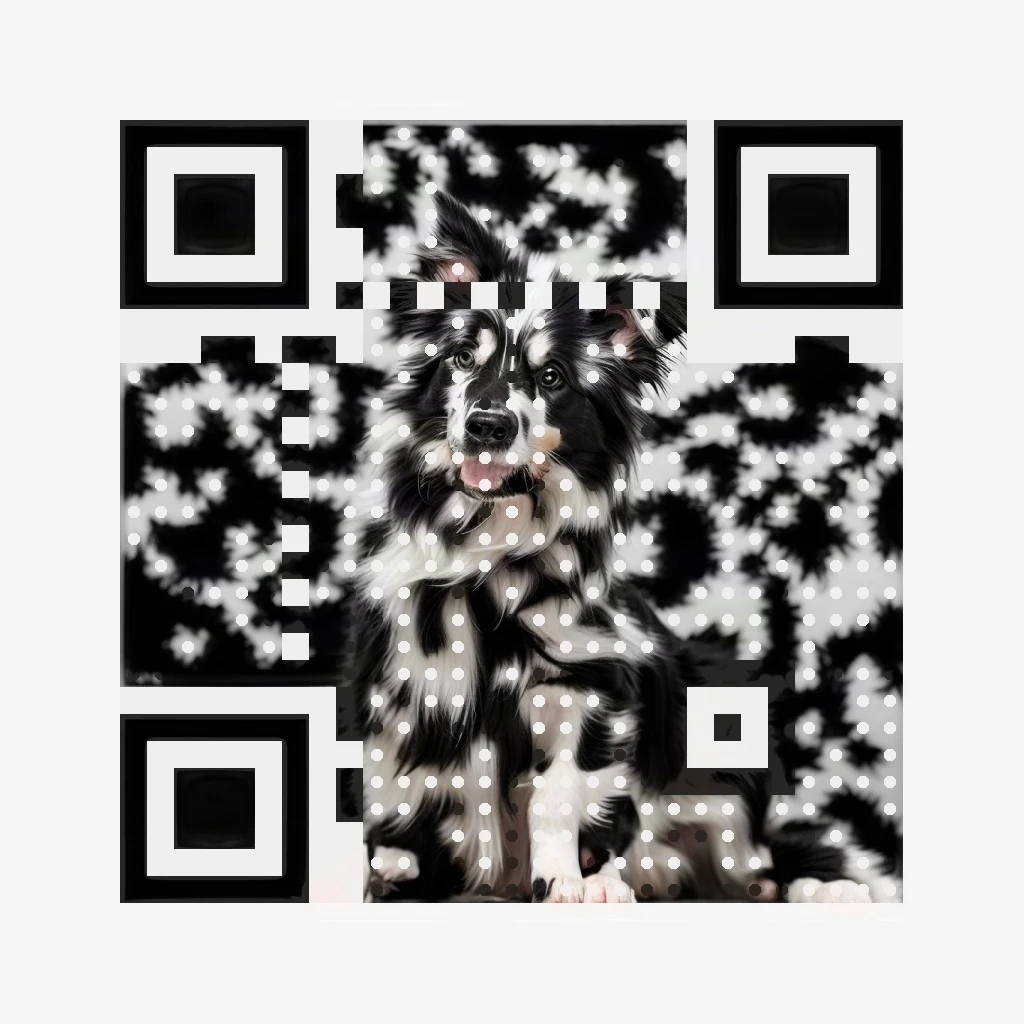
A border collie against a bright studio white.
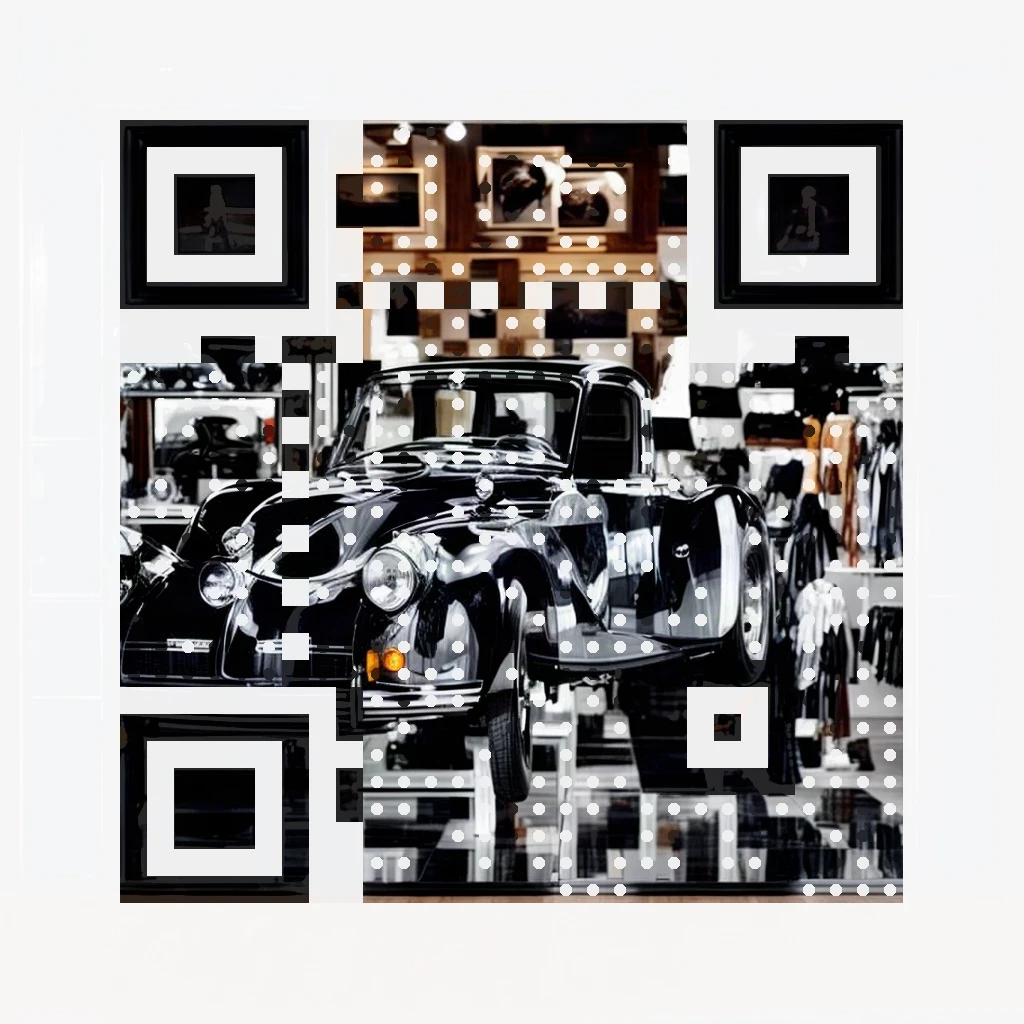
A dark vintage car in a bright showroom.
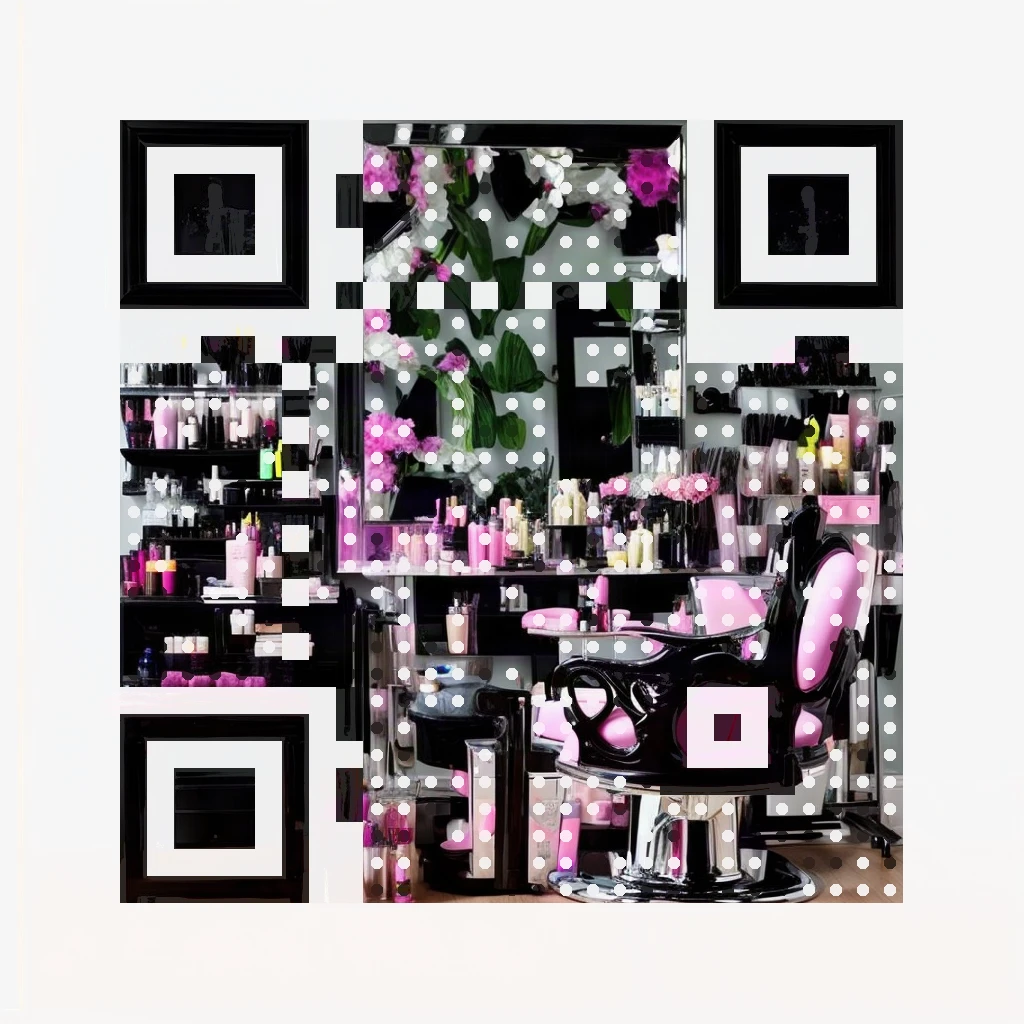
A dark styling chair at a bright mirror station.
Each caption is close to the exact subject used — copy the idea, swap in your scene.
A verified look for every business.
Eleven designer codes, one per industry our customers create for most: a clean white background, an accent colour and a 3D motif from the logo library — no AI needed. Every one encodes a real working link and passed the same scan checks as the AI art feature; open any full-size image and scan it.
Amber dots with a star badge for review and feedback codes.
Warm red dots with a pizza motif for table menus.
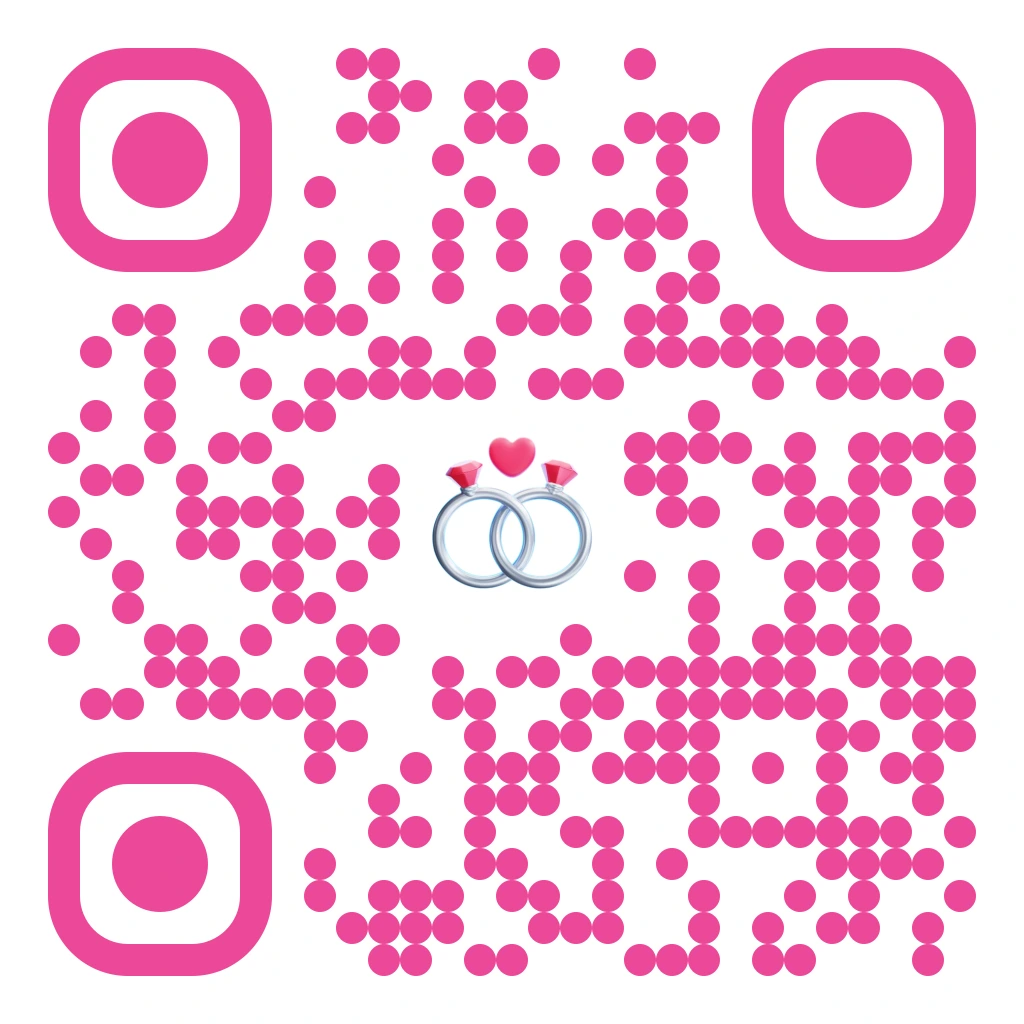
Pink dots with wedding rings for invitations and events.
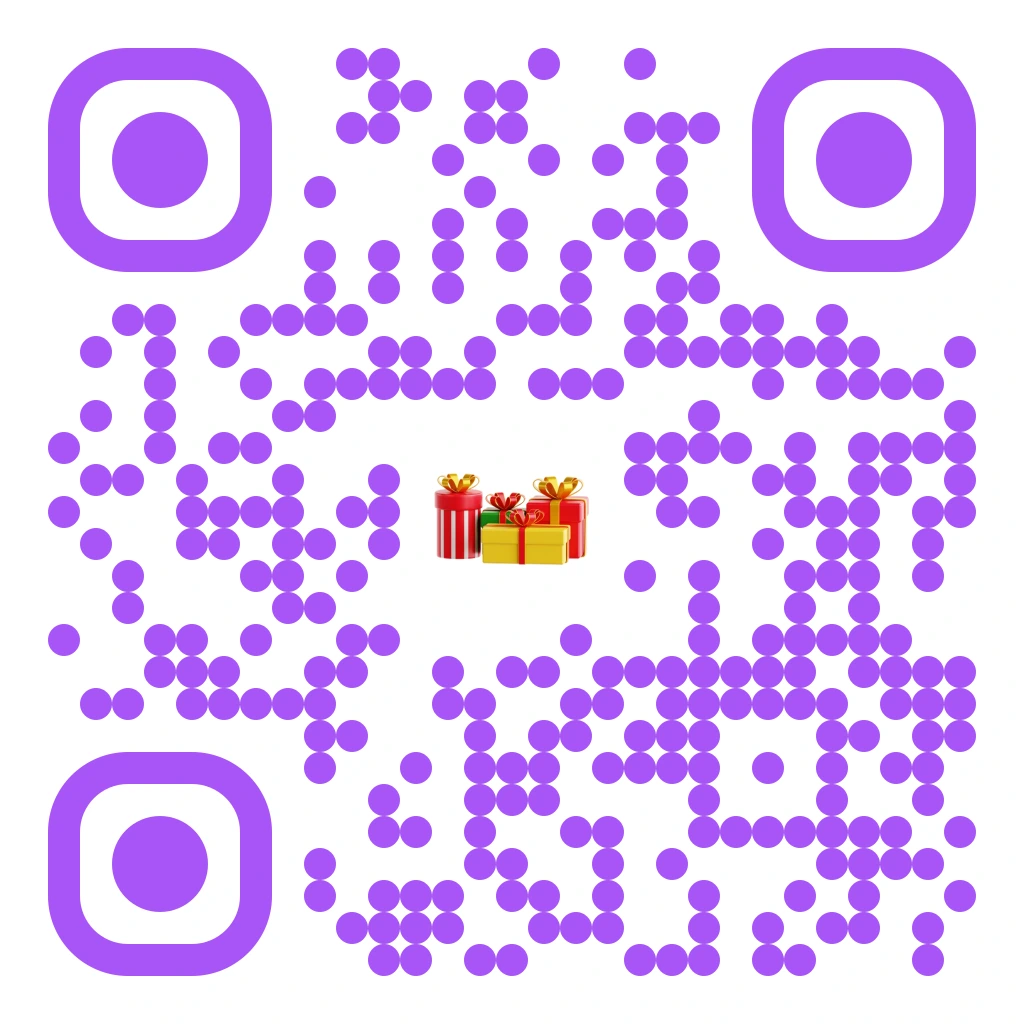
Purple dots with a gift box for shop windows.
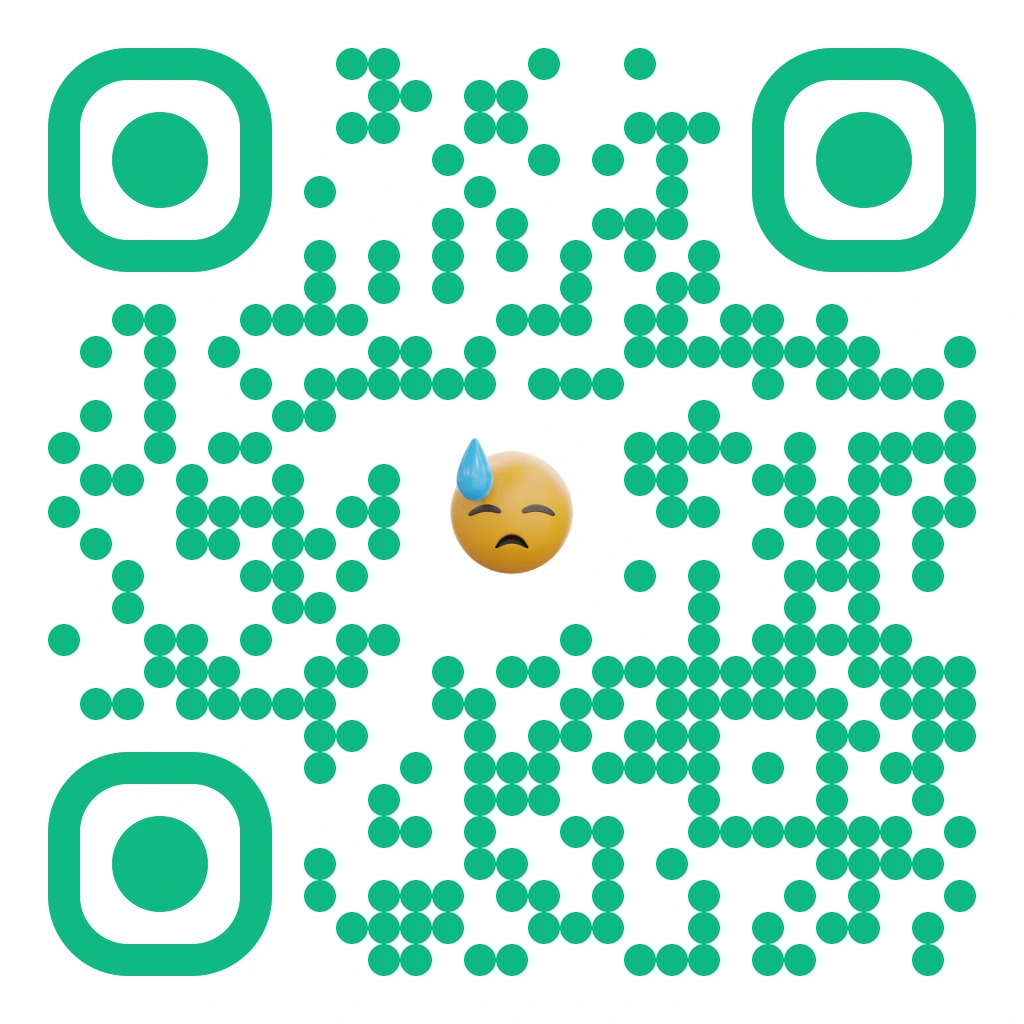
Fresh green dots with a post-workout grin for sign-ups.
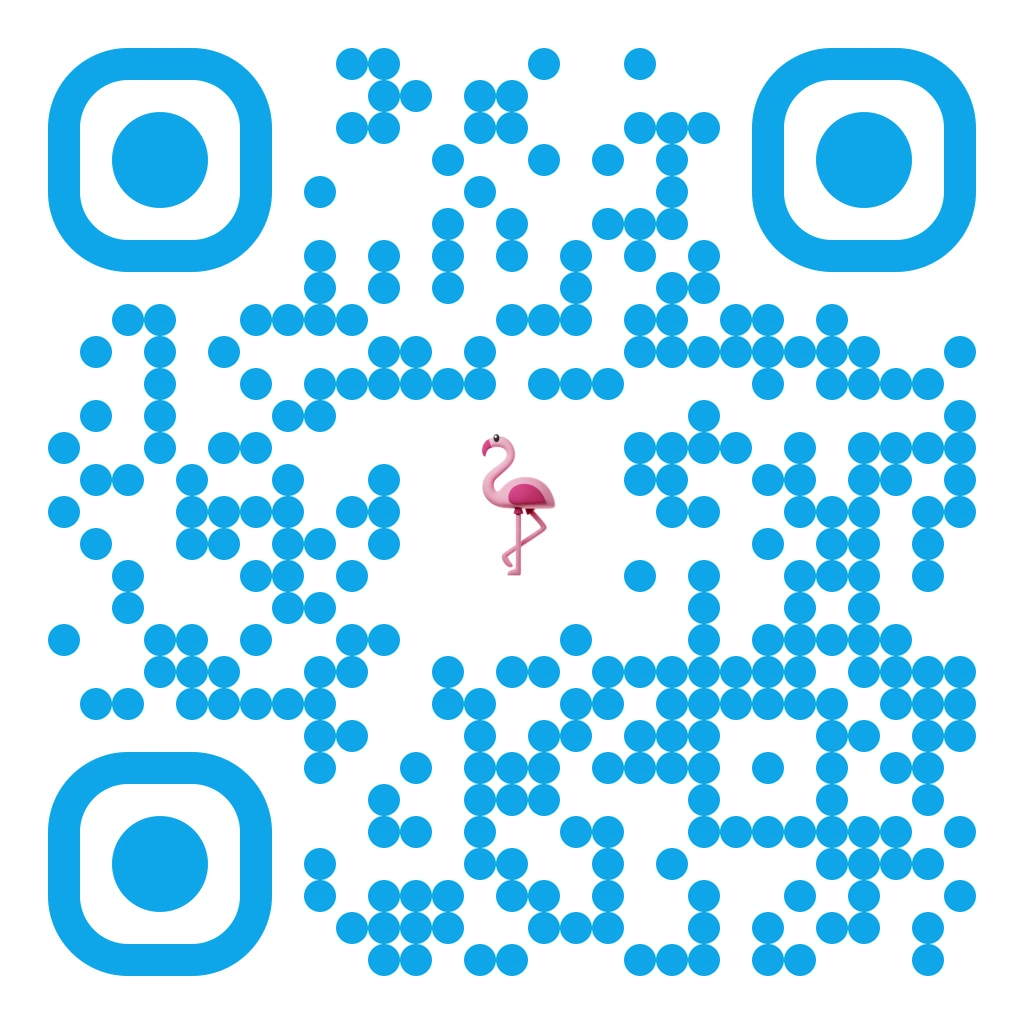
Sky-blue dots with a flamingo for stays and tours.
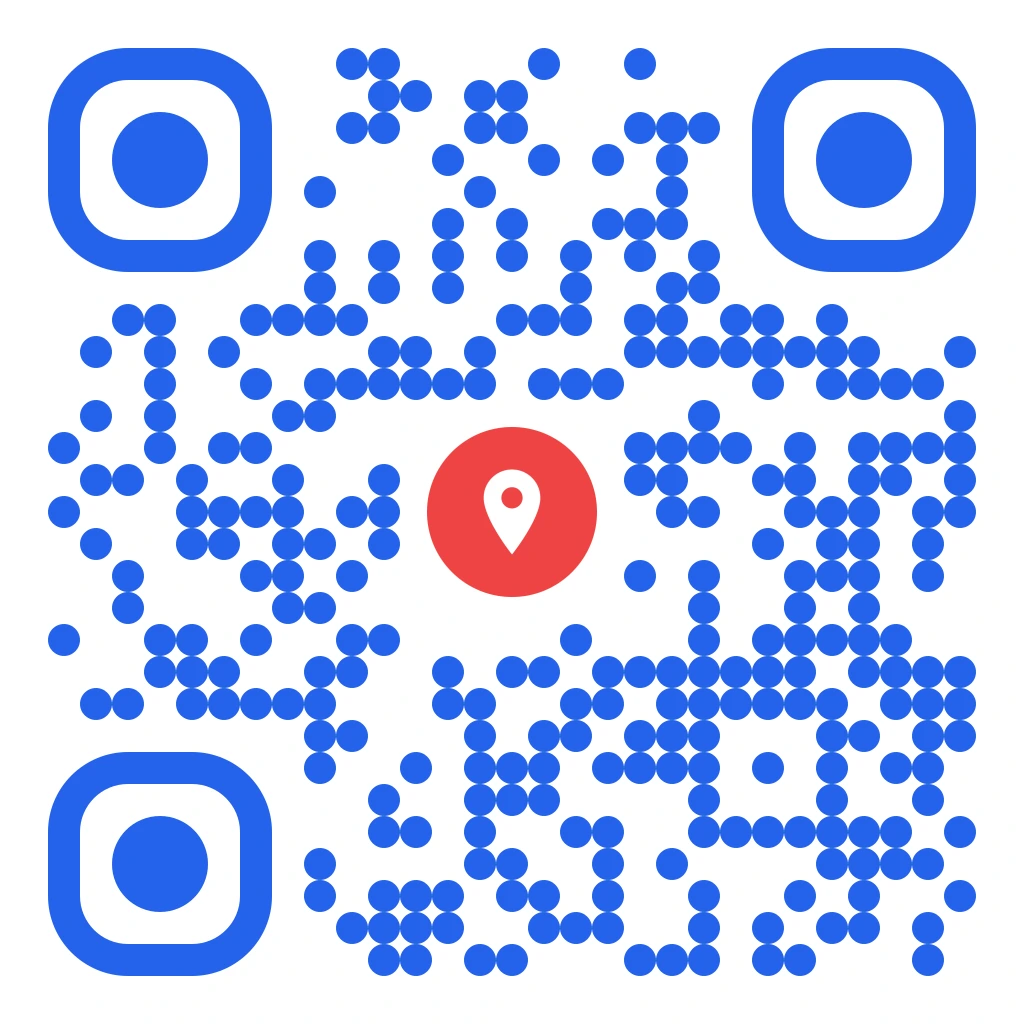
Blue dots with a location pin for listings and viewings.
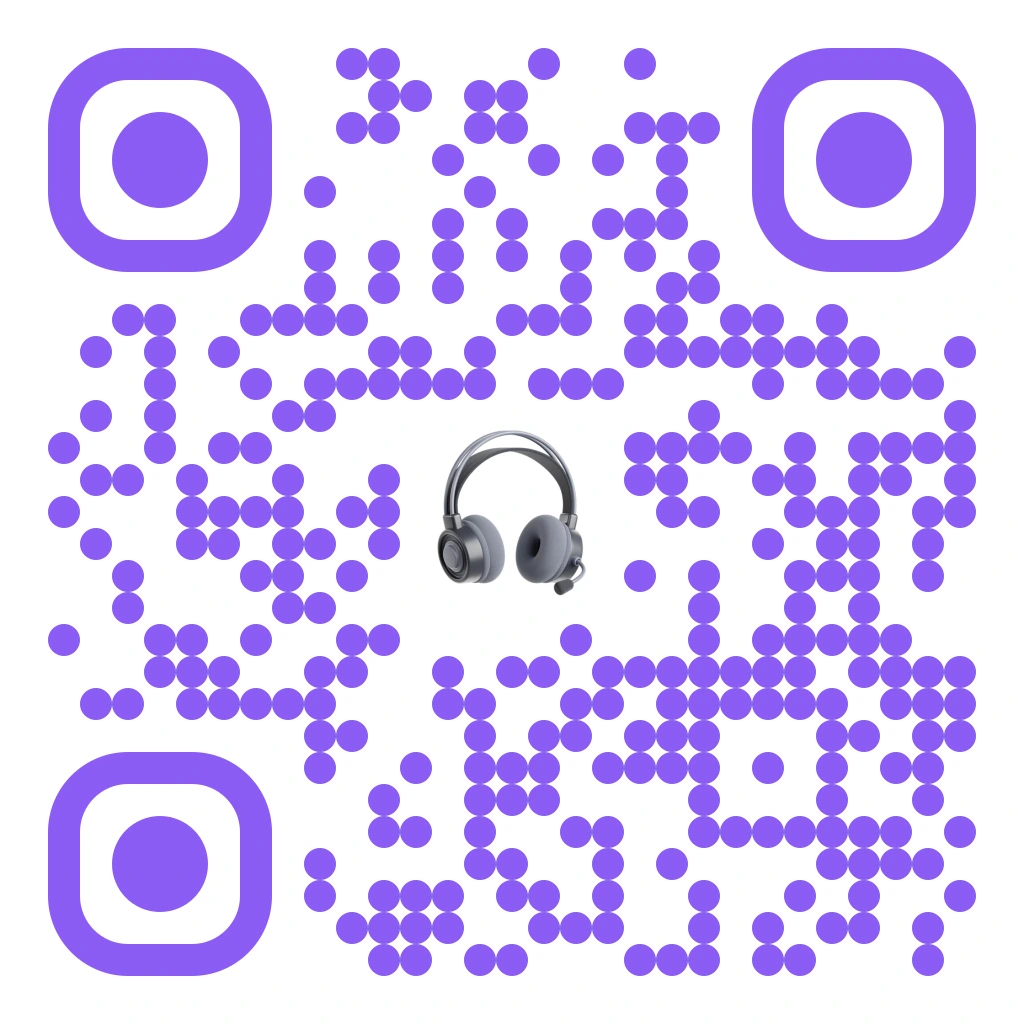
Violet dots with headphones for releases and playlists.
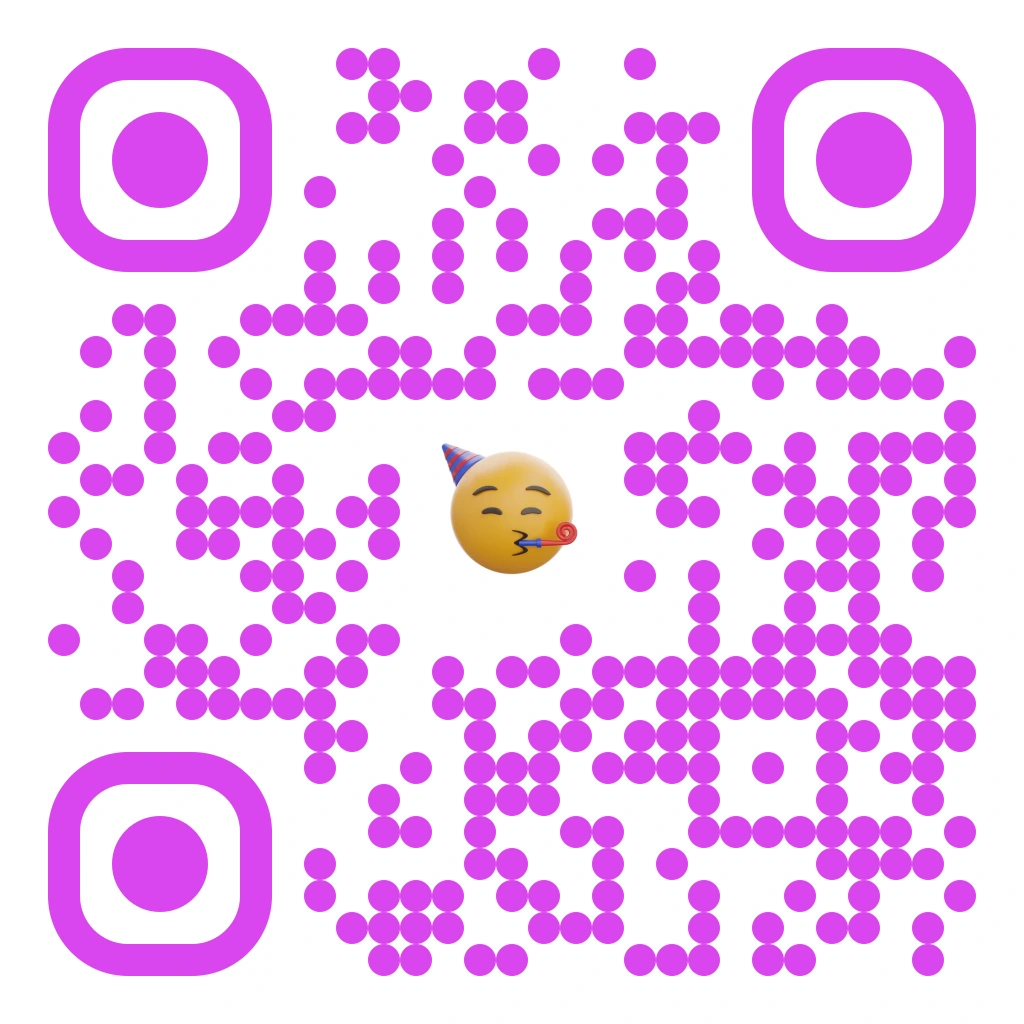
Magenta dots with a party face for launches.
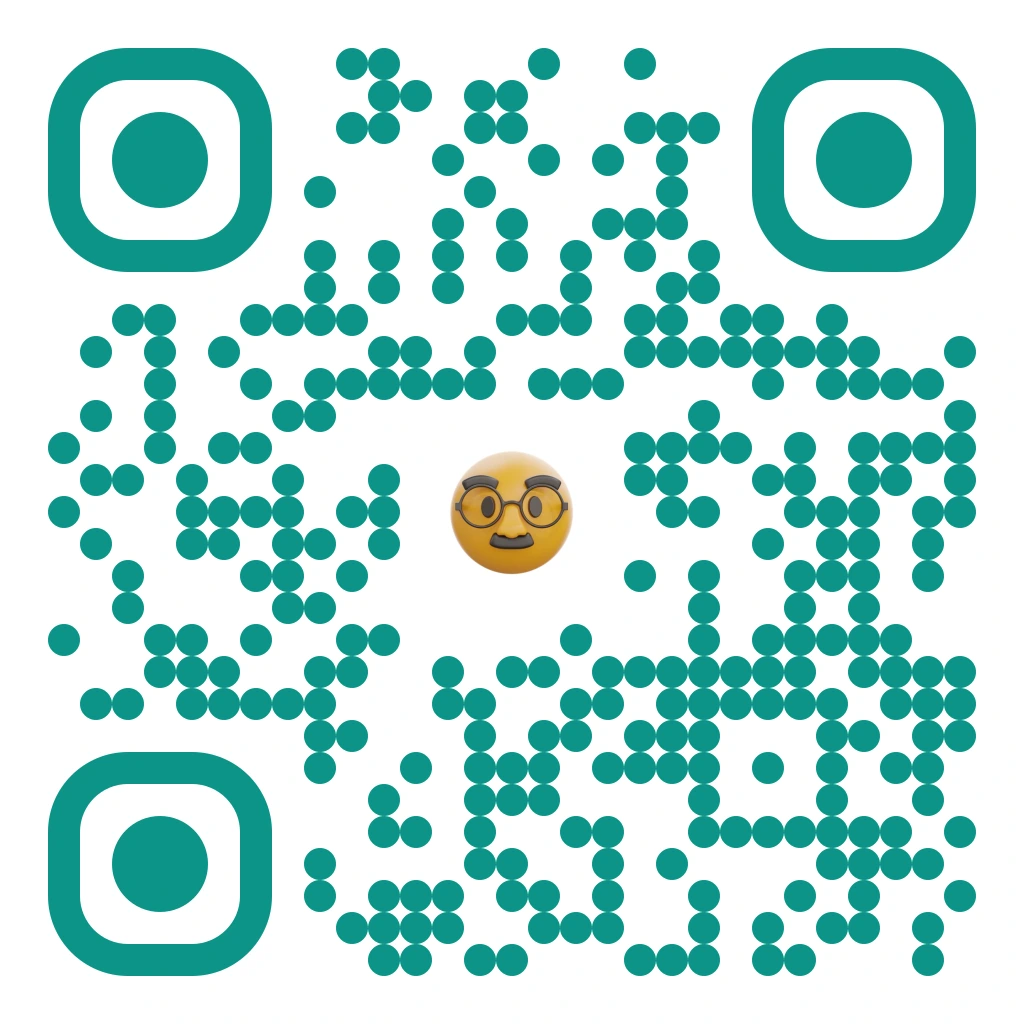
Teal dots with a studious face for courses and campuses.
Olive dots with a candle for bookings.
Recreate any of these in the designer — pick a template, an accent colour and a logo-library motif — or go further and generate full AI artwork for the same link.
Your link. Your idea. A design that gets checked.
AI Art belongs in the Design step, alongside logos and image designs. You choose the result; the generation settings and scan checks run behind the scenes.
- Start with a destinationSave the QR’s final scan link first. A shorter link gives the artwork more room.
- Choose a stylePick a curated look and describe one clear subject, with a palette you like.
- Choose a checked resultGenerate a small set of candidates. Failed scan checks trigger refinement or rejection.
- Test before printingTry the finished image on different phones and at its intended printed size before a bulk run.
AI Art is in the dashboard: open a dynamic QR code, then QR Design → AI Art. The dynamic QR code generator covers editable destinations, logo designs and image blending.
Beautiful is only half the job.
The finished file must scan
Across the 11,633 codes created on QRCodeStack, 83% point at a website — short, stable links that suit artwork best (platform data, October 2026). Read how QR code art works for the full picture.
A picture that looks like a QR code may not contain a readable destination. Every design checks the decoded destination against the intended link, with multiple scanners, and repeats the checks after resizing and mild blur. A design that fails any check is never delivered.
Software checks do not cover every phone, lighting condition, viewing angle or print surface — always test the printed artwork at its final size before a large run.
Different tools for different designs
- Logo QR: place a recognisable brand mark in a designed code.
- Image QR: blend an existing logo or picture into the pattern.
- AI QR art: generate a new scene from a description, then refine its QR structure.
AI Art is built for creative campaigns. For dense operational data or retail identifiers, start with the appropriate standard QR workflow.
Questions about QR code art
Is the AI QR code generator available now?
Yes. AI Art is part of the QR Design step in the dashboard on Pro and Business plans: open a dynamic QR code, pick a style, describe your subject, and download a verified design. The standard generators remain available on every plan.
Is AI Art part of the free QR code generator?
No. Our free QR code generator downloads a black-and-white static PNG without signup, with a small attribution line. AI Art generation is a paid feature on Pro and Business, and is not part of the free trial.
How does Stable Diffusion create QR code art?
A diffusion model creates artwork while a control image guides its light and dark structure. We use Stable Diffusion with ControlNet, followed by QR repair and destination checks. The model alone does not guarantee a scannable result — the checks do.
Can I change the destination after printing?
A dynamic QR code encodes a stable redirect link, so its destination can change while the pattern stays the same. Artwork is always generated for that final link, so you can edit the destination without reprinting. Changing the encoded link itself, including its domain, requires generating new artwork.
What if the generated image does not scan?
You never receive it. A design is refined until it passes the required scan checks, or it is rejected and the generation is not counted against your allowance. Still test on your own phones and printed materials; a successful software decode is not universal scan certification.
Will AI QR art be a vector image?
The scene is a raster image delivered as a high-resolution PNG. A PDF or SVG can contain that image, but does not make the artwork infinitely sharp.
Which plans include it?
Pro includes 10 AI art generations per month and Business includes 30. A generation only counts when it delivers a verified design. See plans and features for everything else included.
Explore what your next QR code could look like.
Included with Pro and Business plans.