
Best vCard QR code generators for digital cards 2026
By Diljit Ramachandran · LinkedIn · /about
Published September 26, 2026 · COMPARISONS · 7 min read
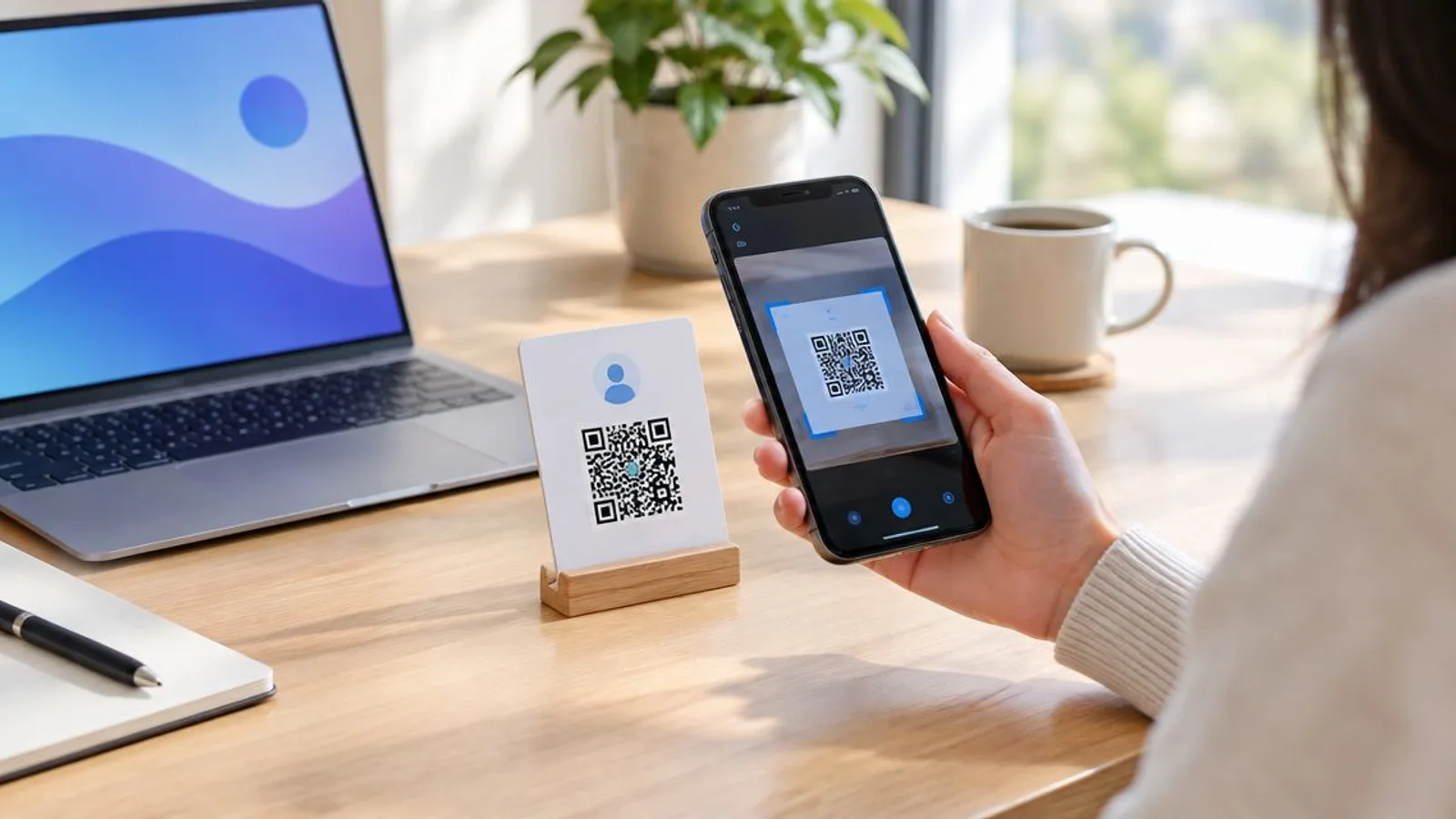
Five platforms generate vCard QR codes for digital business cards in 2026, but only one of them lets you fix a typo in your phone number after the cards are already printed. This guide ranks the best vcard qr code generator options by editability, scan tracking, and team management — not just how many frame styles a tool offers.
The short version
- QRCodeStack is the best vcard qr code generator for 2026 because the contact details stay editable after printing.
- Canva wins for design-heavy static vCard codes matched to an existing brand template.
- Adobe Express fits teams already producing brand assets inside Adobe's tools.
- Uniqode is built for enterprises issuing hundreds of digital business cards across departments.
- ME-QR covers a free, one-time static vCard code for a single personal card.
Why this matters
A vCard QR code isn't a link to a webpage — it downloads a contact card straight into the phone's address book. That's the whole appeal for a business card or a name badge: scan once, save a name, phone, email, and company without typing anything.
The catch is how the code gets built. A static vCard code bakes the name, number, and email directly into the black-and-white pattern, permanently. A dynamic one points to a hosted record you can open and edit, similar to how QRCodeStack handles any dynamic QR code. Since business cards and signage rarely get reprinted the day someone changes jobs, that difference decides whether a QR code generator is still useful in six months or just decoration on a card you'll throw away.
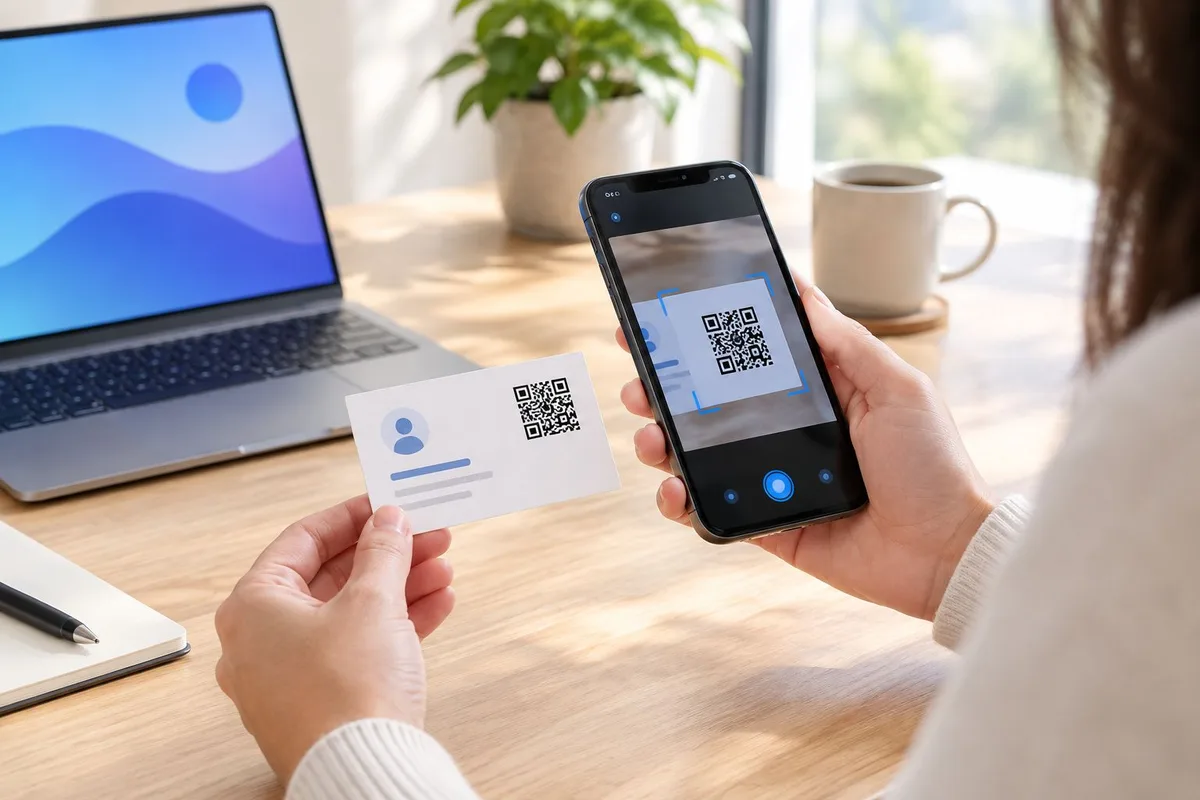
Best overall: QRCodeStack. Best for quick design work: Canva QR Code Generator. Best for Adobe workflows: Adobe Express. Best for enterprise teams: Uniqode. Best free static option: ME-QR.
What makes the best vCard QR code generator
- Editability after printing — can the destination or contact fields change once the code is on paper
- Scan tracking — does the tool report how many times, when, and from what device the code was scanned
- Contact field coverage — name, phone, email, company, title, and social links, not just a phone number
- Design customization — frames, colors, and logo placement without breaking the scan
- Bulk or team management — generating and updating dozens of cards at once for a department or event
- Landing page support — an optional page behind the code instead of a raw vCard download
At a glance
| Tool | Best for | Standout feature | Key limitation |
|---|---|---|---|
| QRCodeStack | Editable, trackable digital business cards | Edit the destination after printing, scan analytics | Fewer stock design templates than a pure design tool |
| Canva QR Code Generator | Quick, design-matched static codes | Deep template and brand-kit library | Static by default, no scan tracking |
| Adobe Express QR Code Generator | Teams already in Adobe's design tools | Sits alongside other brand assets in one workspace | No dynamic editing, no analytics dashboard |
| Uniqode | Enterprises managing many cards at once | Bulk generation with team roles | Overkill and pricier setup for a single user |
| ME-QR | A single free personal card | No account needed for a basic static code | Fixed forever once printed, no tracking |
1. QRCodeStack: best vCard QR code generator for editable, trackable digital business cards
QRCodeStack builds dynamic QR codes where the destination lives on QRCodeStack's servers, not baked into the pattern. That means the contact card behind the code can be updated — new phone number, new title, new company — without touching the printed card, badge, or sign. Each code also reports scan counts, so you can see whether the card on a trade show table is actually getting used.
QRCodeStack pros:
- Contact details editable any time after the code is printed
- Scan tracking on every code, not just a total count
- Branded short links and landing pages available on the same account
- One dashboard for personal cards and bulk business cards
QRCodeStack cons:
- Design template library is smaller than a dedicated graphic design tool
- Full analytics and bulk management sit behind paid plans
Best for: anyone who expects to reprint the card less often than they change jobs, titles, or phone numbers. Verdict: Buy.
2. Canva QR Code Generator: best vCard QR code generator for design-matched static codes
Canva generates a QR code inside the same canvas used to design the card, so the code can be styled to match colors and fonts without exporting to a separate tool. It's built for a one-time design job, not ongoing management.
Canva pros:
- Large template library for the card design and the code together
- Brand kit integration keeps colors and logos consistent
- Fast for a single design, no separate account needed for basic use
Canva pros (continued):
- Familiar interface for anyone already designing in Canva
Canva cons:
- QR codes generated this way are typically static, not editable after export
- No built-in scan tracking or analytics
- Contact fields are usually fixed once the code is generated
Best for: a single well-designed card where the contact details won't change soon. Verdict: Hold — fine for the design, weak for anything you'll need to update.
3. Adobe Express QR Code Generator: best for teams standardizing brand assets in Adobe's tools
Adobe Express lets a team generate a QR code as one more brand asset alongside logos, social graphics, and print files already built in Adobe's ecosystem. The value here is workflow consistency, not vCard-specific features.
Adobe Express pros:
- Fits directly into an existing Adobe Express or Creative Cloud workflow
- Keeps brand colors and fonts consistent with other assets
- Free tier available for basic code generation
Adobe Express cons:
- Limited vCard-specific field options compared to a dedicated contact-card tool
- No dynamic editing after the code is exported
- No scan tracking dashboard
Best for: a design team already producing every other brand asset in Adobe Express and treating the QR code as one more export. Verdict: Hold.
4. Uniqode: best vCard QR code generator for enterprise teams managing many cards at once
Uniqode is built around bulk generation and management — issuing digital business card codes across a sales team, a department, or an entire company roster, then updating or auditing them from one admin view.
Uniqode pros:
- Bulk generation for large teams or departments
- Team roles and permissions for managing who can edit which cards
- Centralized dashboard for auditing many codes at once
Uniqode cons:
- More setup and cost than a single person managing one or two cards needs
- Learning curve for the admin console if you're only issuing a handful of codes
Best for: an organization issuing digital business cards to dozens or hundreds of employees. Verdict: Buy for that use case, Skip for a solo card.
5. ME-QR: best free static option for a one-time personal card
ME-QR generates a static vCard QR code without requiring an account for basic use, which makes it the fastest route to a single printed contact card. There's no editing after the fact — the contact details are locked into the pattern the moment it's generated.
ME-QR pros:
- Free for a basic static code
- No account or login required to generate one
- Fast enough for a one-off personal card
ME-QR cons:
- Fixed forever once printed — no way to update a changed number or title
- No scan tracking
- No team or bulk features
Best for: a single personal card you don't expect to reprint often and won't need to update. Verdict: Wait if there's any chance your details change before you're done using the cards.
A static vCard QR code is fixed the moment it's generated; a dynamic one keeps working after every job change.
How this list was ranked
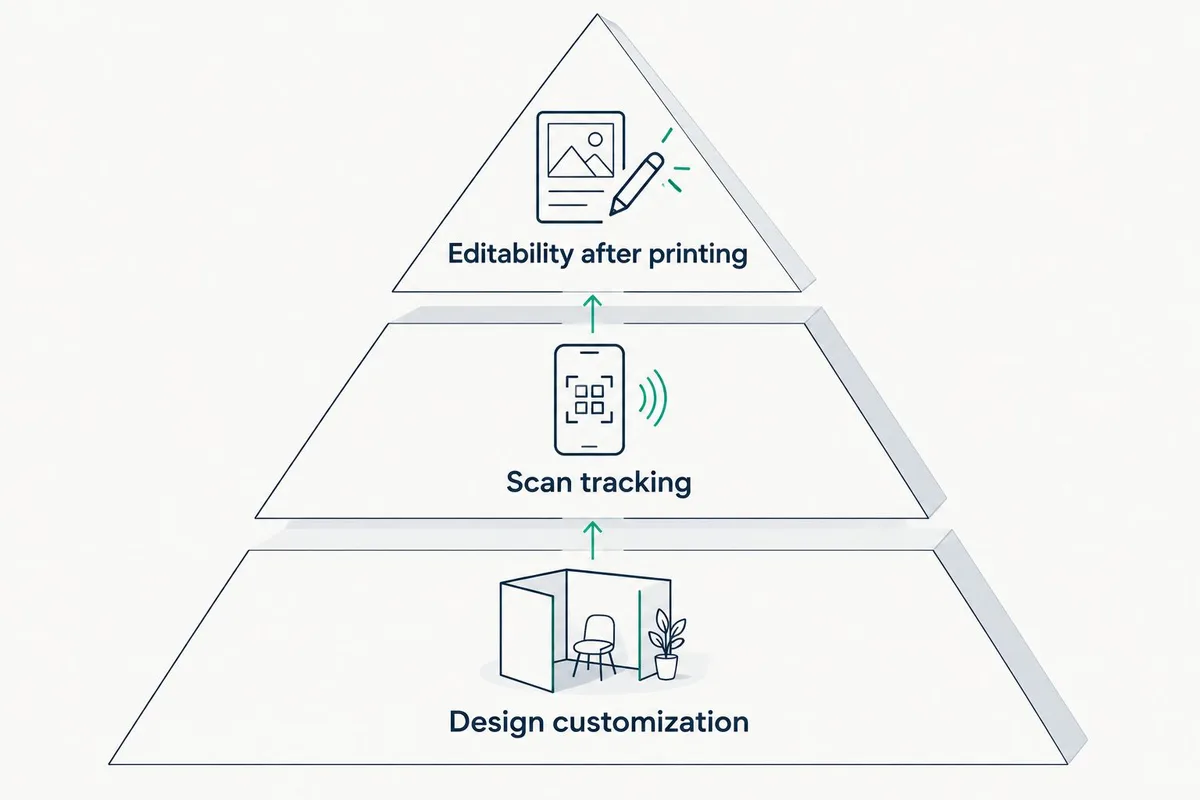
Editability carried the most weight because a printed business card, badge, or sign is expensive to reprint and hard to recall once it's handed out. Scan tracking came second — a code nobody can measure is a code nobody can improve. Design flexibility and bulk management mattered, but they only help once the core contact data is actually correct and current.
Which vCard QR code generator should you choose?
Pick QRCodeStack if there's any chance the contact details behind the code will change before the printed cards run out — that covers most people, since job titles, phone numbers, and companies shift more often than a stack of business cards gets reordered. Pick Uniqode if you're issuing codes to a whole team and need centralized management, not a single card. Pick Canva or Adobe Express only when the design is the priority and the details are locked for good. Reserve ME-QR for a single, disposable personal card where reprinting is cheap and rare.
Build an editable vCard QR code Generate a dynamic QR code you can update after printing. Create a QR code
One last thing
A static vCard QR code encodes the full contact record as text directly in the black-and-white pattern — no server involved, which is why it still works with the phone offline. That's also exactly why it can't be edited: change one letter and the whole pattern has to be regenerated and reprinted from scratch.
Related guides
Frequently Asked Questions
What's the best vcard qr code generator for 2026?
QRCodeStack is the best vcard qr code generator for 2026 for anyone who needs to edit contact details after the code is printed. Static-only tools like Canva or ME-QR work fine only when the details won't change.
Is a dynamic vCard QR code better than a static one?
Yes, for anything printed and reused — a dynamic code lets you update the destination without reprinting. A static code is cheaper and simpler but locked forever once generated.
Can I edit a vCard QR code after it's printed?
Only if it's dynamic. A dynamic vCard QR code points to a hosted record you can edit, while a static one has the contact data baked directly into the pattern.
Do vCard QR codes expire?
The printed pattern itself never expires. What can stop working is the hosted destination behind a dynamic code, or an account that gets closed — the code image is permanent, the link behind it isn't automatically.
How much does a vCard QR code generator cost?
It varies by platform and plan, from free static generators to paid plans with tracking and bulk management. Check the current plan details directly on each provider's site before committing.
Can vCard QR codes track scans?
Only dynamic QR code platforms report scan data. Static generators like ME-QR or a basic Canva export have no way to log when or how often a code gets scanned.
Are vCard QR codes good for business cards?
Yes — a vCard QR code saves a contact directly to a phone without manual entry, which is the main reason they show up on business cards, badges, and signage in 2026.
What's the difference between a vCard QR code and a regular QR code?
A vCard QR code downloads a contact card into a phone's address book. A regular QR code usually opens a webpage or link instead of saving contact data.
Create Your QR Code Now
QRCodeStack — affordable dynamic QR codes from $9/month. 7-day free trial, no credit card.