
Best QR code generators for retail stores in 2026
By Diljit Ramachandran · LinkedIn · /about
Published September 26, 2026 · COMPARISONS · 8 min read
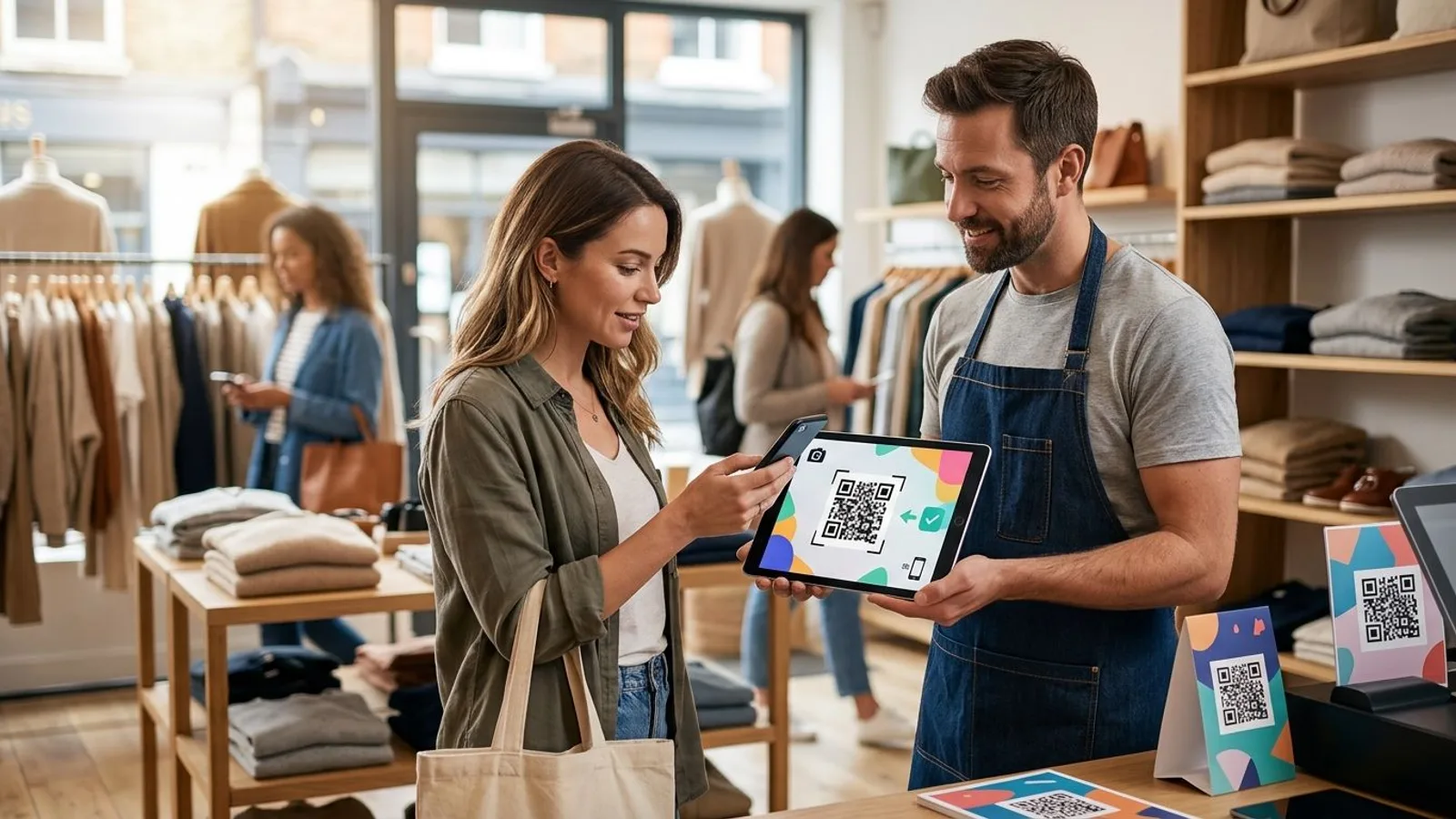
Best overall for retail campaigns in 2026: QRCodeStack for editable, trackable QR codes. Best for a QR code inside a designed sign: Canva QR Code Generator. Best for sharing a fixed web page: Google Chrome’s built-in QR code tool. The best QR code generator for retail depends on whether the destination must change after the sign is printed.
The short version
- QRCodeStack is the best QR code generator for retail campaigns that need editable destinations and scan tracking in 2026.
- Canva QR Code Generator fits stores creating QR codes within a sign design; verify editing and tracking separately.
- Google Chrome fits a fixed web page, not a campaign that needs destination changes after printing.
- For printed retail materials, test the final code on multiple phones before production.
Why this matters in a store
A QR code on a shelf tag, window sign or receipt can stay in place longer than the page behind it. A seasonal offer ends. A product page moves. A printed code that contains the destination URL directly cannot be changed to point somewhere else; the store must replace the print. A dynamic code points through a managed redirect, so its destination can be updated without changing the printed pattern.
That distinction matters more than the appearance of the square. In 2026, choose the generator based on what happens after you print: who can edit the destination, whether you can inspect scans, and what happens if the linked page moves. A code that scans perfectly on launch day can still lead customers to the wrong page later.
What makes the best QR code generator for retail?
Use these criteria before choosing a tool or sending artwork to print:
- Destination control: Can you change where the printed code leads, or is the destination encoded directly in the pattern?
- Scan reporting: Can you see scan activity for a particular code? A scan is a visit to investigate, not evidence of a sale.
- Campaign organization: Can staff distinguish a window sign from a shelf tag without guessing which code belongs to which placement?
- Destination fit: Does the code lead to a page that answers the question raised by the sign, rather than a generic home page?
- Print reliability: Is the final code readable at its intended size, on its actual material, in the store’s lighting?
- Ongoing ownership: Can the store maintain both the code’s redirect and its destination while the printed material remains in use?
For a permanent sign promoting a changing offer, destination control takes priority. For a one-off sign pointing to a stable page, a fixed URL can be sufficient. For a printed campaign whose performance you need to assess in 2026, scan reporting belongs in the decision, but it cannot replace sales data.
Fixed destination versus editable destination
A fixed destination is stored in the printed code. An editable destination sits behind a redirect that the code opens. Both still depend on a working destination page; only the redirect-based approach lets you change the target without replacing the printed code. Scan reporting is a separate requirement: do not assume a tool provides it merely because it generates a QR image.
Retail QR code generators at a glance
| Tool | Best for | Standout feature | Key limitation |
|---|---|---|---|
| QRCodeStack | Printed campaigns with changing destinations | Dynamic QR codes, branded short links and landing pages | The redirect and destination still need ongoing management |
| Canva QR Code Generator | Adding a code to a designed sign | QR creation within a design workflow | Confirm destination editing and scan reporting separately |
| Google Chrome QR code tool | Sharing a stable web page | Creates a code for the page open in the browser | A directly encoded URL cannot be changed on the printed code |
1. QRCodeStack: best QR code generator for changing retail campaigns
QRCodeStack provides dynamic QR codes alongside branded short links and landing pages. For a retailer, the relevant combination is an editable code destination and scan tracking: print a code for a campaign, then manage where it leads as the campaign changes. The landing page capability also gives you an option when the sign needs a dedicated destination rather than an existing product page.
QRCodeStack pros:
- Editable destinations address the main risk of printing a link that later needs to change.
- Scan tracking lets you inspect activity tied to a code rather than treating every printed placement as unmeasurable.
- Branded short links and landing pages support campaigns that also appear outside the store.
QRCodeStack cons:
- A dynamic code depends on its redirect remaining operational; an editable target does not make the printed code independent of the service.
- Scan counts do not tell you whether a shopper bought anything. You still need a separate way to assess purchases.
- Staff must keep campaign destinations current; the ability to edit a link does not update it automatically.
Best for: Retail teams printing codes for offers, product information or store campaigns whose destination is likely to change.
Verdict: Buy for an editable retail campaign. In 2026, the strongest reason to choose it is control after printing, not a promise that every scan will become a sale.
2. Canva QR Code Generator: best for a designed retail sign
Canva QR Code Generator belongs in a design-first workflow. If your immediate job is to place a QR code into a window graphic or printed handout, creating the code while arranging the artwork keeps that task together. The design workflow does not, by itself, settle how the link will be managed after printing.
Canva QR Code Generator pros:
- You can handle code placement alongside the rest of the sign’s design.
- It suits a store preparing a finished visual asset rather than managing a set of campaign redirects.
- You can inspect the code’s position and surrounding space before exporting the artwork.
Canva QR Code Generator cons:
- Creating a QR image inside artwork is not the same as having an editable destination. Check the exact QR workflow before committing to a print run.
- Do not treat the design file as a substitute for scan reporting; confirm that requirement independently.
- If the printed pattern contains the final URL directly, moving the destination requires a new code and a reprint.
Best for: A retailer whose main task is producing a sign for a stable destination, with QR placement as part of the design.
Verdict: Buy for the sign-design workflow; hold if destination changes or scan tracking are essential until you verify them. The export is only finished when the printed code has been tested, not when it looks centered on screen.
3. Google Chrome QR code tool: best for a fixed web page
Google Chrome can create a QR code for the page you have open. That makes it a direct option when you already have the correct destination and simply need a code to share it. It is a page-sharing tool, not a substitute for managing a changing retail campaign.
Google Chrome QR code tool pros:
- The source page is visible while you create its code, reducing the chance of copying a different URL by mistake.
- A direct URL is straightforward when the destination is stable and there is no need to manage a redirect.
- It gives staff a quick way to make a code for a page they are already viewing.
Google Chrome QR code tool cons:
- A code that directly encodes a URL cannot be edited after printing.
- Browser-generated page sharing does not give a retailer campaign-level scan reporting.
- If the destination moves, replacing the printed code is the store’s responsibility unless the original URL itself remains usable.
Best for: A fixed page on a short-lived or easily replaceable sign.
Verdict: Buy for a stable destination; skip for an offer that will need retargeting. Simplicity is useful only when the page you encode is the page you intend to keep.
How these picks were ranked
The ranking puts post-print control first, then scan reporting, campaign organization and fit for the task. That makes a dynamic platform the default for changing retail campaigns, a design tool the pick for preparing artwork, and a browser tool the pick for sharing one stable page. The order does not mean every store needs the first option: if you can replace a sign easily and never need to change its destination, a fixed code removes a layer of management.
The comparison also separates a generator from the page it opens. No QR tool repairs a confusing destination, a removed product listing or a sign that promises something the page does not explain. Judge the code and the landing experience as separate parts of the same customer action.
Match the code to its placement
A shelf tag should lead to information about the item beside it. A window sign can lead to details that remain useful when the store is closed. A receipt code needs a destination that makes sense after the transaction. These are different jobs, even if the printed squares look identical.
Name each campaign by placement and purpose in your own records. That makes it easier to identify which sign needs a destination update and which scan activity belongs to which location. If several signs share one code, their scans cannot tell you which sign the shopper saw. Use separate codes when placement-level reporting is the reason you are printing them.
Do not make a customer scan merely to discover what the sign is offering. Put the essential message on the physical material and use the destination for the details that need more room or more frequent updates. In 2026, that division also makes maintenance clearer: staff can change a dynamic destination without pretending the printed claim has changed with it.
Check the destination before printing
Open the destination on a phone, not just a desktop browser. Confirm that it matches the sign’s promise, loads without an unexpected detour and has a clear next action. Then scan the code from a proof printed at the intended size. A code that works on a large monitor is not proof that it works on a small shelf label.
Keep a quiet zone around the pattern. The QR Code standard specifies a margin 4 modules wide; a module is one of the small squares that forms the code. Do not let text, a border or a background graphic crowd that space. Test the finished artwork again after any designer changes its size, color or surrounding elements.
QR error-correction levels are commonly described as recovering approximately 7%, 15%, 25% or 30% of codewords, depending on the chosen level. Those percentages are not a promise that a damaged retail sign will scan. Print quality, contrast, size and the shopper’s camera still matter. Use an actual printed proof rather than assuming a higher error-correction setting fixes an unreadable layout.
Keep the destination useful after launch
A dynamic code can solve a printing problem while leaving a content problem untouched. Assign someone to check the destination whenever an offer changes, a product page is replaced or a campaign ends. If the printed sign will remain on display, decide what its code should show after the original promotion is no longer current.
The destination decision can also extend beyond the QR tool. When a store is choosing among small business website builders, the page structure affects which address should sit behind a long-lived code: a stable campaign page is easier to maintain than a destination tied to a page staff expect to remove. Keep that address decision separate from the visual design of the square.
For 2026 campaigns, review the physical claim and the digital destination together. Changing a redirect cannot correct a printed sign that names an ended offer. If the offer itself is printed, replace the sign when the claim stops being accurate; if the sign uses durable wording, update the destination when the details change.
Which QR code generator should a retail store choose?
Choose QRCodeStack if you need a retail QR code generator with editable destinations and scan tracking. Choose Canva QR Code Generator when producing the sign is the main job and you have confirmed how its QR destination will be handled. Choose Google Chrome’s QR code tool when you need to share a stable page and can replace the printed material if its URL changes.
Before committing to any option, write down the destination, the person responsible for it and the condition that would trigger an update or reprint. That short decision prevents a common mistake: selecting a code for its appearance while leaving its lifespan undefined.
One last thing
The most important 2026 QR decision happens before generation: decide whether the printed promise or only the linked details will change. A dynamic destination can keep a code useful, but it cannot rewrite words already printed on a shelf tag or window sign.
Frequently Asked Questions
What is the best QR code generator for retail stores in 2026?
QRCodeStack is the best fit for retail campaigns that need editable destinations and scan tracking. Canva QR Code Generator fits a design-first sign, while Google Chrome fits a stable web page.
Can a retail store change a QR code after printing?
A retail store can change where a printed dynamic QR code leads by updating its managed redirect. A code that directly contains the final URL cannot be changed; it must be reprinted to point somewhere else.
Is a dynamic QR code better than a static code for a store sign?
A dynamic QR code is the better choice when the sign will outlast its destination or the store needs scan reporting. A static code is sufficient when the destination is stable and replacing the sign is acceptable.
Does a QR code scan count as a sale?
No, a scan records interaction with the code, not a purchase. Assess sales through a separate measurement method rather than treating scan totals as revenue.
How much space should a QR code have around it?
The QR Code standard specifies a quiet zone 4 modules wide around the pattern. Keep text and graphics out of that margin and test a printed proof at its intended size.
What should a retail QR code link to?
A retail QR code should lead to the information promised by the sign beside it. Use a destination that staff can maintain for as long as the printed code remains in use.
Can Canva QR Code Generator replace a trackable QR platform?
Do not assume a QR code placed in a Canva design includes editable destinations or scan reporting. Verify those capabilities in the exact workflow you plan to use before printing a changing campaign.
Create Your QR Code Now
QRCodeStack — affordable dynamic QR codes from $9/month. 7-day free trial, no credit card.