
Best QR code generators for restaurants compared 2026
By Diljit Ramachandran · LinkedIn · /about
Published September 26, 2026 · COMPARISONS · 7 min read
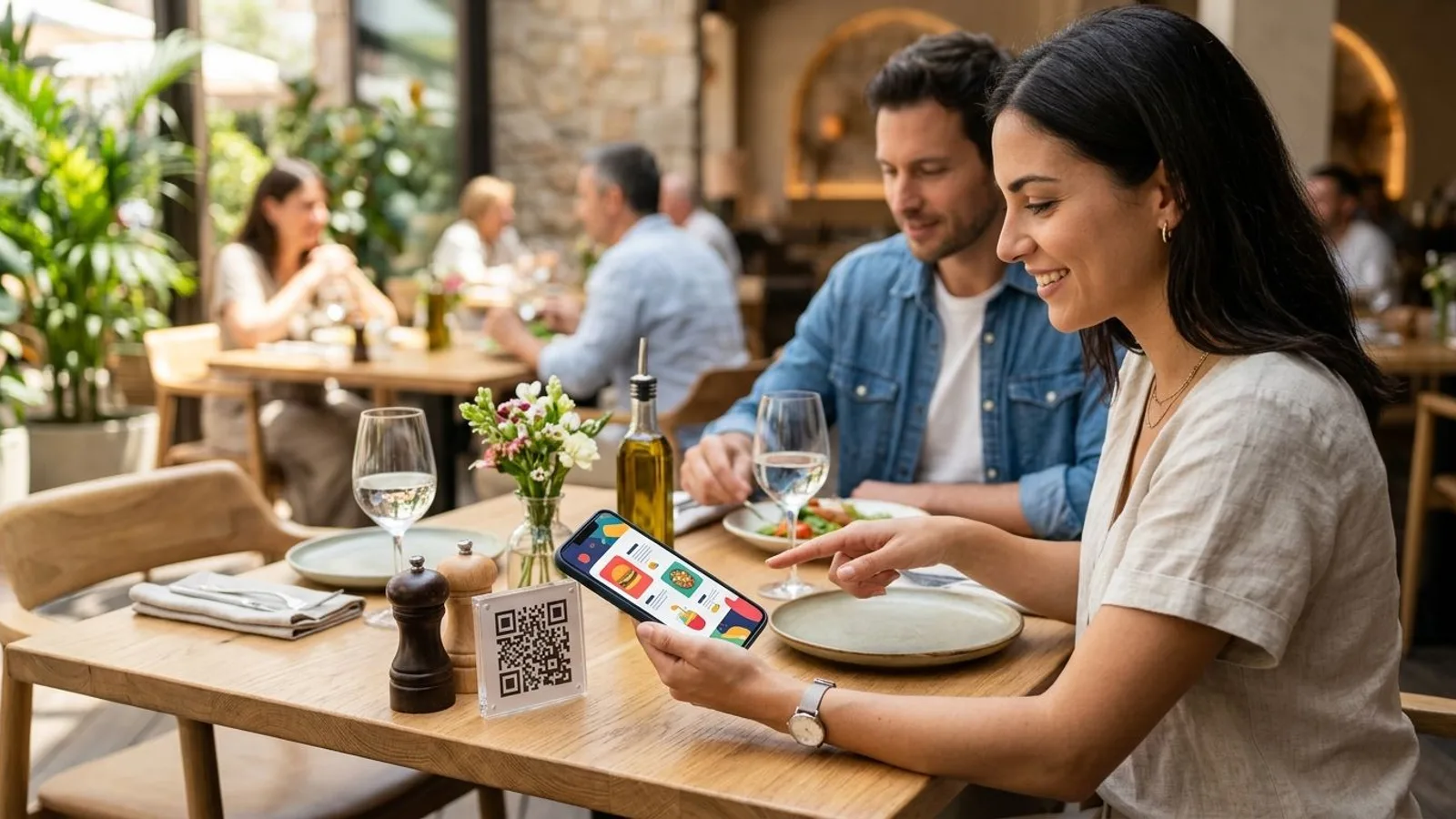
Best overall for restaurants: QRCodeStack — the destination behind the printed code stays editable after the menu, table tent, or window decal is already in circulation. Best for multi-location chains needing bulk generation: Uniqode. Best for restaurants that want a fully built-in digital menu and ordering flow: MENU TIGER. Best free static option for a one-off flyer: Adobe Express QR Code Generator. This comparison ranks the best qr code generator for restaurants options for 2026 by how they handle menu changes, price updates, and scan tracking — not just how the code looks.
The short version
- QRCodeStack wins overall for restaurants because the QR code stays editable after printing — swap a menu link without reprinting.
- Uniqode fits multi-location chains that need bulk QR generation and team-level access controls.
- MENU TIGER is the pick for restaurants that want the QR code to open a built-in digital menu, not just a link.
- Adobe Express QR Code Generator is free and fast but produces static codes — the destination can never change.
- Any restaurant printing menus, table tents, or window clings in 2026 should default to a dynamic QR code generator over a static one.
Why this matters
A restaurant QR code gets printed on paper, vinyl, or acrylic — something that sits on a table for months. The menu behind it does not sit still: prices move, dishes get 86'd, seasonal items rotate, and a phone number or ordering link changes when you switch delivery vendors.
A static QR code locks the destination the moment it's generated. If the link breaks or the menu moves, the printed code is dead weight until you reprint every table tent in the restaurant. A dynamic QR code generator separates the printed pattern from the destination, so the fix happens in a dashboard, not a print shop.
That distinction is the single biggest factor separating the tools below — more than font choice or frame styles.
If your QR code can't be edited after printing, it's a photograph, not a tool.
What makes the best QR code generator for restaurants
- Editable destination — you can redirect the same printed code to a new menu, page, or offer without reprinting.
- Scan tracking — you can see scan volume by code, location, or time period to know which table tents or flyers actually get used.
- Menu-native templates — the platform is built around food menus specifically, not generic link pages.
- Branding controls — logo, color, and frame options so the code matches the restaurant's signage instead of looking like a default black-and-white square.
- Multi-location management — one account can manage codes across several locations without duplicating work per site.
- Integration flexibility — the code can point at an existing online menu, ordering platform, or a hosted landing page instead of forcing a rebuild.
QR code generators for restaurants at a glance
| Tool | Best for | Standout feature | Key limitation |
|---|---|---|---|
| QRCodeStack | Editing menus without reprinting | Dynamic redirects with branded short links and landing pages | No built-in menu or ordering builder — links out to your existing menu |
| Uniqode | Multi-location chains | Bulk QR generation with team roles | Overhead better suited to several locations than one shop |
| Flowcode | Branded marketing collateral | Highly customizable code shapes and designs | Design-first, not menu- or tracking-first |
| MENU TIGER | Built-in digital menu and ordering | Menu-native QR templates tied to item-level ordering | Narrower focus than a general QR and link platform |
| Adobe Express QR Code Generator | One-off static promos | Free and fast to generate | Static only — destination can't change after printing |
1. QRCodeStack: best QR code generator for restaurants that edit menus often
QRCodeStack generates a dynamic QR code, a branded short link, or a landing page, and each one keeps working after the underlying destination changes. Print the code once for a table tent or window cling, then update where it points — a new PDF menu, a seasonal offer, a different ordering link — from the dashboard. Every code tracks scans, so you can tell which table tent, flyer, or location is actually getting used.
QRCodeStack pros:
- Destination stays editable after printing — no reprint cost when a menu or price changes
- Branded short links reinforce the restaurant's name instead of a generic redirect domain
- Scan tracking per code, useful for comparing table tents against window or door codes
- Landing pages can combine a menu link, hours, and social links in one destination
QRCodeStack cons:
- It's a QR, link, and landing page platform, not a menu builder — you point it at your existing menu or ordering page rather than building the menu inside it
- Heavier multi-location use scales with the number of active codes, so plan structure matters as locations grow
Best for: independent restaurants and small chains that change menus, prices, or offers regularly and don't want a reprint every time.
Verdict: Buy.
2. Uniqode: best QR code generator for multi-location restaurant chains
Uniqode (formerly Beaconstac) is built for teams generating QR codes at volume across many sites — folders, team permissions, and bulk code creation are the core of the product. For a five-location or fifty-location chain, that structure saves time a single dashboard without team controls doesn't.
Uniqode pros:
- Bulk QR generation across many locations in one workflow
- Team roles and folder structures for larger marketing or ops teams
- Analytics dashboards built around location comparisons
Uniqode cons:
- The setup and permission layers are more than a single-location restaurant typically needs
- Onboarding a small team into an enterprise-oriented tool takes longer than it should for one shop
Best for: restaurant groups managing QR codes across multiple locations from one central marketing team.
Verdict: Buy — if you're multi-location.
3. Flowcode: best QR code generator for branded marketing collateral
Flowcode leans into visual customization — its codes can take on shapes, colors, and imagery well beyond a standard black-and-white square, aimed at making the code itself part of the design rather than an afterthought stapled onto a menu.
Flowcode pros:
- Custom-shaped, brand-matched code designs
- Useful when the QR code needs to sit inside ad creative, packaging, or signage as a design element
Flowcode cons:
- Design flexibility isn't the priority most restaurants need day to day — legibility and scan reliability matter more than shape
- Less focused on menu-specific workflows than dedicated restaurant tools
Best for: restaurants running a marketing campaign where the QR code needs to match a specific visual identity.
Verdict: Hold — nice-to-have, not a core need.
4. MENU TIGER: best QR code generator for a built-in digital menu
MENU TIGER is built specifically around the restaurant menu itself — the QR code opens a digital menu hosted inside the platform, with item-level detail and ordering built in, rather than redirecting to an external page you maintain elsewhere.
MENU TIGER pros:
- Menu-native templates designed for food service, not generic links
- Item-level structure supports in-house digital ordering
MENU TIGER cons:
- Narrower scope than a general-purpose QR and link platform — less useful outside the menu use case
- Restaurants that already run a separate online ordering system may not need a second menu layer
Best for: restaurants that want the QR code to open a purpose-built digital menu rather than link to an existing page.
Verdict: Buy — if you don't already have a digital menu.
5. Adobe Express QR Code Generator: best free static option for one-off promos
Adobe Express includes a free QR code generator aimed at quick, one-time use — a flyer for a single event, a temporary promo, a QR code that doesn't need to survive past one print run. It produces a static code: what you generate is exactly what prints, permanently.
Adobe Express QR Code Generator pros:
- Free and fast for a single, disposable use case
- No account complexity for a one-off design
Adobe Express QR Code Generator cons:
- Static only — the destination can never be changed after the code is generated
- No scan tracking, so there's no way to know if anyone used it
Best for: a single flyer or table sign for a one-time event where the destination will never need to change.
Verdict: Skip for anything reused past one print run.
Generate an editable restaurant QR code Print once, update the destination anytime, and track every scan. Create a QR code
How this ranking works
The order above weighs editability first, since a printed menu code that can't change destinations creates real reprint cost the moment a price or dish changes. Scan tracking, menu-native design, and multi-location management follow, based on what each tool visibly builds its product around rather than what it claims in marketing copy.
Which QR code generator should you choose?
If you run one to a handful of locations and expect menu or offer changes at any point in 2026, QRCodeStack is the default — the editable destination and scan tracking cover the two things that matter most for a restaurant. If you're coordinating QR codes across many locations from a central team, Uniqode's bulk tools earn their complexity. If you want the QR code to open a menu built inside the platform itself, MENU TIGER fits. Reach for Adobe Express QR Code Generator only when the code truly will never need to change — a single event flyer, nothing more.
One last thing
The part restaurants skip: test the scan before the table tents go out, not after. Scan the printed code from a phone the same way a customer would — poor lighting, an angled table tent, a laminated surface with glare — because a code that scans fine on a monitor can fail on a printed card under restaurant lighting. Fix the destination in the dashboard once, and every already-printed code updates with it — that's the entire point of choosing a dynamic QR code generator over a static one in 2026.
Frequently Asked Questions
What is the best QR code generator for restaurants in 2026?
QRCodeStack is the best overall pick for most restaurants in 2026 because the QR code's destination stays editable after printing, which matters as menus and prices change. Chains managing several locations may prefer Uniqode for its bulk generation tools.
Should a restaurant use a static or dynamic QR code?
Restaurants should use a dynamic QR code, not a static one. A dynamic code lets you update the linked menu or offer without reprinting, while a static code locks the destination permanently the moment it's generated.
Can I change a restaurant QR code after the menu is printed?
Yes, if the code is dynamic — you update the destination in the generator's dashboard and the printed code keeps working. A static code cannot be changed after printing; you'd need a new code and a reprint.
Do QR code menus expire?
The printed QR pattern itself never expires. What can stop working is the destination page, the link, or the generator's redirect service, which is why choosing a reliable dynamic platform matters more than the code's design.
Is a free QR code generator good enough for a restaurant menu?
A free static generator like Adobe Express works for a single, disposable use case such as one event flyer, but it can't be edited after printing and offers no scan tracking. Restaurants that update menus regularly need a dynamic option instead.
How do restaurants track QR code menu scans?
Dynamic QR code platforms log each scan against the specific code, so a restaurant can compare a table tent code against a window or door code to see which placement gets used more.
Can one QR code generator manage codes across multiple restaurant locations?
Yes — platforms like QRCodeStack and Uniqode support managing multiple codes from one account, with Uniqode's bulk and team-role tools built specifically for chains running several sites.
Create Your QR Code Now
QRCodeStack — affordable dynamic QR codes from $9/month. 7-day free trial, no credit card.