
Best bulk QR code generators for large campaigns 2026
By Diljit Ramachandran · LinkedIn · /about
Published September 26, 2026 · COMPARISONS · 8 min read
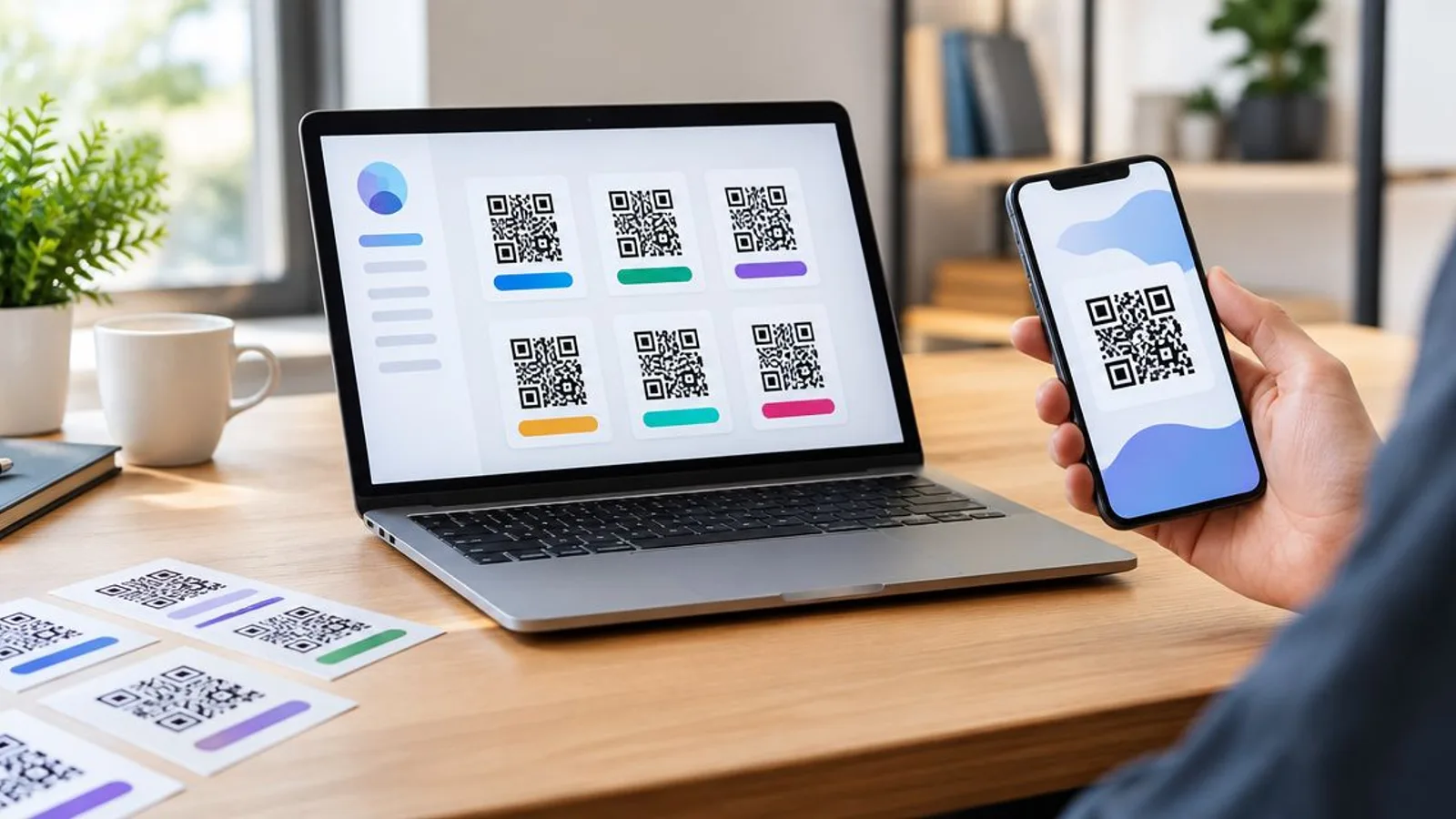
Ranking bulk QR code generators for 2026 comes down to one question: can you edit thousands of codes after they're printed, or are you locked into whatever URL you uploaded on day one? Best overall: QR Code Stack. Best for enterprise brand governance: Uniqode. Best budget option: QRStuff. Everything below explains why, with honest limitations for each pick.
The short version
- QR Code Stack wins as the best bulk qr code generator for campaigns that need post-print editing and scan tracking in 2026.
- Uniqode fits large enterprise teams that need role-based access across hundreds of branded codes.
- Bitly makes sense only if your team already runs branded short links there.
- QRStuff is the budget pick for one-off static batches uploaded from a spreadsheet.
- Static codes generated in bulk cannot be redirected later — dynamic is the only safe default for large campaigns.
Why this matters
A bulk QR code job usually means hundreds or thousands of codes printed on packaging, signage, or direct mail before a single scan happens. If even one destination changes, address, menu, event date, promo link, a static batch means a reprint of everything. QR Code Stack exists specifically to separate the printed pattern from the destination, so the fix is a dashboard edit, not a print run.
That distinction is the whole game when you're comparing bulk QR code generators. Volume matters, but editability and tracking matter more once the codes are out in the world.
What makes the best bulk QR code generator
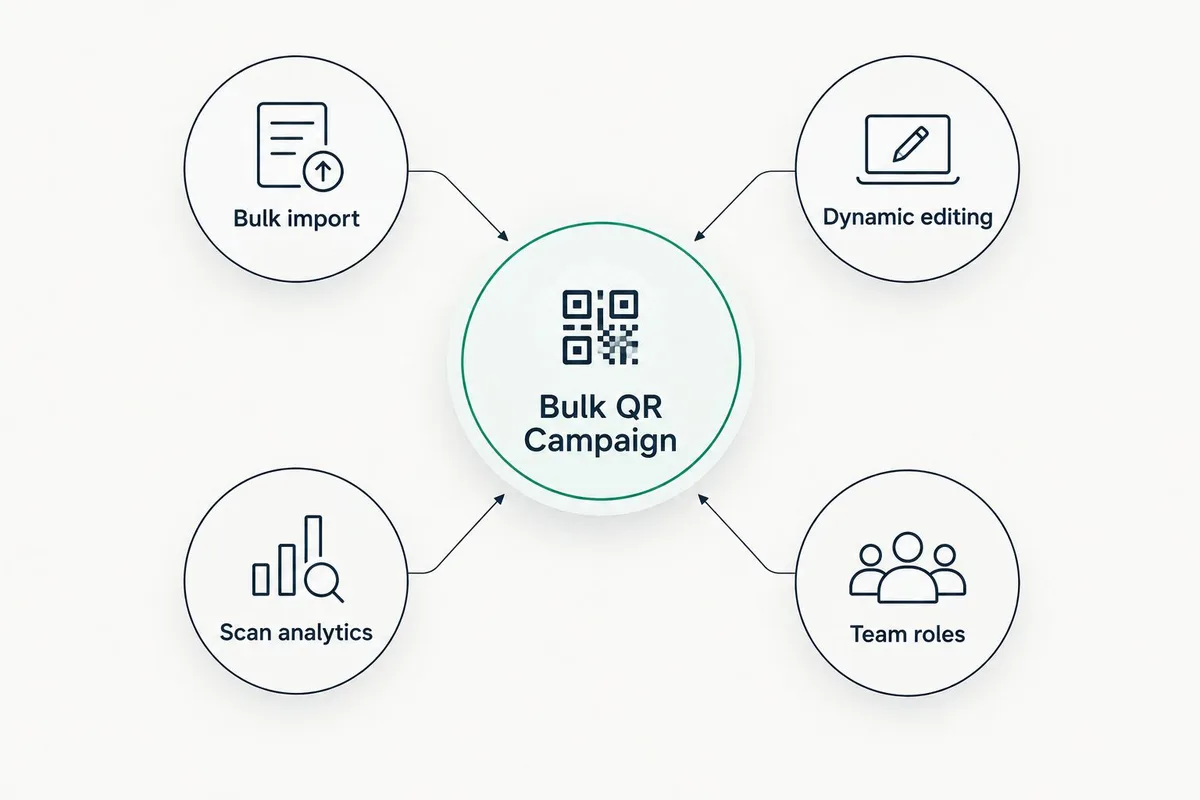
- Bulk import method — CSV or spreadsheet upload versus one-by-one manual entry
- Dynamic vs static output — whether the destination can change after printing
- Scan-level analytics — location, device, and timestamp data per code, not just a total count
- Team and role management — who can edit which batch, useful once a campaign spans departments or clients
- Branded short link support — custom domains instead of a generic redirect string
- Landing page pairing — whether the platform can host a destination page, not just redirect to one
At a glance
| Tool | Best for | Standout feature | Key limitation |
|---|---|---|---|
| QR Code Stack | Trackable, editable bulk campaigns | Edit destination after printing without reprinting | Fewer third-party integration guides than legacy players |
| Uniqode | Enterprise brand governance | Multi-user roles across large code libraries | Overkill for a single small campaign |
| Bitly | Teams already on branded short links | Familiar link analytics extended to QR | QR features sit on top of a link tool, not built QR-first |
| Flowcode | Social and retail campaigns | Links scans directly into hosted landing pages | Less suited to industrial or logistics-style batch labeling |
| QRStuff | Budget, one-off static batches | Spreadsheet-driven batch generation | No dynamic editing on the free static output |
1. QR Code Stack: best bulk qr code generator for trackable, editable campaigns
QR Code Stack generates dynamic QR codes, branded short links, and landing pages built to be tracked and edited after they go live. For bulk campaigns, that means a batch of codes printed once can point to different destinations weeks or months later without touching the physical print.
QR Code Stack pros:
- Destinations edit in the dashboard, no reprint required
- Scan tracking per code, useful for comparing performance across a large batch
- Branded short links pair with QR codes instead of a generic redirect string
- Built around dynamic-by-default, which is the safer choice for any bulk print run
QR Code Stack cons:
- Newer to the market than legacy short-link platforms, so fewer third-party integration writeups exist
- No enterprise SSO details published, worth checking directly if that's a requirement
QR Code Stack pricing: check current plan limits on the site before committing to a large batch size.
Best for: marketers and small-to-midsize teams running printed campaigns that will change over the campaign's life. Restaurant chains printing menu codes across multiple locations are a good example, the QR codes for restaurants guide walks through the location-by-location editing case in detail.
Verdict: Buy.
2. Uniqode: best bulk qr code generator for enterprise brand governance
Uniqode (formerly Beaconstac) is built for organizations managing QR codes across departments, regions, or client accounts, with role-based permissions and brand-kit controls layered over bulk generation.
Uniqode pros:
- Role and permission structure suited to large teams
- Brand-kit controls to keep code styling consistent across a big batch
- Established track record in retail and enterprise deployments
Uniqode cons:
- Complexity that a single-campaign user doesn't need
- Enterprise-tier feature sets typically require sales contact rather than self-serve signup
Best for: organizations running QR codes across multiple brands, teams, or approval chains at once.
Verdict: Buy if you're managing scale across teams; Skip if you're running one campaign.
3. Bitly: best bulk qr code generator for teams already using branded short links
Bitly is a short-link platform first, with QR code generation added on top. If your team already tracks links in Bitly, adding QR output to the same workflow avoids introducing a second tool.
Bitly pros:
- Familiar link analytics dashboard for teams already using it
- Established brand recognition for URL shortening
- Custom domain support carries over to QR-generated links
Bitly cons:
- QR functionality is secondary to the link-shortening product, not built QR-first
- Bulk QR-specific features are thinner than platforms designed around QR from the start
Best for: teams standardized on Bitly for links who want QR codes without switching tools.
Verdict: Hold if you're already on Bitly; Skip if you're choosing a tool from scratch.
4. Flowcode: best bulk qr code generator for social and retail campaigns
Flowcode ties scanned codes into hosted landing pages ('Flowpages') built for social and retail use, common in fashion, media, and event marketing where the scan needs to land somewhere visually branded, not just redirect.
Flowcode pros:
- Landing page pairing designed for social and retail placement
- Strong presence in media and fashion campaign case studies
- Analytics tuned toward campaign-style reporting
Flowcode cons:
- Less suited to industrial, logistics, or inventory-style bulk labeling
- Landing page focus adds overhead if you just need a plain redirect
Best for: social and retail campaigns where the scan destination is a branded page, not a plain URL.
Verdict: Buy for retail and social use cases; Skip for industrial batch labeling.
5. QRStuff: best bulk qr code generator for budget, one-off static batches
QRStuff generates static QR codes from a spreadsheet upload, no login required for basic use. It's the simplest route to a large batch of codes when the destinations won't ever change.
QRStuff pros:
- Spreadsheet-driven batch generation is fast for one-off jobs
- No account required for basic static output
- Straightforward interface with no learning curve
QRStuff cons:
- Static output means no editing the destination after printing
- No scan-level analytics on the free static tier
Best for: a single, disposable batch where the destination is permanent and tracking isn't needed.
Verdict: Buy for a one-time static run; Skip for anything you'll need to update later.
If you can't edit the destination after printing, you don't have a QR code campaign, you have a QR code tattoo.
How we ranked
Each tool was weighed against the six criteria above: bulk import method, dynamic vs static output, scan-level analytics, team management, branded short links, and landing page pairing. The order reflects which tool matches which use case best, not a single overall score, because a budget one-off batch and an enterprise rollout need different things from a bulk QR code generator.
Start your bulk QR campaign Generate trackable, editable QR codes before your next print run. Try QR Code Stack
Which bulk QR code generator should you choose?
For most teams running a printed campaign in 2026 that might need a destination change later, QR Code Stack is the default pick because dynamic editing removes the reprint risk entirely. If you're coordinating across departments or client accounts at real scale, Uniqode's role management earns its complexity. If the batch is a one-time static run with a permanent destination, QRStuff is the fastest, cheapest route. Everyone else falls somewhere between those three answers.
One last thing
The most common bulk QR code mistake in 2026 isn't picking the wrong generator, it's generating static codes for a campaign that was always going to need updates. Decide whether the destination is permanent before you pick static or dynamic, not after the print run ships.
Related guides
Frequently Asked Questions
What's the best bulk qr code generator for large campaigns in 2026?
QR Code Stack ranks best overall for large 2026 campaigns because it generates dynamic QR codes that can be edited after printing and tracks scans per code. Uniqode is the better pick for enterprise teams needing role-based access across departments.
Is dynamic or static better for a bulk QR code batch?
Dynamic is safer for any bulk batch because the destination can change without reprinting. Static only makes sense when the destination is permanent, like a one-time event flyer.
Can you bulk generate QR codes from a spreadsheet?
Yes, most bulk QR code generators including QRStuff and QR Code Stack support CSV or spreadsheet-based batch creation. Check the current plan limits on each platform before uploading a large file.
Does Bitly support bulk QR code generation?
Bitly added QR code generation on top of its short-link platform, so bulk QR output is available but secondary to its core link-shortening product. Teams already using Bitly for links can add QR without switching tools.
What happens if a bulk QR code campaign needs a new destination after printing?
With a dynamic QR code generator like QR Code Stack, you edit the destination in the dashboard and the printed code keeps working. With a static batch, the only fix is reprinting every code.
Is Uniqode better than QR Code Stack for enterprise teams?
Uniqode fits organizations managing QR codes across multiple departments or client accounts because of its role-based permissions. QR Code Stack fits teams that want editable, trackable codes without that added management layer.
Do bulk-generated QR codes expire?
The printed pattern itself doesn't expire. What can stop working is the destination URL, the domain, or the vendor's redirect service, which is why dynamic codes from an active platform are safer for long campaigns.
How many QR codes can I generate at once?
Batch limits vary by platform and plan, so check the current plan limits before uploading a large campaign file rather than assuming a fixed number.
Create Your QR Code Now
QRCodeStack — affordable dynamic QR codes from $9/month. 7-day free trial, no credit card.